© 2010 HID Global Corporation All rights reserved
DTC4500 Card Printer/Encoder User Guide L001444 Rev1.0
33
Swift ID Installation Instructions (continued)
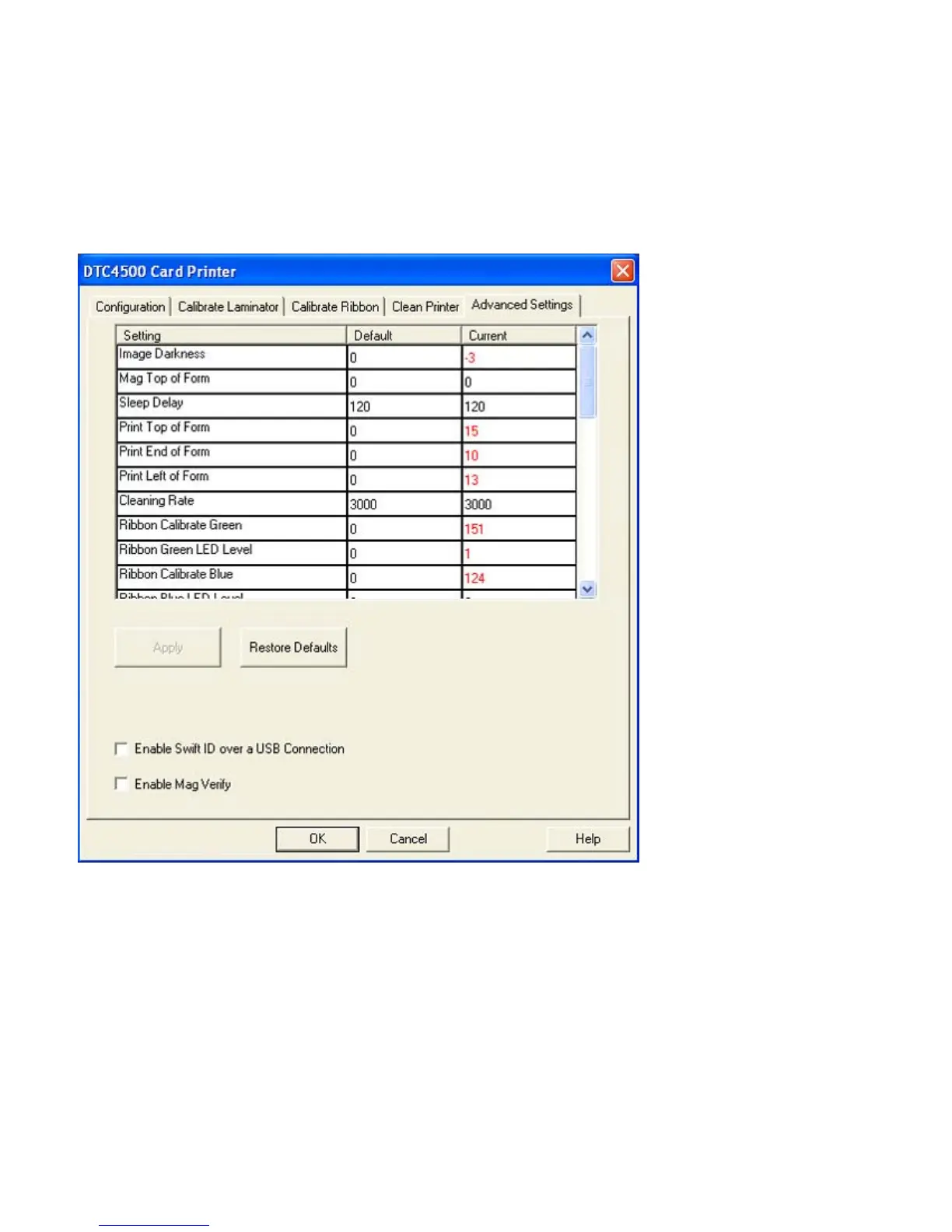
• Enabling Swift ID: The easiest method for enabling Swift ID is to (a) un-install the Printer Driver and
its components, (b) complete the designated installation procedure, and (c) select the desired
connection type for the Swift ID application: USB or ETHERNET.



 To Next Page