© 2010 HID Global Corporation All rights reserved
DTC4500 Card Printer/Encoder User Guide L001444 Rev1.0
48
Selecting the Advanced Settings tab
Setting Option
Print Top of Form
Use this option to adjust the length-wise or horizontal
position of the printed image on the card (so it appears to
be centered).
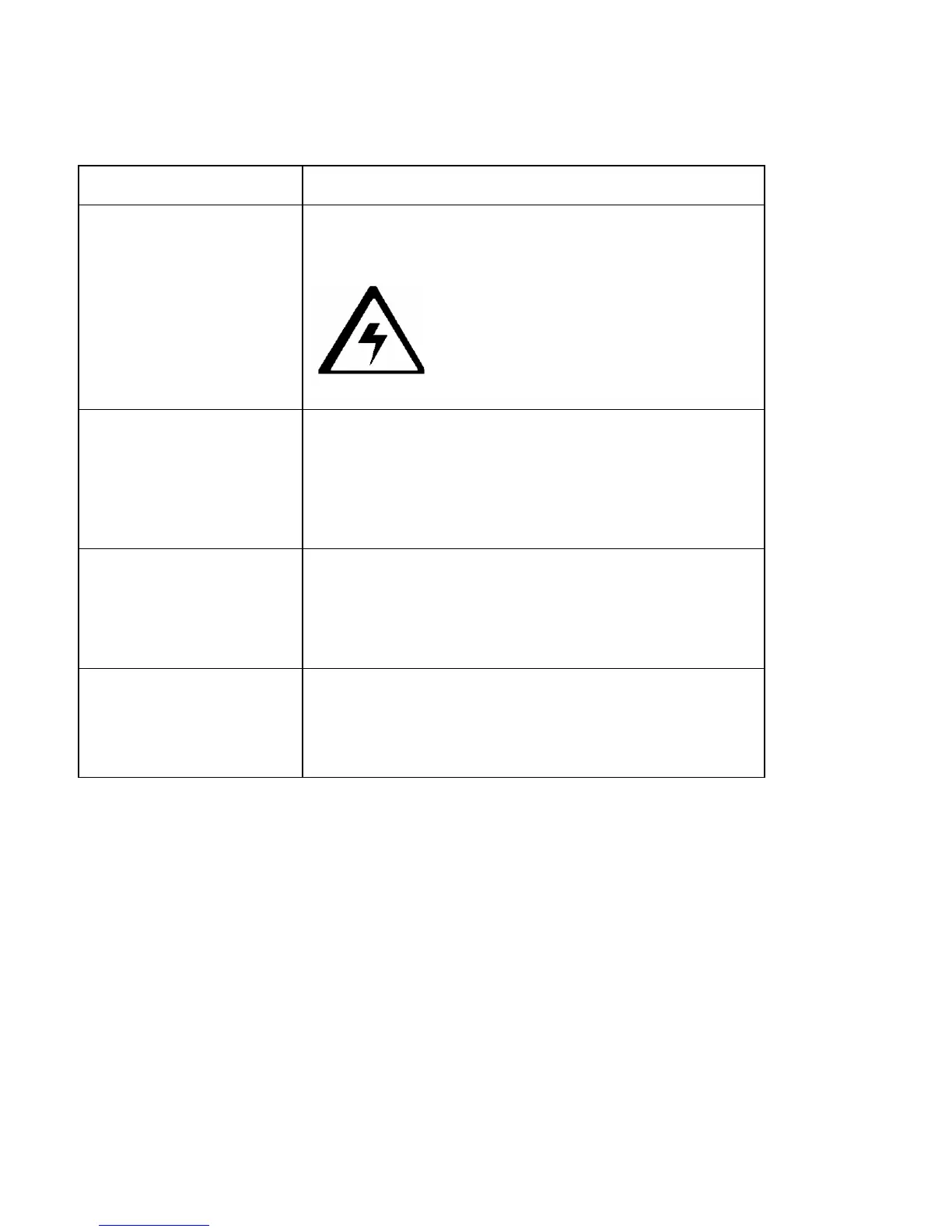
Caution: If the negative value is set too
high, the Print Ribbon may break.
Print End of Form
Use this option to reduce or increase the overall printable
area; this is done in order to optimize edge to edge
printing toward the trailing edge of the card.
• Maximum adjustment range is +/- 127.
• Each increment equals .01”.
Print Left of Form
Use this option to adjust the vertical position of the printed
image on the card; so it appears centered.
• Maximum Adjustment Range is +/- 127.
• Each increment equals .01”.
Cleaning Rate
Use this option to adjust the number of cards printed
before the Printer displays a message indicating cleaning
is needed.
• The default value is 3000 cards.



 To Next Page