© 2010 HID Global Corporation All rights reserved
DTC4500 Card Printer/Encoder User Guide L001444 Rev1.0
98
Using the Error Message Table
Error Message Cause Solution
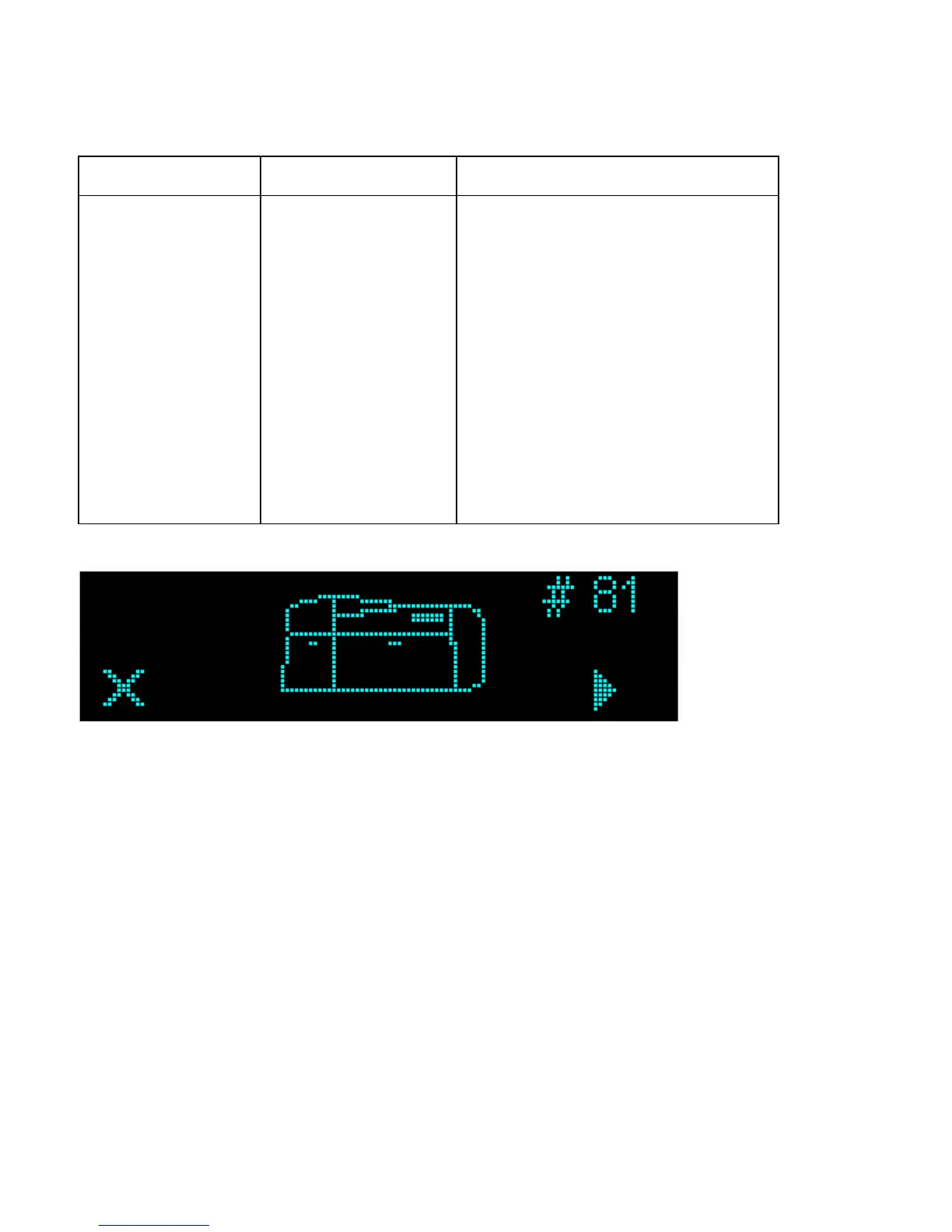
# 81
Unable to Feed
The Printer is unable to
feed a card from the
Card Hopper.
Check the following, then press the
Pause button to continue.
• Verify the card thickness setting is
set to the thickness of your cards.
• Verify the Cleaning roller is properly
installed on the Ribbon Drawer.
• Check for card slippage. If
necessary, run the Printer cleaning
routine.
• Verify that your cards are within the
accepted card size range.
• Verify the cards are not sticking
together.



 To Next Page