FaroArm User Guide
January 2007
9
Chapter 1: Introduction to the FaroArm
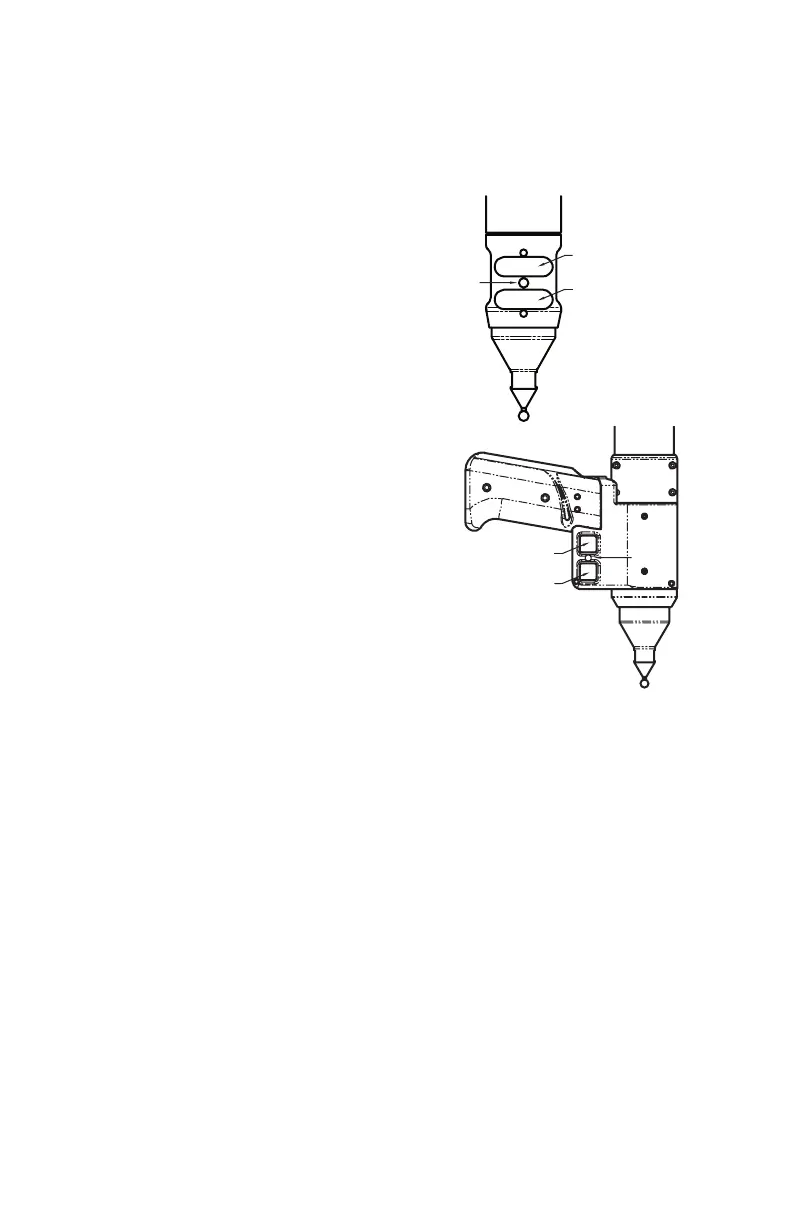
Handle LED
After applying power to the FaroArm, the
LED is SOLID GREEN while a internal
startup check runs. After this is complete,
the LED indicates the following:
• FLASHING RED - if the
FaroArm successfully
communicates with the
computer, and the encoders are
not referenced. See
“Referencing the Encoders” on
page 11.
• OFF - if the FaroArm
successfully communicates with
the computer, and the encoders
are referenced. See
“Referencing the Encoders” on
page 11.
• SOLID GREEN - if the
FaroArm successfully
communicates with the computer, and the encoders are
referenced - Renishaw Probe only. See “Renishaw Probe
Installation and Operation” on page 16.
LED
BACK BUTTON
FRONT BUTTON
BACK BUTTON
FRONT BUTTON
LED
08M46E00_FaroArmUSB.book Page 9 Monday, January 15, 2007 1:12 PM



 To Next Page