FaroArm User Guide
January 2007
40
Chapter 2: CAM2 Measure Devices Menu
The calibration points are then
calculated and the probe Calibration
Status is updated. If the probe passes,
then the current date and time is added
to the probe information.
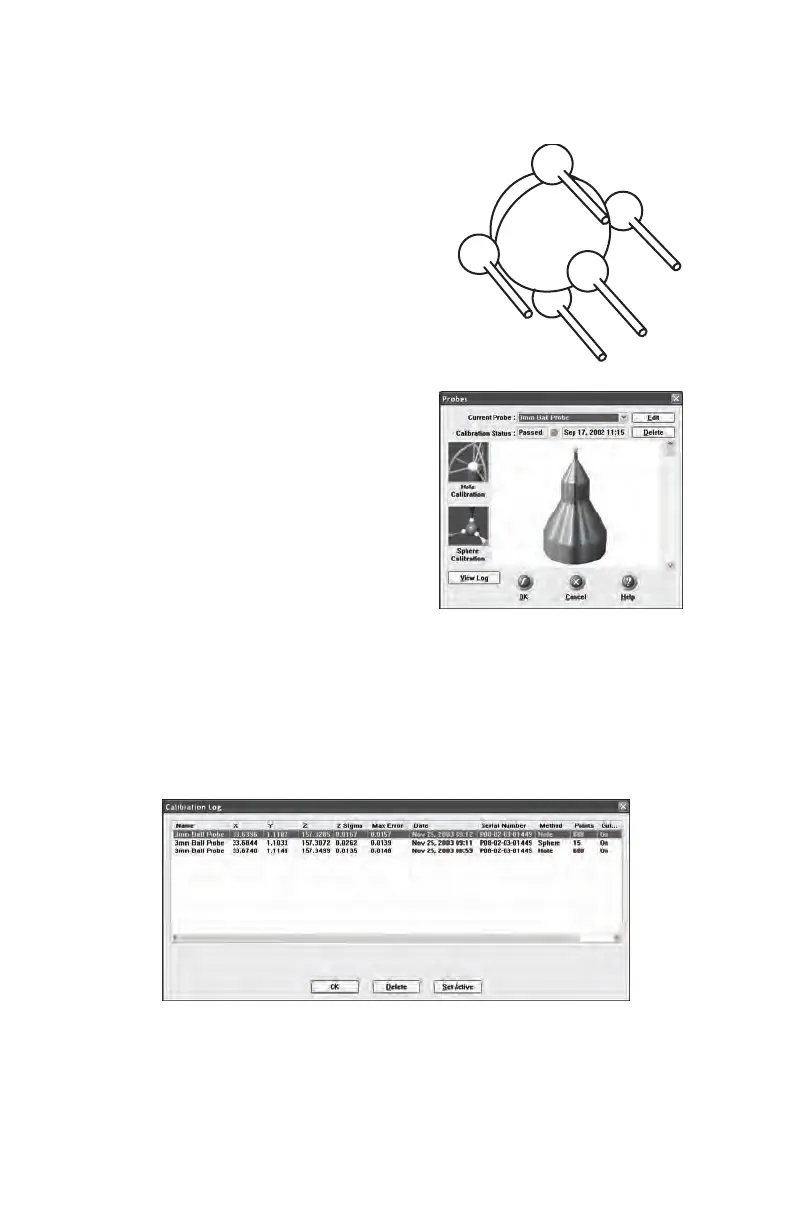
You can view the details for all of the
calibrations of a probe by clicking the
View Log button. See “View Log” on
page 40.
View Log
The Calibration Log dialogue displays the calibration history of the
current probe. Any previous calibration can be set to active or deleted.
You can also select the calibration values and copy them to the windows
clipboard.
• Digitize five points around
the side of the sphere with
the probe pointing in
position #3.
Figure 2-5 Calibration Log Dialogue Box
1
2
3
4
5
08M46E00_FaroArmUSB.book Page 40 Monday, January 15, 2007 1:12 PM



 To Next Page