FaroArm User Guide
January 2007
5
Chapter 1: Introduction to the FaroArm
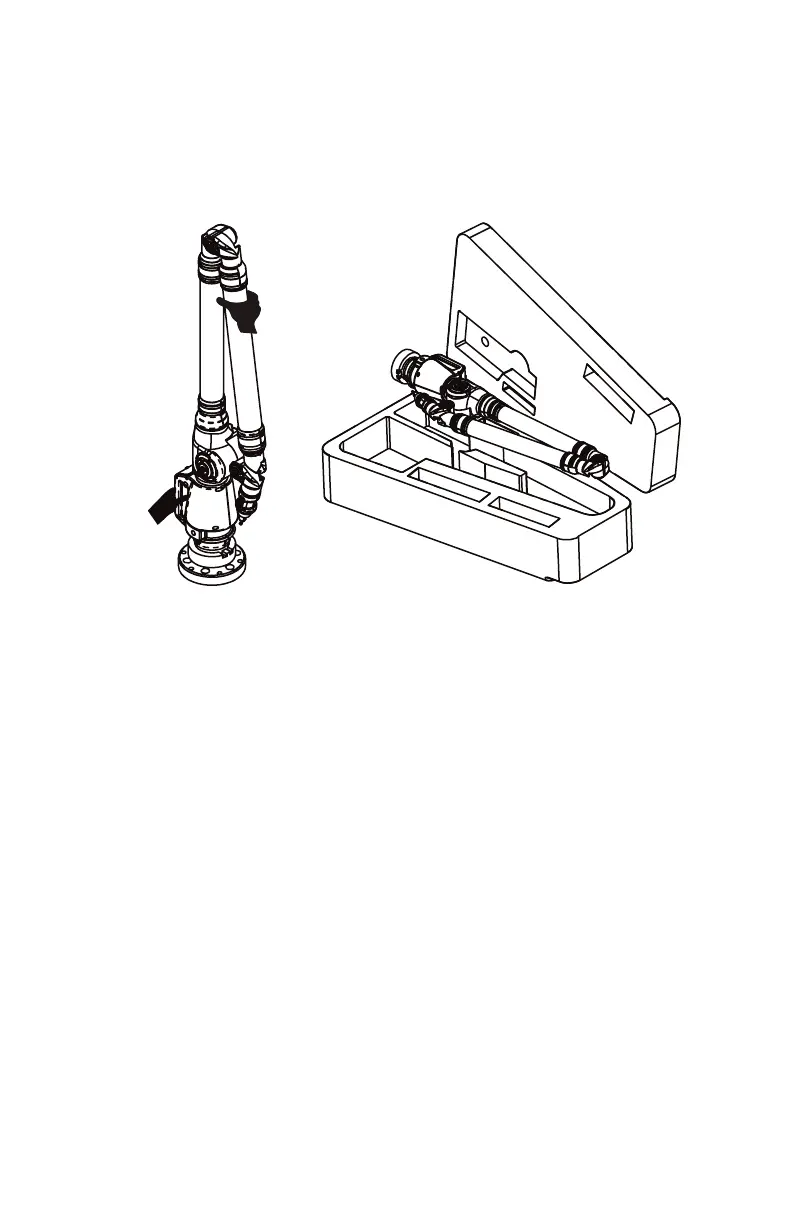
2 Grab the FaroArm with both hands as shown.
3 Insert the FaroArm into the case.
Hardware Setup
The following sections describe the proper setup of the FaroArm
system. This includes attaching the FaroArm to your work surface and
connecting the FaroArm to the your computer.
Mounting the Base
The counterbalance by the tension spring generates torque at the base of
the FaroArm; therefore, the mounting must meet certain requirements
to achieve optimum machine accuracy.
N
OTE: The FaroArm must be mounted in a upright position. Do
Not mount the FaroArm in an inverted (upside down), or sideways
position.
Figure 1-2 Insert FaroArm into the Case
08M46E00_FaroArmUSB.book Page 5 Monday, January 15, 2007 1:12 PM



 To Next Page