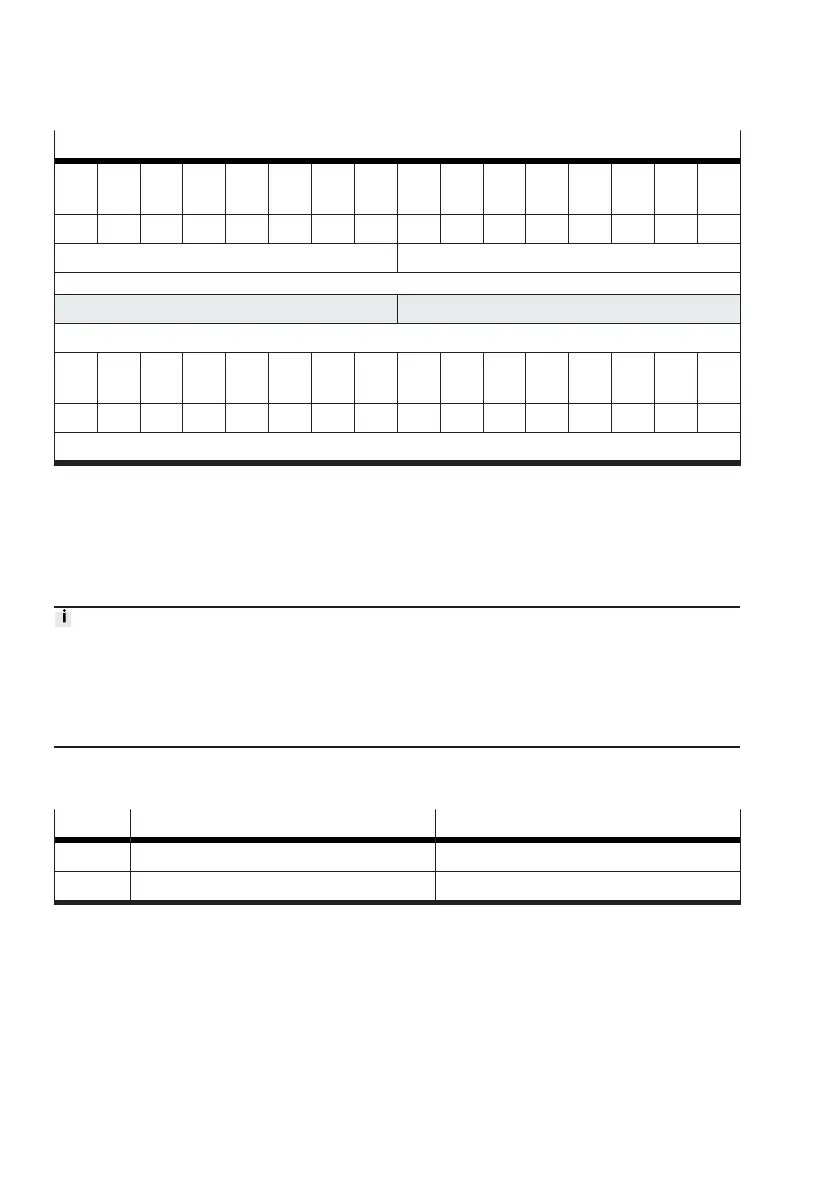
Example of input data with incorrect value in section "index"
Bit
7
Bit
6
Bit
5
Bit
4
Bit
3
Bit
2
Bit
1
Bit
0
Bit
7
Bit
6
Bit
5
Bit
4
Bit
3
Bit
2
Bit
1
Bit
0
0 0 0 0 0 0 0 0 0 0 0 0 0 0 0 0
index = 0 addressed target = 0
PDI byte 5 PDI byte 4
Value
Bit
15
Bit
14
Bit
13
Bit
12
Bit
11
Bit
10
Bit
9
Bit
8
Bit
7
Bit
6
Bit
5
Bit
4
Bit
3
Bit
2
Bit
1
Bit
0
0 0 0 0 0 0 0 0 0 0 0 0 0 1 0 0
value = 4
Tab. 74: Example of input data with incorrect value in section "index"
3.5.4.4
Saving settings as persistent data
To save the current settings of a valve on the Motion Terminal as persistent data, the transfer control
method "save persistent" (transfer control = 4) is used. No special channel is required for this; the
value in the section "channel" is not evaluated.
After performing a teach-in run, the "save persistent" function should be executed. The appropriate
parameters for the data acquired in the teach-in run are thereby permanently saved on the controller
for the Motion Terminal.
Otherwise, the teach-in run must be executed again after restarting the Motion Terminal (
è
3.7.6
Validity of teach-in data based on parameter changes).
Status of save process
The status of the save process is shown in the "value" section (value) of the input data (PDI).
Value saving progress Significance/remedy
1 saving in progress Save process active.
2 saving successful Save process is completed.










 To Next Page