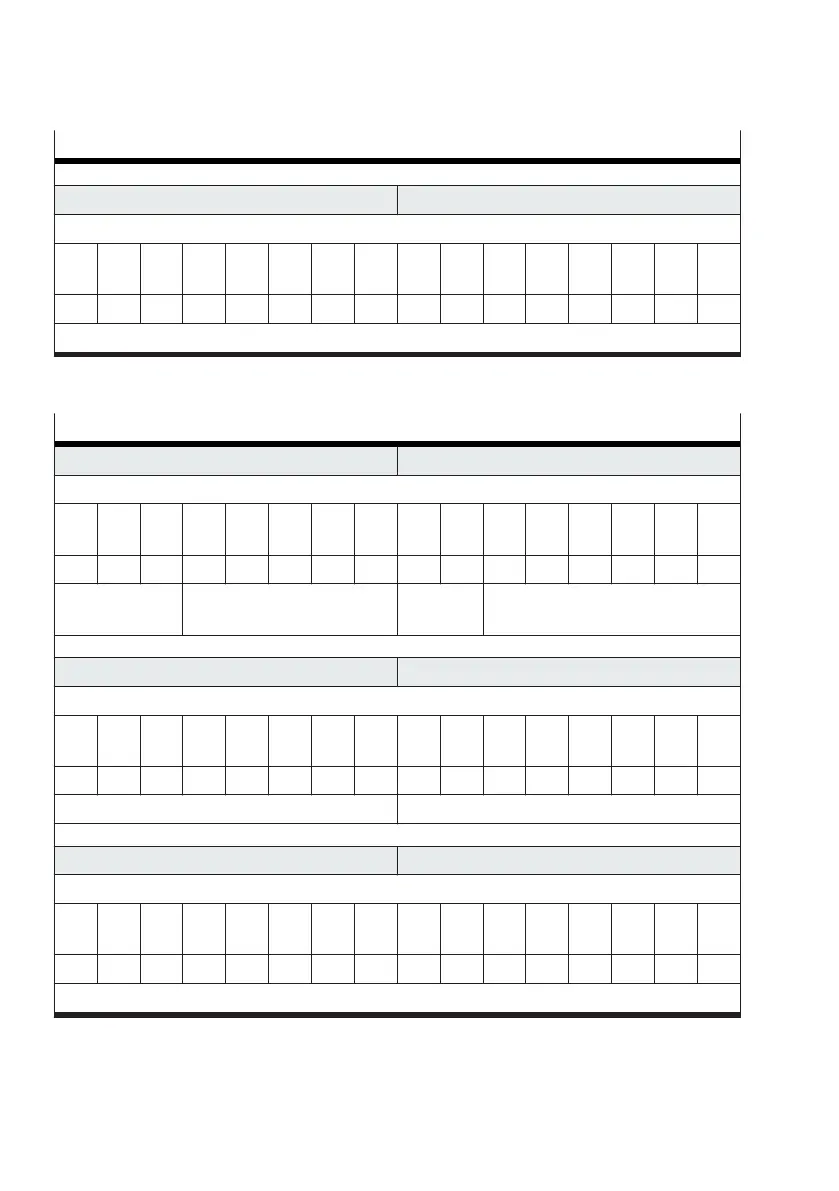
Example of reading out the application parameter "Travel time, advancing"
PDO byte 5 PDO byte 4
Value
Bit
15
Bit
14
Bit
13
Bit
12
Bit
11
Bit
10
Bit
9
Bit
8
Bit
7
Bit
6
Bit
5
Bit
4
Bit
3
Bit
2
Bit
1
Bit
0
... ... ... ... ... ... ... ... ... ... ... ... ... ... ... ...
value = … (ignored)
Tab. 120: Example of reading out the application parameter "Travel time, advancing"
The value of the application parameter is given by the input data in byte 5 … 4 (PDI).
Displaying the read out application parameter via the input data
PDI byte 1 PDI byte 0
Command
Bit
7
Bit
6
Bit
5
Bit
4
Bit
3
Bit
2
Bit
1
Bit
0
Bit
7
Bit
6
Bit
5
Bit
4
Bit
3
Bit
2
Bit
1
Bit
0
0 1 0 0 0 1 0 0 … … 1 1 1 1 1 1
transfer control
= 2 (upload)
channel = 4 (parameter set 4) valve state valve mode = 63 (transfer mode)
PDI byte 3 PDI byte 2
Parameter
Bit
7
Bit
6
Bit
5
Bit
4
Bit
3
Bit
2
Bit
1
Bit
0
Bit
7
Bit
6
Bit
5
Bit
4
Bit
3
Bit
2
Bit
1
Bit
0
0 1 1 1 1 0 0 1 0 0 0 0 0 1 1 1
index = 121 (parameter ID 121) adressed target = 7 (Motion App #07)
PDI byte 5 PDI byte 4
Value
Bit
15
Bit
14
Bit
13
Bit
12
Bit
11
Bit
10
Bit
9
Bit
8
Bit
7
Bit
6
Bit
5
Bit
4
Bit
3
Bit
2
Bit
1
Bit
0
0 0 0 0 0 0 0 0 0 1 1 0 0 1 0 0
value = 100 (100× 0.01 s = 1 s)
Tab. 121: Displaying the read out application parameter via the input data
4.3
Setting sensor parameters
Sensor parameters are set using the transfer mode (
è
3.5.4 Transfer mode).










 To Next Page