Example
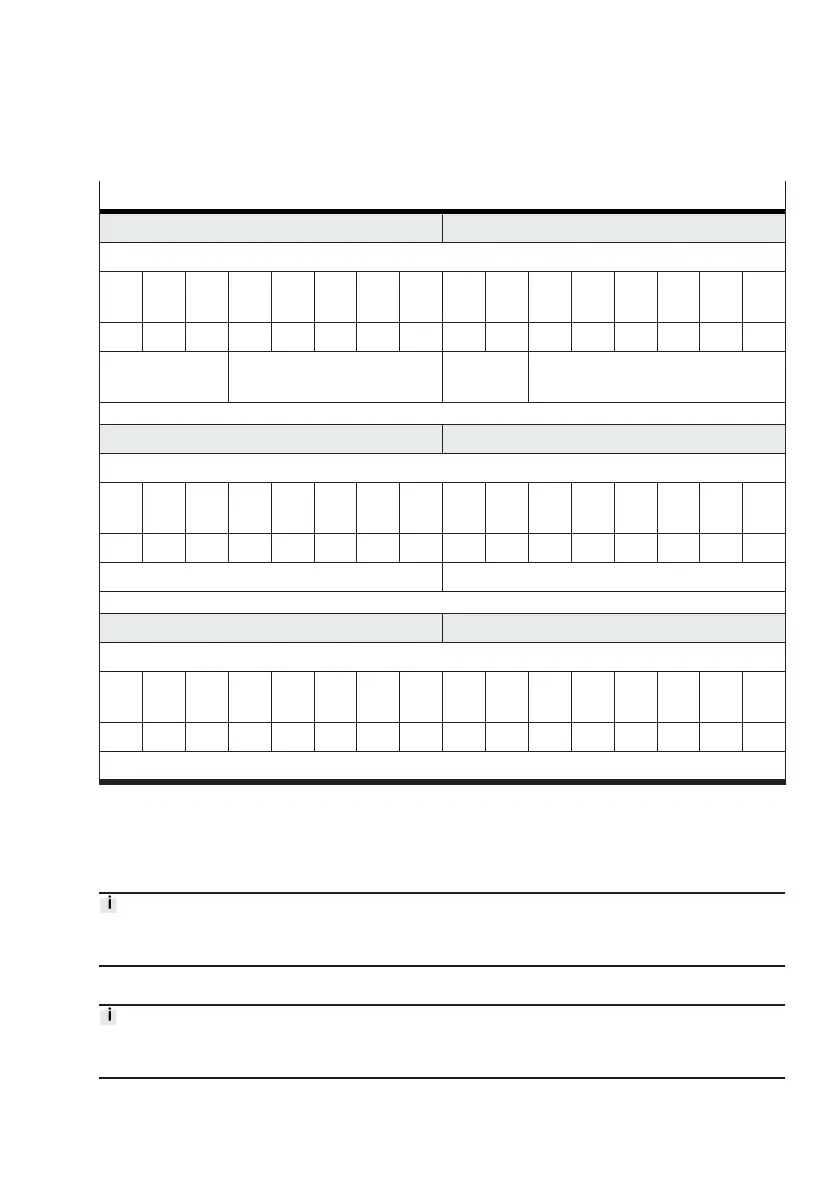
A piston diameter of 25 mm should be stored for the first of eight possible user-defined drives.
Example of setting the parameter for the description of user-defined "piston diameter" drives
PDO byte 1 PDO byte 0
Command
Bit
7
Bit
6
Bit
5
Bit
4
Bit
3
Bit
2
Bit
1
Bit
0
Bit
7
Bit
6
Bit
5
Bit
4
Bit
3
Bit
2
Bit
1
Bit
0
0 0 1 1 0 0 0 1 … … 1 1 1 1 1 1
transfer control
= 1 (download)
channel = 17 (user-defined
peripherals)
– valve mode = 63 (transfer mode)
PDO byte 3 PDO byte 2
Parameter
Bit
7
Bit
6
Bit
5
Bit
4
Bit
3
Bit
2
Bit
1
Bit
0
Bit
7
Bit
6
Bit
5
Bit
4
Bit
3
Bit
2
Bit
1
Bit
0
0 0 0 0 0 0 1 0 0 1 1 0 0 1 0 1
index = 2 (piston diameter) adressed target = 101 (user-defined drive 1)
PDO byte 5 PDO byte 4
Value
Bit
15
Bit
14
Bit
13
Bit
12
Bit
11
Bit
10
Bit
9
Bit
8
Bit
7
Bit
6
Bit
5
Bit
4
Bit
3
Bit
2
Bit
1
Bit
0
0 0 0 0 0 0 0 0 1 1 1 1 1 0 1 0
value = 250 (250 × 0.1 mm = 25 mm)
Tab. 123: Example of setting the parameter for the description of user-defined "piston diameter"
drives
The values are displayed in the corresponding sections of the input data (PDI) for confirmation
(
è
Tab. 60 Structure of the input data (PDI)).
With the description and use of a user-defined drive the user must always ensure that the set
parameters are complete and correctly describe the actual drive.
4.5 Save parameterisation as persistent data
Saving parameterisation on the Motion Terminal controller as persistent data is described in section:
(
è
3.5.4.4 Saving settings as persistent data).










 To Next Page