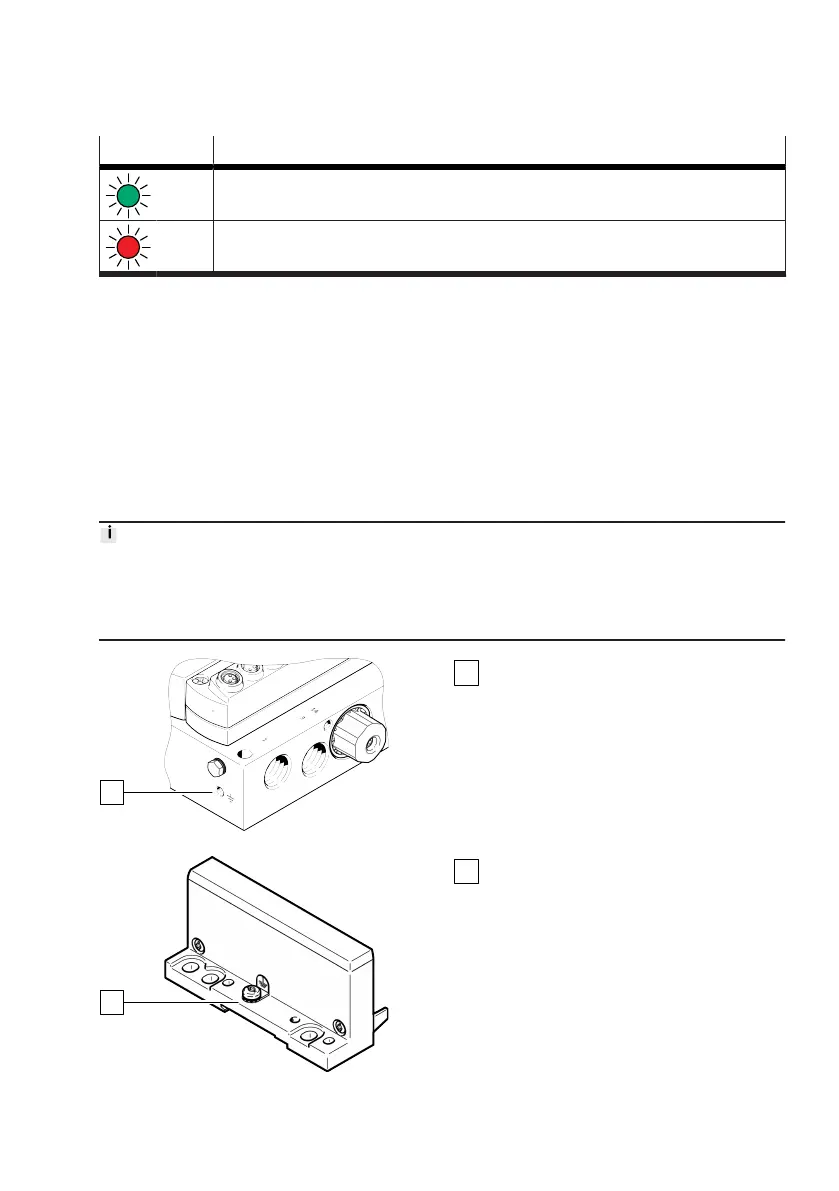
LED Meaning
(green
)
Input status (digital input modules CTMM-S1-D-… only)
P
(red)
Short circuit/overload
Tab. 8: LED displays of input modules
3.1.3 Control elements
The product has no mechanical control elements. Parameters and setpoint values are only set using
the WebConfig interface or the higher-order controller (PLC). The WebConfig interface can be opened
with a web browser if there is an existing Ethernet connection to the controller of the Motion Terminal
(
è
3.3 WebConfig user interface).
3.1.4 Connecting elements
3.1.4.1
Electrical
Functional earth connection
The right connection of the functional earth must be connected directly to the connection of the
functional earth on the left end plate of the CPX terminal. The functional earth connection on the
left-hand end plate of the CPX terminal must be connected to the earth potential with low impedance.
Details on earthing are included in the manual of the CPX terminal
è
1.1 Applicable documents.
Fig. 12: Functional earth connection right
Functional earth connection
Fig. 13: Functional earth connection left
Functional earth connection (left-hand end
plate CPX terminal)










 To Next Page