Quadnet Control Panel Engineering and Commissioning Manual
Control Panel Firmware Upgrade Link Pins
The control panel firmware may be upgraded on site if required using the External Flash Upgrade software.
The two link pins located to the right of the key switch connector MUST be left in position for correct field
operation and only removed when performing the flash upgrade.
Before undertaking any upgrades, it is important to make sure that the proposed new software is
compatible with the system hardware version and with the other panels and components in the system.
Note that firmware upgrades are only permitted to be carried out by Fike engineers or trained installation
engineers operating under specific instructions from Fike Technical Support.
LCD Contrast
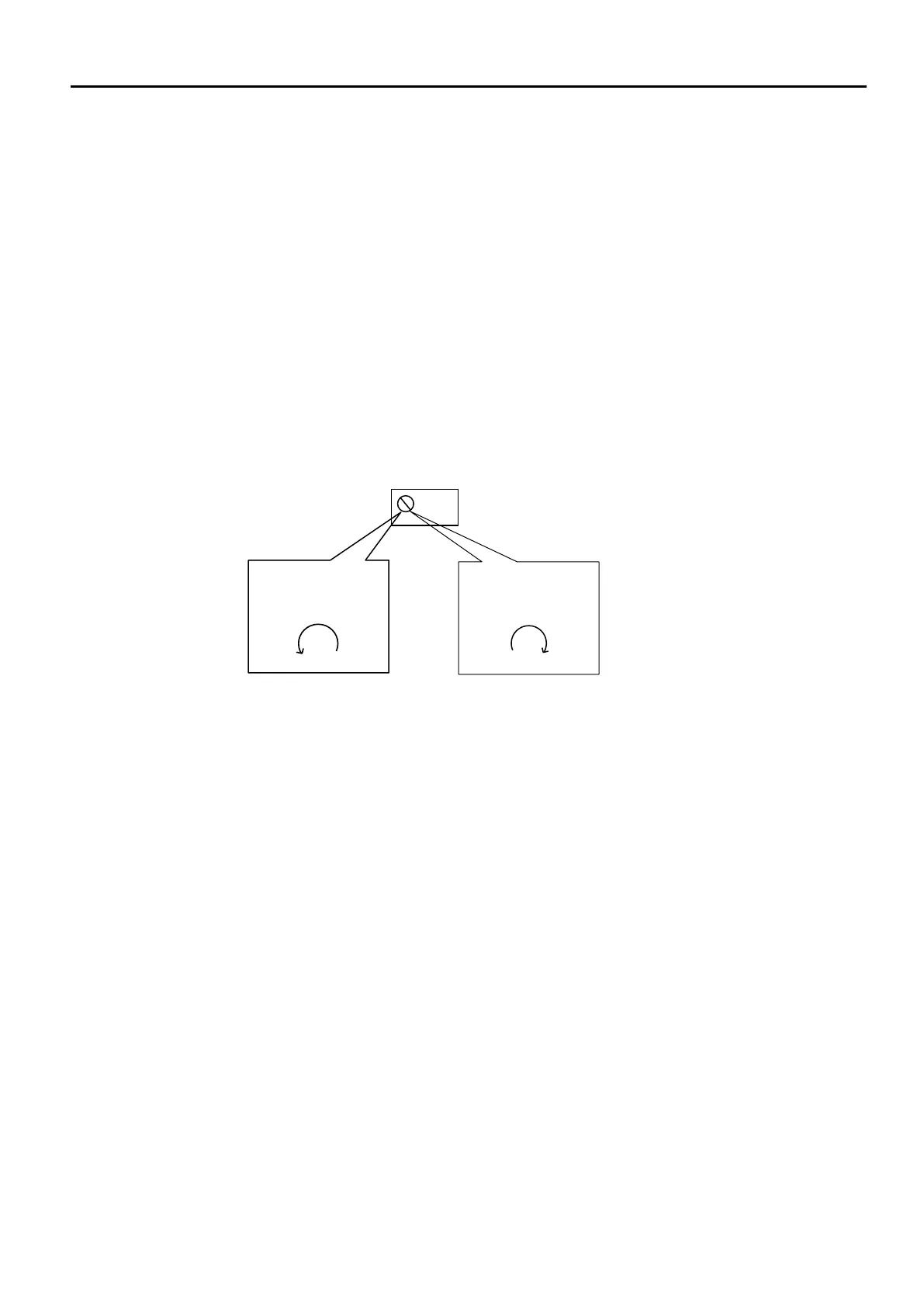
The LCD contrast may be adjusted by rotating the screw on the variable resistor located in the upper left
hand corner of the main PCB. This may require many (10 to 20) rotations if the contrast is particularly out of
adjustment.
to reduce the
contrast (lighten text)
increase the contrast
(darken text)



 To Next Page