Quadnet Control Panel Engineering and Commissioning Manual
Fire Alarm Controls
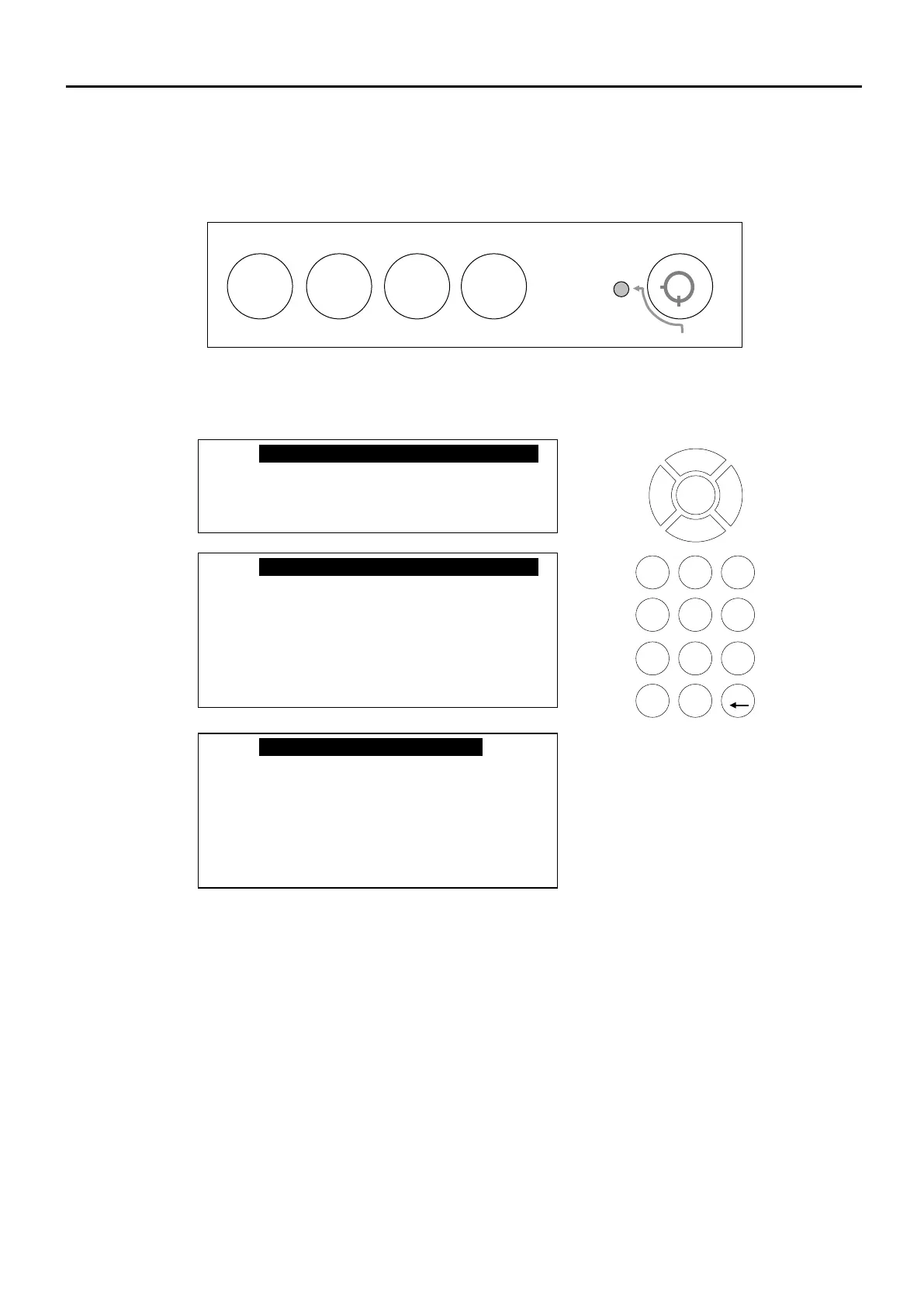
The main Fire Alarm Controls may be enabled by turning the key switch to the controls enabled position, or
by entering a valid Access code.
System Controls
User
Supervisor
Engineer
A context-driven highlighted-selection menu system is used to navigate the menu system, automatically
prompting you with the relevant options for your Access Level and system status.
The menus may be navigated in one of two ways as required:
1. Use the UP / DOWN keys to move the highlighted selection and press ENTER to select the
chosen one.
2. Enter the desired option number and press ENTER to select it.
Press the Esc key to exit to the previous menu.
2. Test Display
3. View Logs
4. Disable/Enable
5. Set Time & Date
6. Test Modes
7. Day/Night Mode
fire alarm controls – turn key to enable controls
alarms
system
alarms
buzzer
o_o
ABC
DEF
GHI
JKL
MNO
PQRS
TUV
WXYZ
2. Test Display
2. Test Display
3. Disable/Enable
4. Set Time & Date
5. Test Modes
6. Day/Night Mode
7. Engineer Controls



 To Next Page