TWINFLEX
®
pro² Control Panel Engineering and Commissioning Manual
38
01/09/09 22:26 ENGR
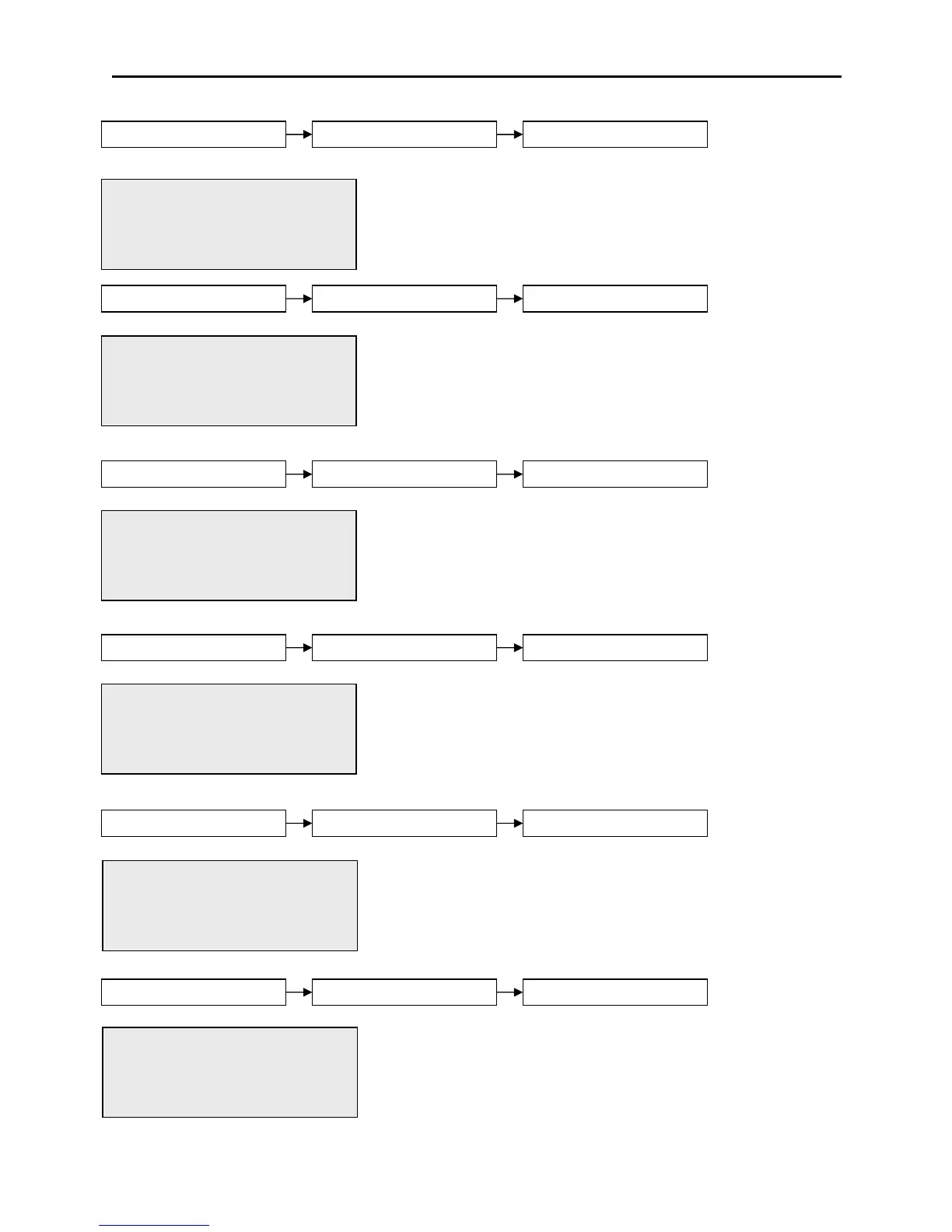
FIRE RELAY: OFF
1.ON 2. OFF
Press <> OR Esc Key
Within this menu; selecting option 1. ON will turn on the fire
relay and selecting option 2. OFF, will turn the fire relay off.
If the fire relay is left in the ON or OFF condition and the
activate outputs test is exited the relay will revert to normal
operation.
Within this menu; selecting option 1. ON will turn on the
fault relay and selecting option 2. OFF, will turn the fault
relay off. If the fault relay is left in the ON or OFF condition
and the activate outputs test is exited the relay will revert to
normal operation.
01/09/09 22:26 ENGR
FAULT RELAY: ON
1.ON 2. OFF
Press <> OR Esc Key
01/09/09 22:26 ENGR
MONITORED OUTPUT 1: OFF
1.ON 2. OFF
Press <> OR Esc Key
Within this menu; selecting option 1. ON will turn on
monitored output 1 and selecting option 2. OFF, will turn
monitored output 1 off. If the monitored output is left in the
ON or OFF condition and the activate outputs test is exited
then it will revert to normal operation.
01/09/09 22:26 ENGR
MONITORED OUTPUT 2: OFF
1.ON 2. OFF
Press <> OR Esc Key
Within this menu; selecting option 1. ON will turn on
monitored output 2 and selecting option 2. OFF, will turn
monitored output 2 off. If the monitored output is left in the
ON or OFF condition and the activate outputs test is exited
then it will revert to normal operation.
01/09/09 22:26 ENGR
PROG I/P 1 TESTING.
INPUT ACTIVATED
Press Enter Key
This will test programmable input 1 and when it is triggered
INPUT ACTIVATED will be displayed on line 3 of the
display.
01/09/09 22:26 ENGR
PROG I/P 2 TESTING.
INPUT ACTIVATED
Press Enter Key
This will test programmable input 2 and when it is triggered
INPUT ACTIVATED will be displayed on line 3 of the
display.
www.acornfiresecurity.com
www.acornfiresecurity.com



 To Next Page