EN
85
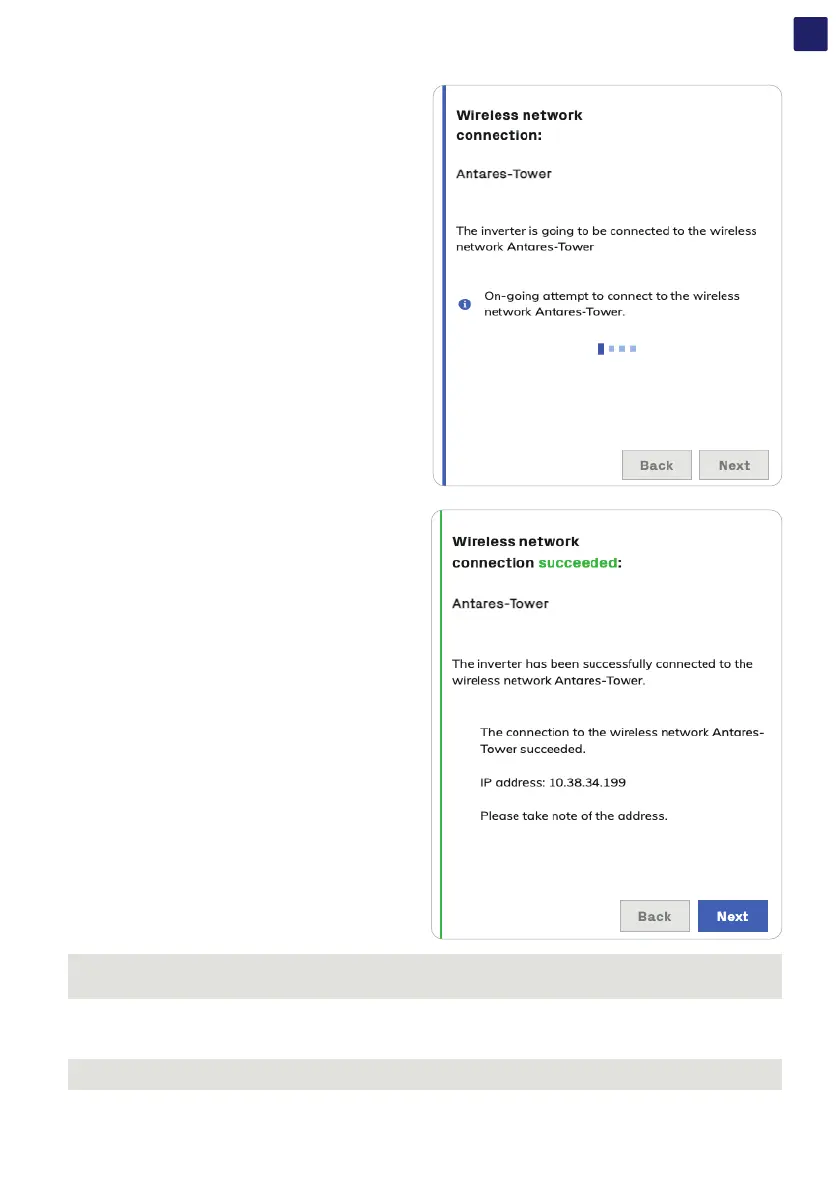
• A message will ask for confirmation. Click “Next” to connect the
inverter to the wireless network.
Once the inverter is connected to the wireless network, a new
message will confirm that the connection is acquired.
The message provides the IP Address assigned by the wireless
network router to the inverter which can be used each time you want
to access the Web User Interface.
Take note of it.
• Click on “Next” button to proceed to the next stage of the
configuration wizard.
NOTE – D The IP address assigned may vary for reasons related to the wireless router setup (for example, a very brief DHCP lease
time). If verification of the address is required, it is usually possible to obtain the client list (and the corresponding IP addresses) from
the wireless router administration panel.
If the inverter loses the connection with the wireless network (and therefore, loses the internet connection), it will once again enable its
own access point.
NOTE – D The most common causes of losing connectivity might be: change of wireless network password, faulty or unreachable
router, replacement of router (different SSID) without the necessary setting updates.



 To Next Page