19
CONTROL GUIDE (CONTINUED)
Emergency
Stop (e-stop)
The Emergency Stop (E-Stop) is a critical safety component. The button
is colored red to be visible and to indicate a "stop" function. The button is
made increasingly visible by the bright yellow that surrounds it.
The E-Stop will cut all power to the machine when pushed (engaged).
E-Stop devices should NEVER be disabled under any circumstances.
Digital Display
Control Panel
Control interface for the unit which displays various functions of the unit.
The digital display also shows information about the machine.
Tarp Control
Switch
A toggle switch used to open and close the tarp on the unit. Make sure the
tarp or tarp arms will not come into contact with anything above it before
using the tarp control switch.
USB Port
An access point for system and software updates.
Key (Engine
Start)
Ignition switch which turns on the unit for operation. It has three settings: an
OFF position, a RUN position (which will activate the electronics of the unit
without starting the unit), and a START position to activate the engine.
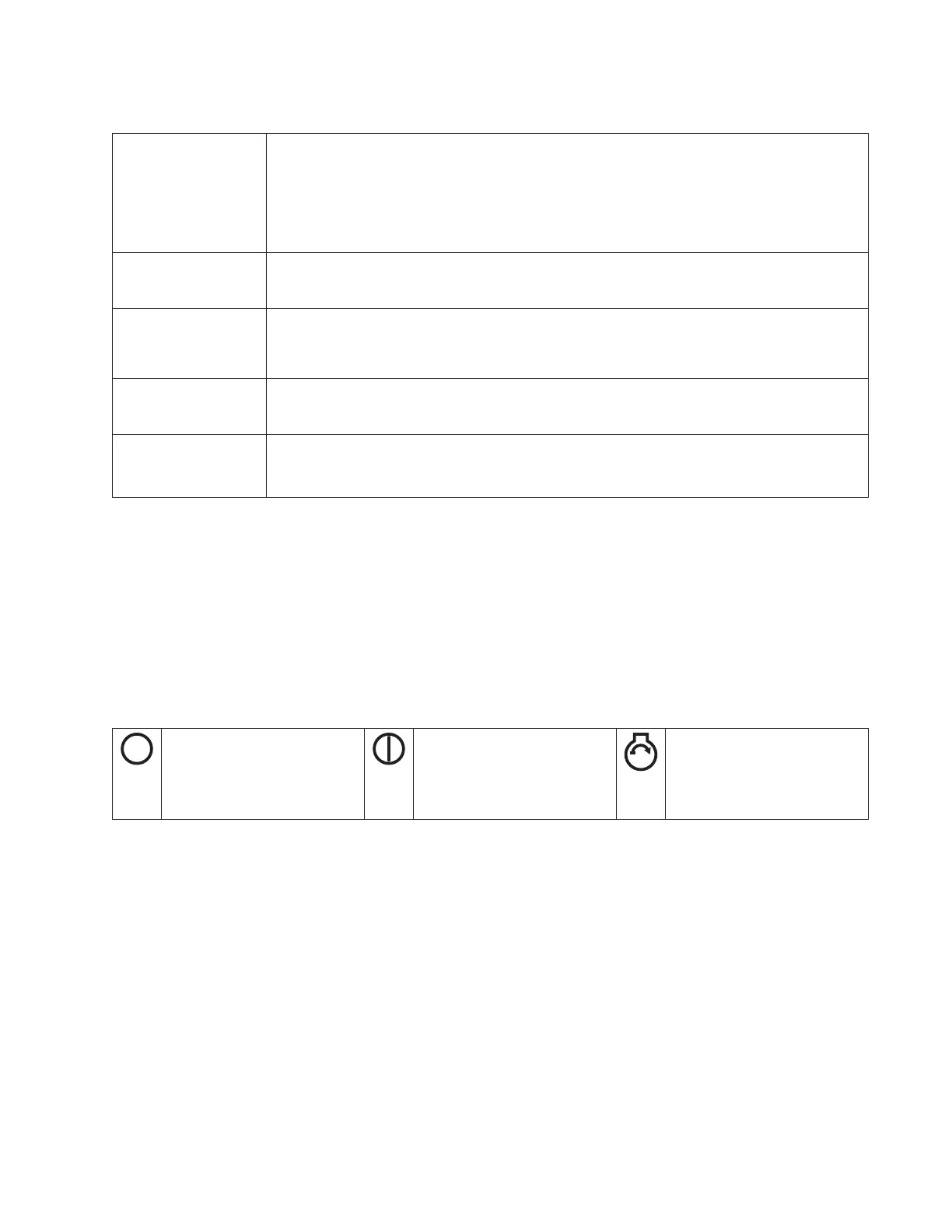
OFF Symbol
Key switch is in the OFF
position cutting power
from the unit.
RUN Symbol
Key switch is in the
RUN position while in
operation.
START Symbol
The key switch is turned
to the START position to
start the unit.
Ignition Switch Symbols



 To Next Page