25
CONTROL PANEL GUIDE AND SYSTEM OPERATION
The control panel has eight navigation buttons which are configured for use to properly operate
and maintain the unit. Please read this entire section before starting the unit. This section will
cover proper use of the control panel while the unit is running and the information should be
familiar before starting the unit.
STARTING PROCEDURE
See safety section of the manual before operating the unit. Failure to
comply could result in minor or moderate personal injury. Failure to
comply could also result in product or property damage.
Turn key clockwise to the RUN position and wait for control pad to illuminate and go through its
start-up procedure.
MENU NAVIGATION
The eight system
softkeys are used
to navigate between
displays, select menu
items and change
data. Pressing any
of the navigation
softkeys will display
the softkey menu that
is associated with each
softkey.
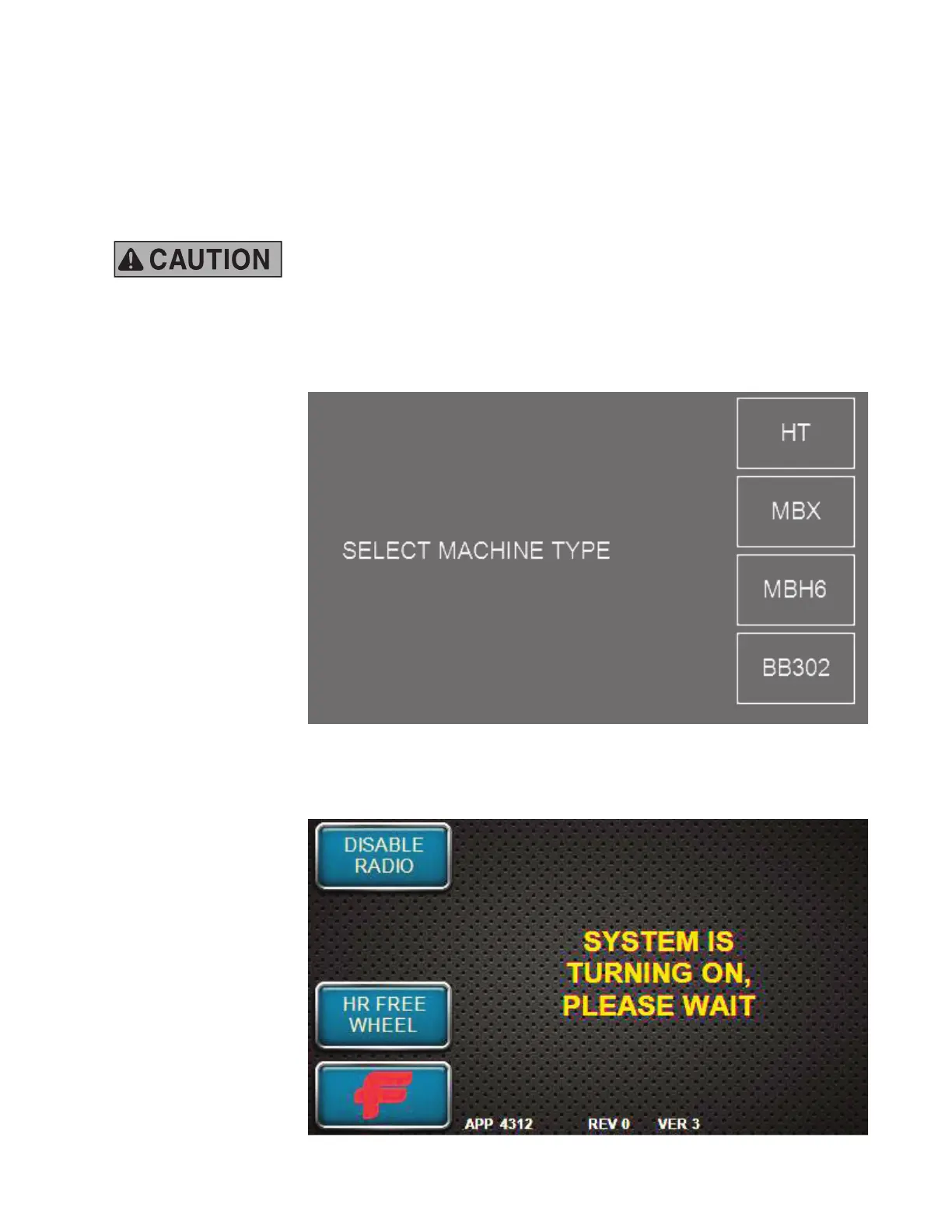
Your unit should
display the normal
Home/Engine
Off screen at the
beginning, but should
the screen shown here appear, press the softkey labelled MBH6 to return the unit to valid
operation.
START UP DISPLAY
The normal Home/
Engine Off screen
display should appear
at the touch of the
softkey. This screen
allows you to see the
status of the machine
BEFORE the unit is
turned on. At this point
in startup, the radio
remote will be OFF
and the controller will
be OFFLINE.
This scree shows the
fuel level of the unit.



 To Next Page