EasyManua.ls Logo

Finn MBH6 - Radio Remote Diagnostics

Finn MBH6
133 pages
Print Icon
To Next Page IconTo Next Page
To Previous Page IconTo Previous Page
Loading...
46
CONTROL PANEL GUIDE AND SYSTEM OPERATION (CONTINUED)
OPTIONS SCREEN - RADIO REMOTE DIAGNOSTICS
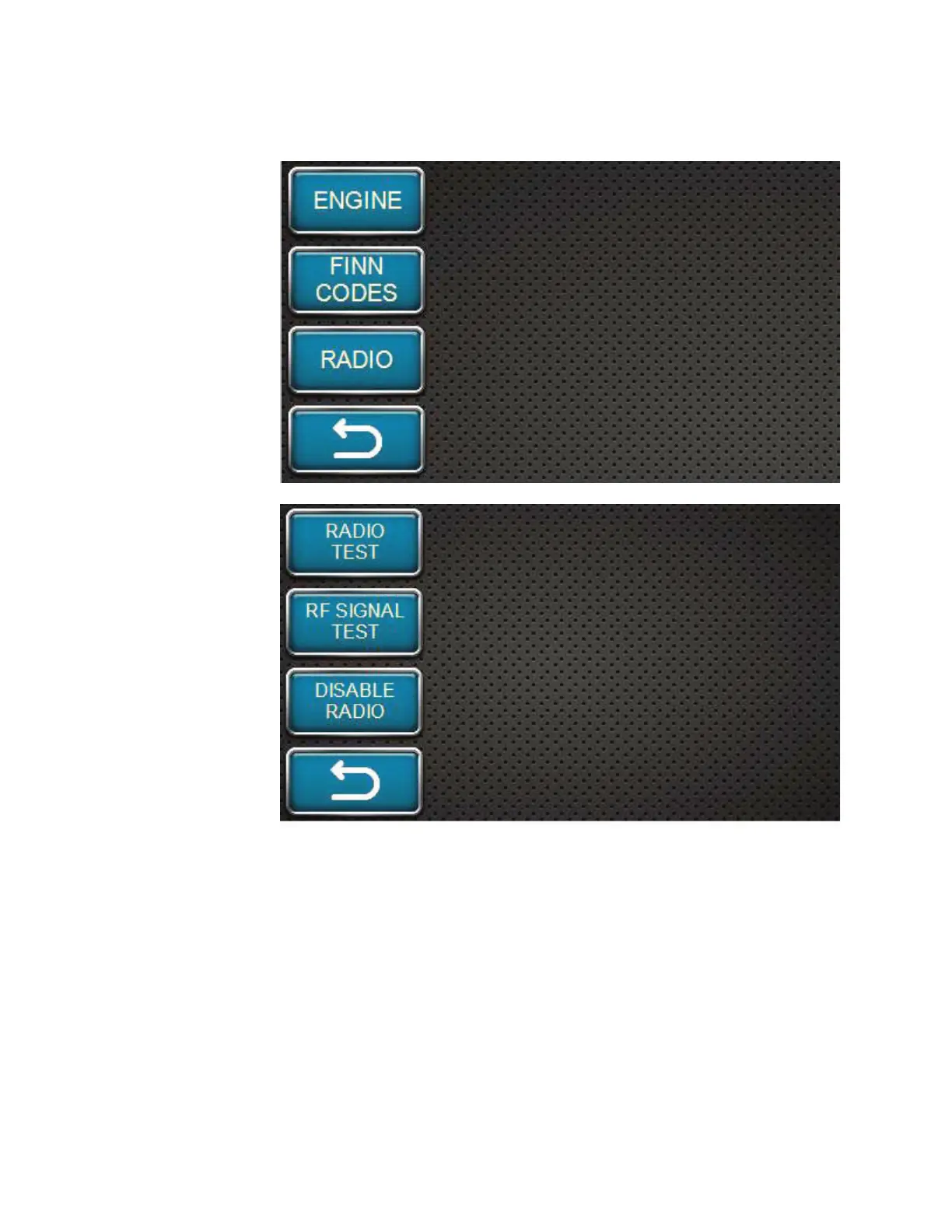
Return to the
Diagnostics main
screen (shown here).
Press the RADIO
softkey to view
the radio remote
diagnostics screen.
To do this test, the
radio remote should
be fully charged, the
power on the remote
should be ON and
the remote should
be linked to the unit.
See the RUNNING
UNIT WITH RADIO
REMOTE section to
activate and link the
remote.
This is the radio
remote diagnostics
screen. Press RADIO
TEST to begin a
diagnostics test of the
remote to ensure all
switches and buttons
on the remote are
functioning correctly.

Table of Contents

Related product manuals