EasyManua.ls Logo

Finn MBH6 - Page 41

Finn MBH6
133 pages
Print Icon
To Next Page IconTo Next Page
To Previous Page IconTo Previous Page
Loading...
35
CONTROL PANEL GUIDE AND SYSTEM OPERATION (CONTINUED)
OPTIONS SCREEN - SETTINGS (CONTINUED)
Press the MACHINE
softkey to enter the
machine settings.
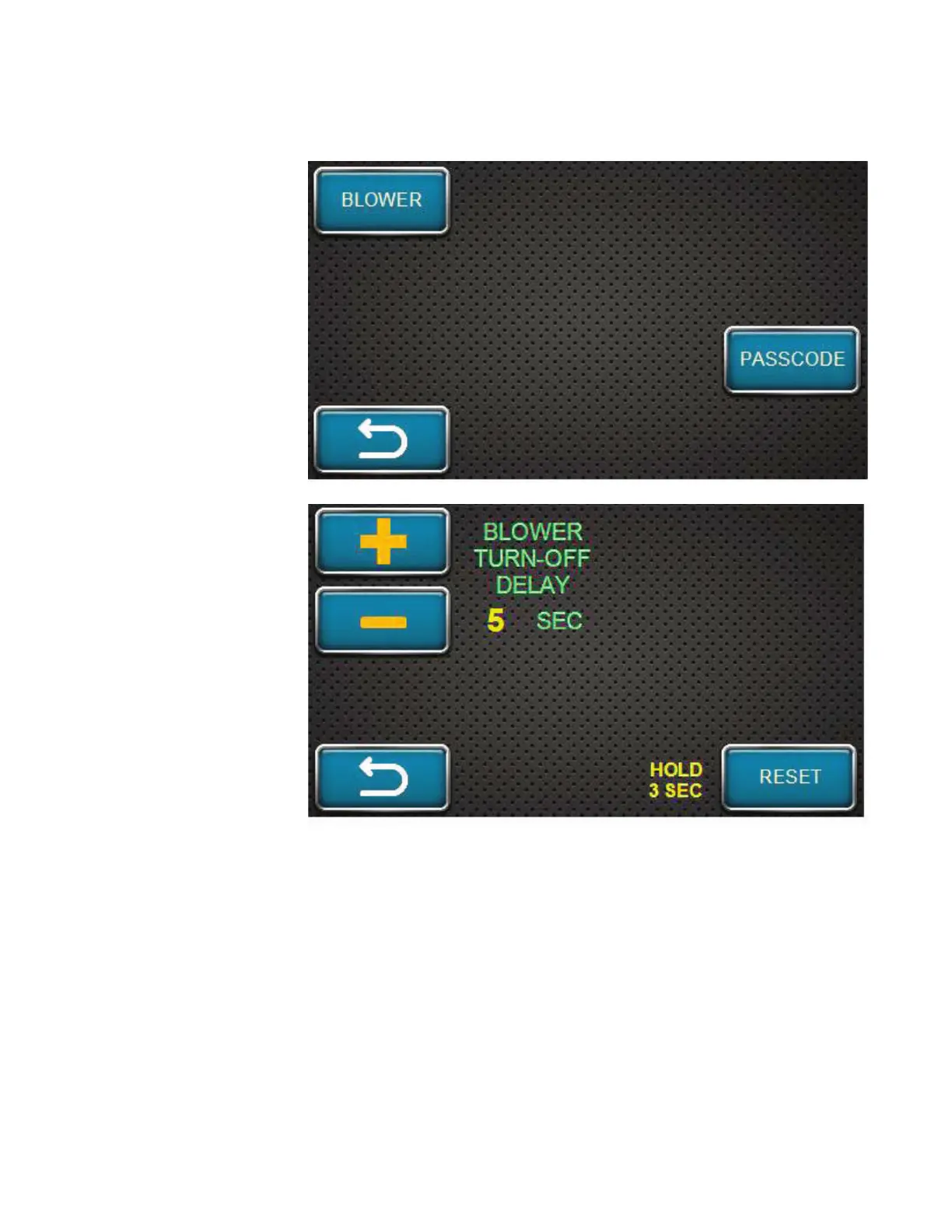
Pressing the
MACHINE softkey will
open up this screen.
Press the BLOWER
softkey to enter the
settings screen for the
blower.
The blower settings
screen allows the
operator to adjust the
blower turn-off delay.
The delay is factory-set
for five (5) seconds.
Using the plus /
increase and minus /
decrease softkeys, the
delay can be adjusted
to the length of time
desired.
If the operator would
like to return the
blower turn-off delay to
factory settings, press
and hold the RESET softkey shown on this screen for three (3) seconds.
The turn-off delay will return to the factory-set time of five (5) seconds.

Table of Contents

Related product manuals