EasyManua.ls Logo

Fire-Lite ECC-50 - Zone Setup

Fire-Lite ECC-50
112 pages
Print Icon
To Next Page IconTo Next Page
To Previous Page IconTo Previous Page
Loading...
80 Emergency Command Center Manual — P/N LS10001-000FL-E:D 9/3/2014
Programming Programmed Activation by FACP
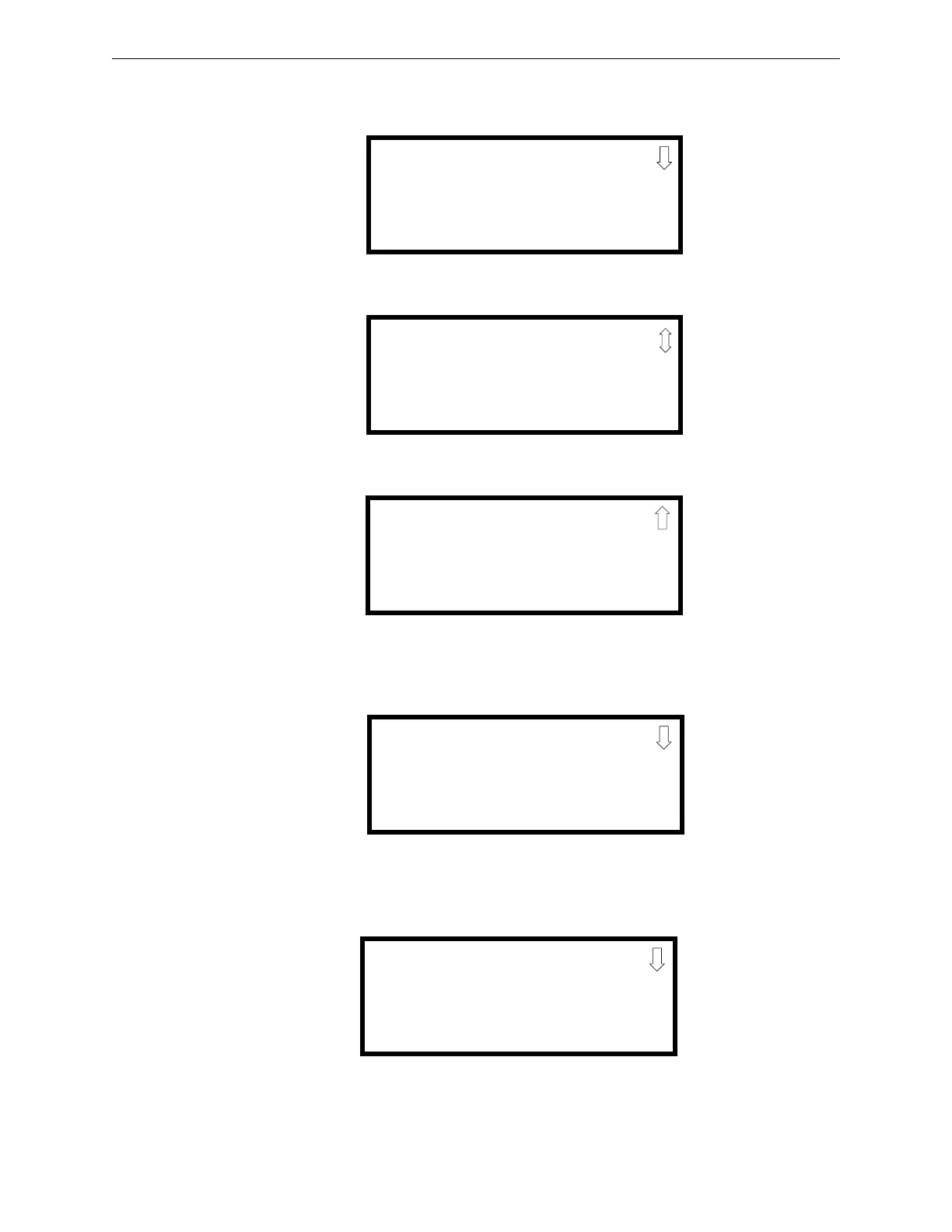
Select the Zone Setup option by pressing 3. The following screens will be displayed.
Pressing 3 while viewing Zone Setup Screen #3 will cause the following screen to be displayed:
Press the down arrow key until the following screen is displayed.
ZONE SETUP
1=ENABLE
2=DISABLE
3=ZONE 97 98 99
Zone Setup Screen #1
ZONE SETUP
1=ZONES INSTALLED
2=ZONES ENABLED
3=ZONES DISABLED
Zone Setup Screen #2
ZONE SETUP
1=ZONE TYPES
2=ZONES AVAILABLE
3=ZONE MESSAGE
Zone Setup Screen #3
ZONE MESSAGE
1=Z00 NO MESSAGE
2=Z01 NO MESSAGE
3=Z02 NO MESSAGE
ZONE MESSAGE
1=Z30 NO MESSAGE
2=Z31 NO MESSAGE
3=Z32 NO MESSAGE

Table of Contents

Related product manuals