Panda fpControl
Page 36 - Chapter 2: Panda fpControl 27.5.20
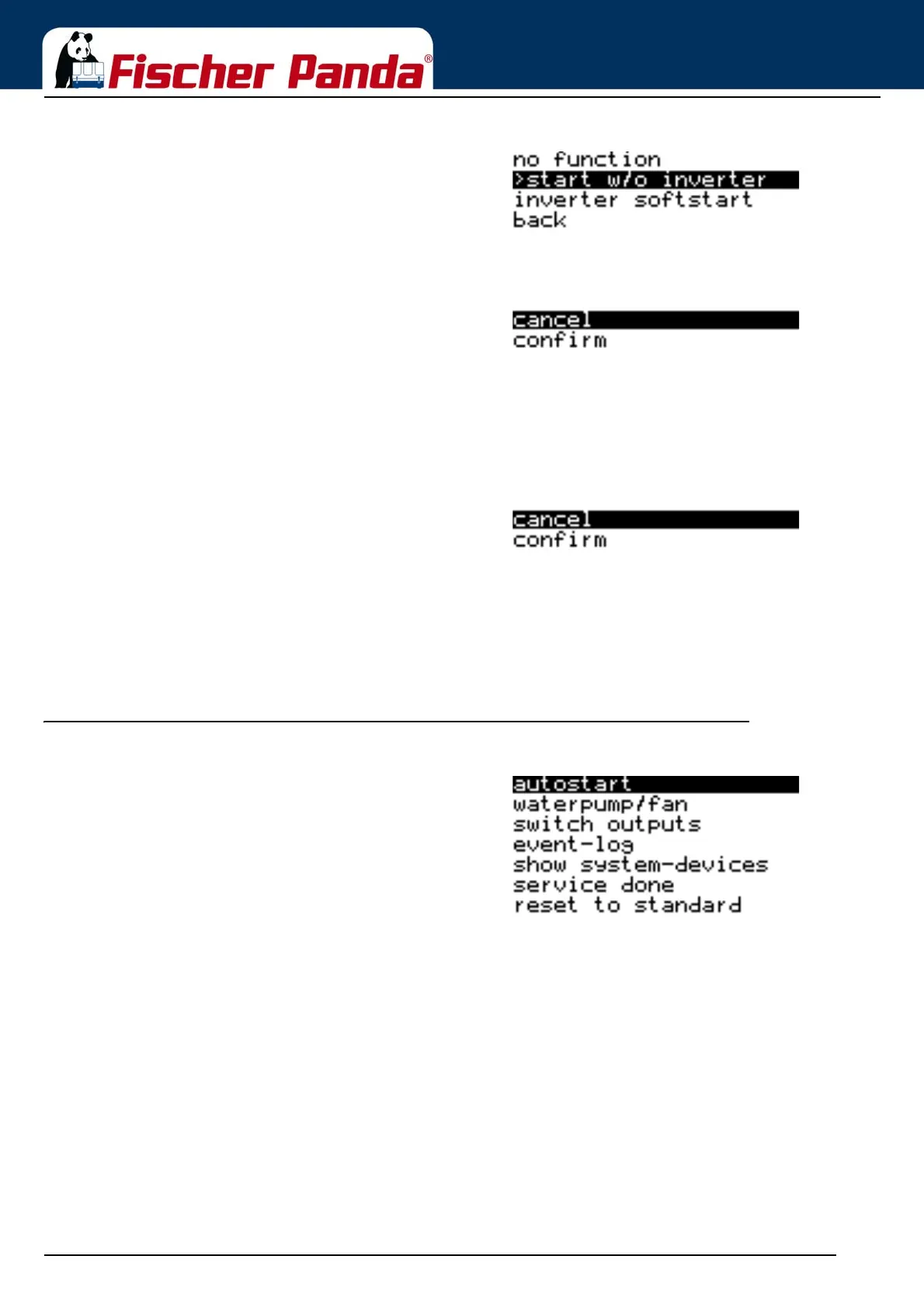
Fig. 2.5.2.12-2: Sub-menu: Supplementary Start-up functionsThe desired option is selected by using the "Step-up"/"Step-
down" keys and the setting is confirmed with the "Start/Stop-
Enter“ key.
The "Back" item returns you to the Panel sub-menu.
"Cancel" or "Confirm" can be selected by using the "Step-up"/
"Step-down" keys and then confirmed with the "Start/Stop-En-
ter“ key.
2.5.2.13 Resetting all values of the Panel sub-menu to default values
The menu item is selected by using the "Step-up"/"Step-down" keys and confirmed with the "Start/Stop-Enter“ key.
The respective menu item opens.
Fig. 2.5.2.13-1: Resetting all values"Cancel" or "Confirm" can be selected by using the "Step-up"/
"Step-down" keys and then confirmed with the "Start/Stop-
Enter“ key.
2.5.2.14 Return to Main Menu
The menu item is selected by using the "Step-up"/"Step-down" keys and confirmed with the "Start/Stop-Enter“ key.
The respective menu item opens.
2.5.3 Sub-menu: "Generator"
Fig. 2.5.3-1: Generator Sub-MenuThe following items can be selected in the Generator
sub-menu:
1. Autostart
- configuring the Autostart function
2. Water pump/Fan
- setting the optional DC outputs
3. Switch Outputs
- manual switching of the individual digital outputs
4. Event Memory
- displaying the event memory
5. Display System Devices
- displaying the detected system devices
6. Service performed
- resets the service interval
7. Reset to standard
- all parameters of the "Generator" sub-menu are reset to
the factory settings
8. back
- Switching from the "Generator" sub-menu to the Main
Menu



 To Next Page