Flashforge Corporation
Dreamer User Guide | www.flashforge.com
supports needed deleting, current supports and its subnode support will be highlighted,
click the left mouse button to delete these highlighted support.
6-13
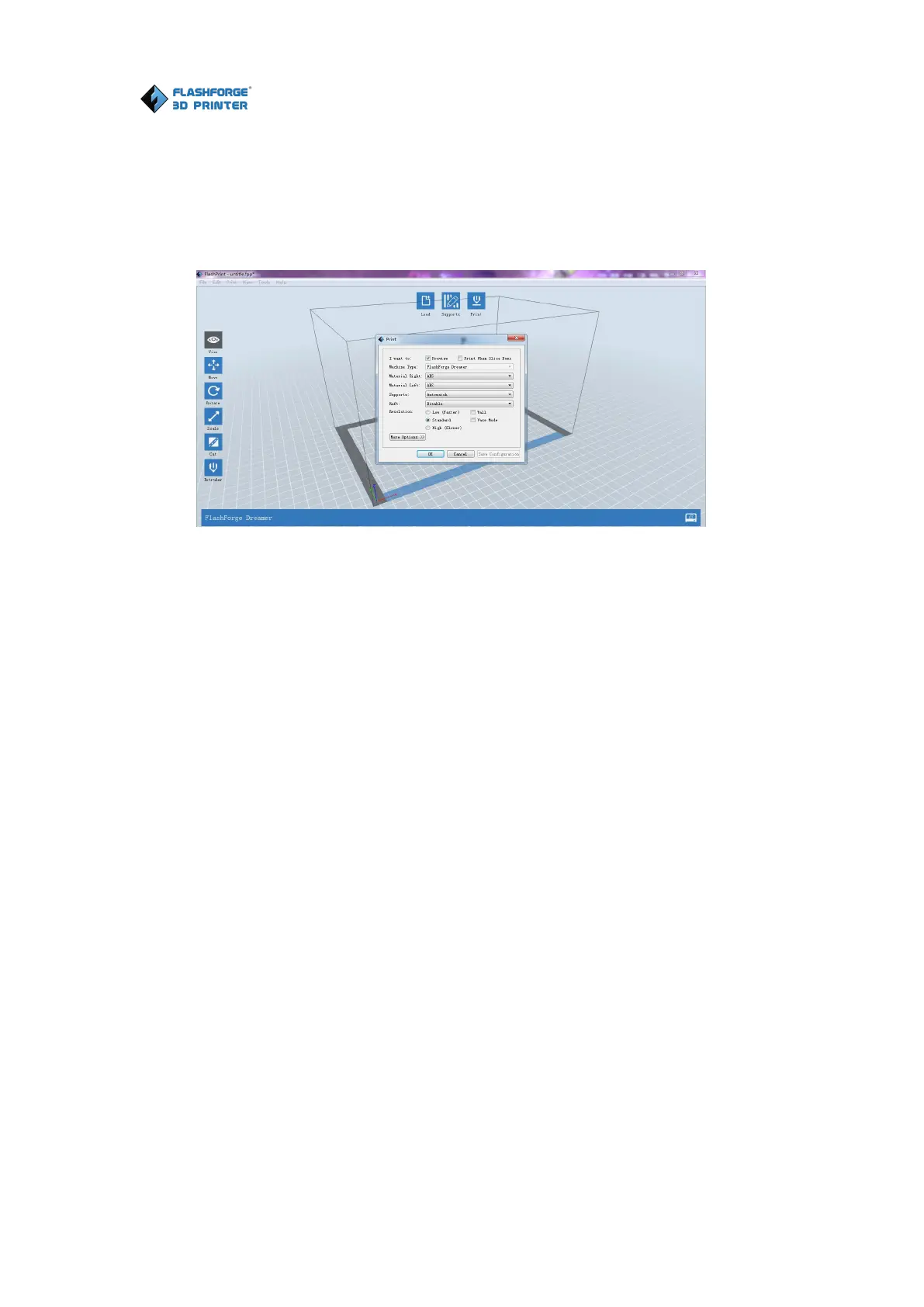
① Pr eview: Choose to enter preview interface or not
② Pr int when slice done: Print or not when slice done
③ Mater ial Right/Left: Choose according to the type of model
④ Suppor ts: When print suspended structure models, support is necessary. Click
[supports] to create support part for the printing.
⑤ Raft: This function will help the model to stick well on the platform.
⑥ Wall: During dual color printing, this function will help to clear the leaking
filament of another extruder.
⑦ Br im: Expand the outline of model’s bottom layers to a Brim which helps anchor
the edges of the model to the plate to avoid warping.
⑧ Resolution :You have three resolution solution (with default setting) to choose
from, high resolution is corresponding with slow printing speed, opposite for the low
resolution. For PLA printing, an extra solution “Hyper” is available.















 To Next Page