8 Tutorials
8.1 Switching on & switching off the camera
8.1.1 Switching on the camera
ActionStep
Insert the battery into the battery compartment.1
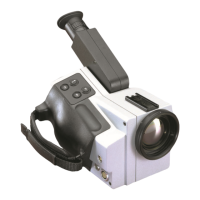
Press PWR/NO to switch on the camera.2
8.1.2 Switching off the camera
ActionStep
To switch off the camera, press and hold down PWR/NO until the message Shutting
down... appears. Briefly pressing PWR/NO when the camera is in menu mode will
cancel menu selections.
1
8
Publ. No. 1558407 Rev. a155 – ENGLISH (EN) – February 6, 2006 41



 To Next Page