10310603;a5
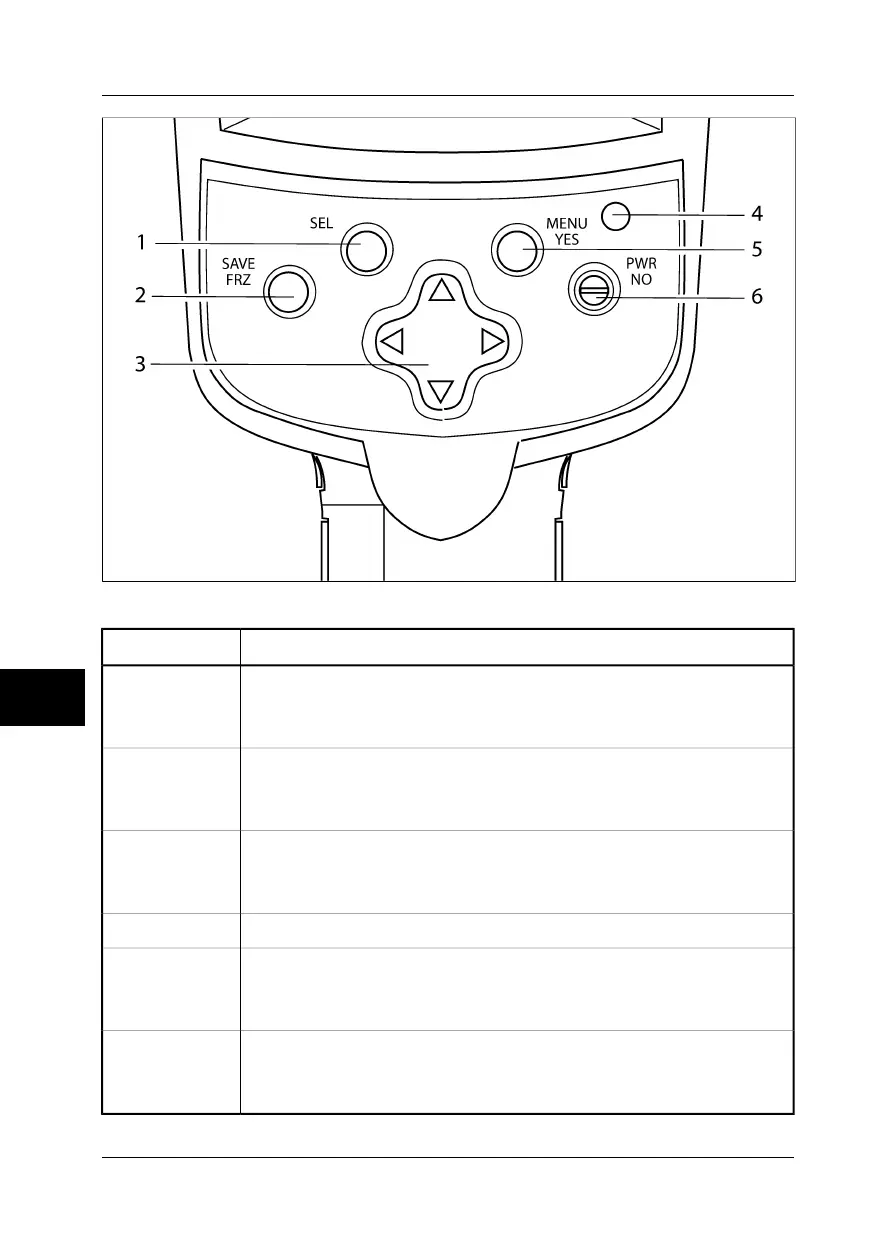
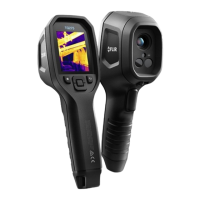
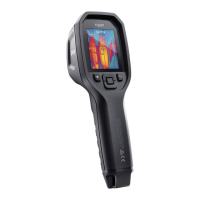
Figure 9.3 Camera parts – view from above
Description of partCallout
SEL button
For more information about the functionality of this button, see section 9.2 – Keypad
buttons & functions on page 61
1
SAVE/FRZ button
For more information about the functionality of this button, see section 9.2 – Keypad
buttons & functions on page 61
2
Navigation pad
For more information about the functionality of the navigation pad, see section 9.2
– Keypad buttons & functions on page 61
3
LED indicator4
MENU/YES button
For more information about the functionality of this button, see section 9.2 – Keypad
buttons & functions on page 61
5
PWR/NO button
For more information about the functionality of this button, see section 9.2 – Keypad
buttons & functions on page 61
6
9
60 Publ. No. 1558407 Rev. a155 – ENGLISH (EN) – February 6, 2006
9 – Camera overview



 To Next Page