MPS450
Operators Manual
2-18
The MPS450 simulates either bigeminy or trigeminy incorporated within a normal sinus
rhythm (80 BPM), using type-1 (left-focus) PVCs.
Action in the Menu-Control Mode
1. Press the top-menu key labeled ARRHY.
2. Select VENT.
3. Scroll to the LCD screen for the desired simulation: BIGEMINY or TRIGEMINY.
4. Select RUN. The bigeminy or trigeminy waveform runs continuously (repeats) until
another arrhythmia selection is made.
Alternatively, in the Numeric-Control Mode, press the number keys for the desired
simulation according to Table 2-12, and select RUN:
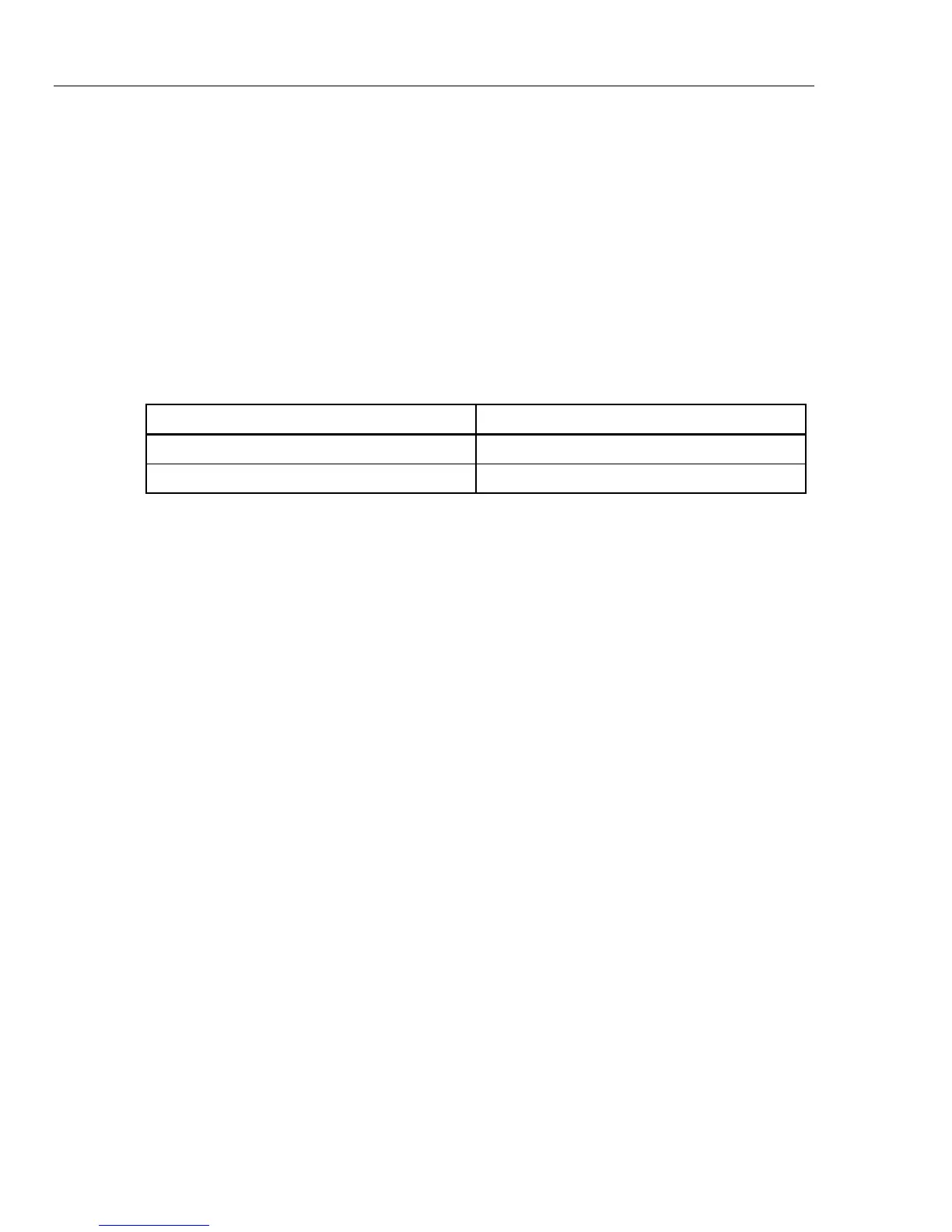
Table 2-12. Numeric Codes for PVC-Sequence Settings
PVC-Sequence Setting Numeric Code
BIGEMINY 025
TRIGEMINY 026
Multiple PVCS: Paired PVCS; Run 5 PVCS; Run 11 PVCS
Three series of multiple PVCs run as one-time (nonrepeating) events.
The term multiple PVCs refers to any condition where two or more PVCs occur in a row.
Standard PVCs of this type include a pair of PVCs (also known as a couplet), a run of
five PVCs in a row, and a run of eleven PVCs in a row.
The MPS450 simulates multiple-PVC waveforms with three sequences occurring as one-
time events:
a paired-PVC condition, with a waveform that includes a normal beat followed by two type-1
(left-focus) PVCs;
a run-5-PVC condition, with a waveform that includes one normal beat followed by five type-1
(left-focus) PVCs; or
a run-11-PVC condition, with a waveform that includes one normal beat followed by ten type-1
(left-focus) PVCs plus one type-2 (right-focus) PVC.
Action in the Menu-Control Mode
1. Press the top-menu key labeled ARRHY.
2. Select VENT.
3. Scroll to the LCD screen for the desired PVC simulation: PAIR PVCs; RUN 5 PVCs;
or RUN 11 PVCs.
4. Select RUN. On the LCD screen, RUN flashes to indicate that the selected sequence
of PVCs is running as a one-time event. When the simulation completes, the
command INSRT displays on the screen.
5. To repeat the sequence, select INSRT.
Alternatively, in the Numeric-Control Mode, press the number keys for the desired
simulation according to Table 2-13, and select RUN. (To repeat a PVC series, select
RUN again.)



 To Next Page