Cardiac Functions
ECG Testing 2
2-23
Alternatively, in the Numeric-Control Mode, press the number keys for a performance
wave according to Table 2-17, and select RUN:
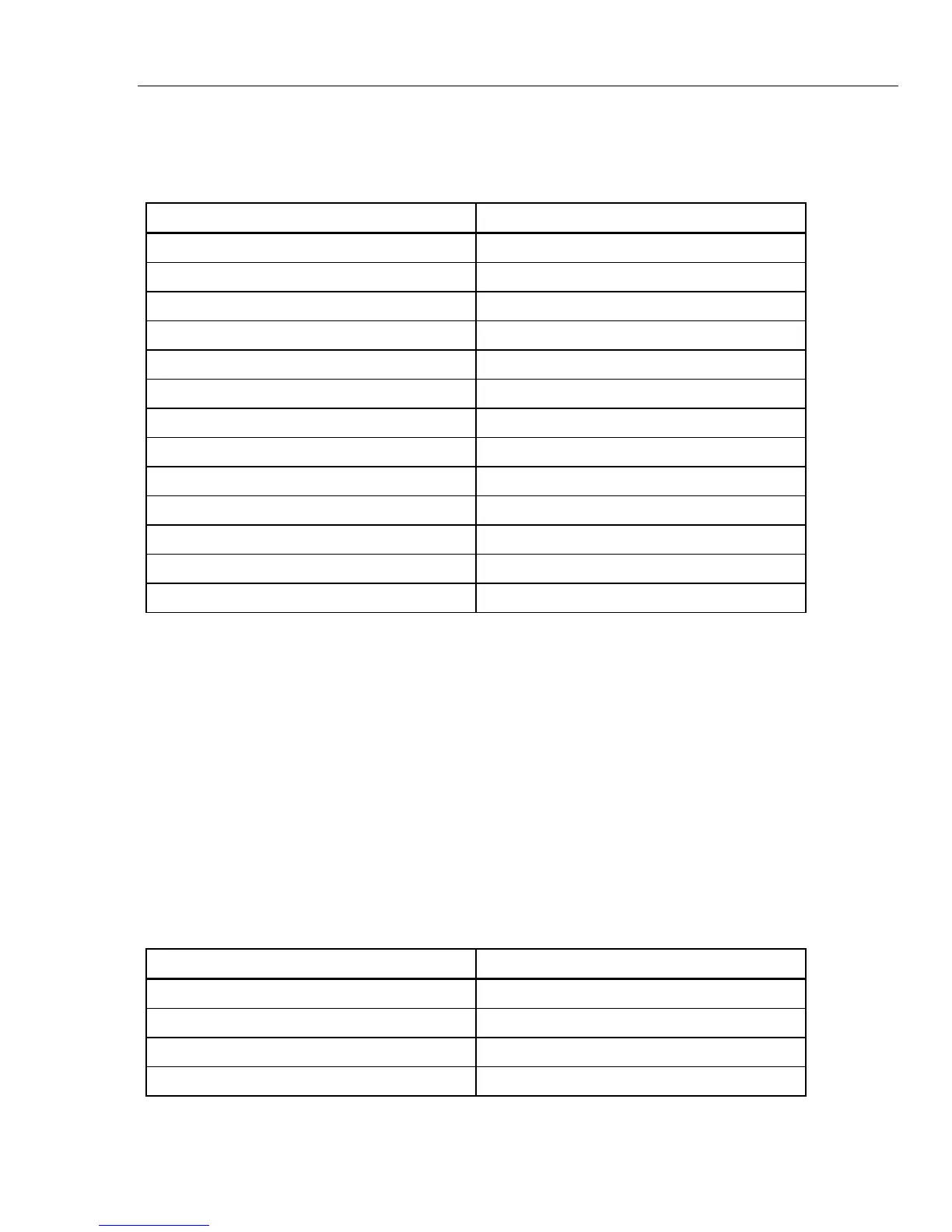
Table 2-17. Numeric Codes for Wave/Rate Settings
Wave/Rate Setting Numeric Code
2 HZ SQUARE 120
0.125 HZ SQUARE 121
2.0 HZ TRIANGLE 122
2.5 HZ TRIANGLE 123
30 BPM PULSE 124
60 BPM PULSE 125
0.5 HZ SINE 207
5 HZ SINE 208
10 HZ SINE 209
40 HZ SINE 210
50 HZ SINE 211
60 HZ SINE 212
100 HZ SINE 213
Adjusting Performance-Wave Amplitude
The MPS450 offers a selection of twenty preconfigured settings (mV) for performance-
wave amplitude (on Lead II): 0.05 to 0.50 (in 0.05 steps) and 0.50 to 5.50 (in 0.50 steps).
Action in the Menu-Control Mode
1. Press the top-menu key labeled PERF.
2. Select SEL to toggle to the screen for adjusting performance-wave amplitude
(wave/AMPL), with AMPL in upper-case letters.
3. Select DOWN or UP to scroll to the desired performance-wave amplitude.
4. The amplitude identified on the LCD screen is active when displayed and remains
active until the setting is changed.
Alternatively, in the Numeric-Control Mode, press the number keys for performance-
wave amplitude according to Table 2-18, and select RUN:
Table 2-18. Numeric Code for Wave Amplitude Settings
Wave Amplitude Setting Numeric Code
0.05 mV 272
0.10 mV 273
0.15 mV 274
0.20 mV 275



 To Next Page