CableIQ Qualification Tester
Users Manual
10
Using the Wiremap Adapter and
Remote ID Locators
Terminating the cabling under test with the standard
wiremap adapter or optional remote ID locators provides
the following advantages:
• Full wiremap testing on twisted pair cabling
Without an adapter or ID locator, the cabling cannot
be qualified because the tester cannot detect all
wiremap faults. Autotest results are provided for
informational purposes only.
• Easier identification of twisted pair and coaxial
connections
The adapter’s number appears on the wiremap
display. In Discover mode you can use multiple
remote ID locators, each with a different number, to
identify connections at patch panels.
The wiremap adapter and remote ID locators are
functionally identical, except for their ID numbers. The
wiremap adapter has an ID number of 1. The remote ID
locators are available with other ID numbers.
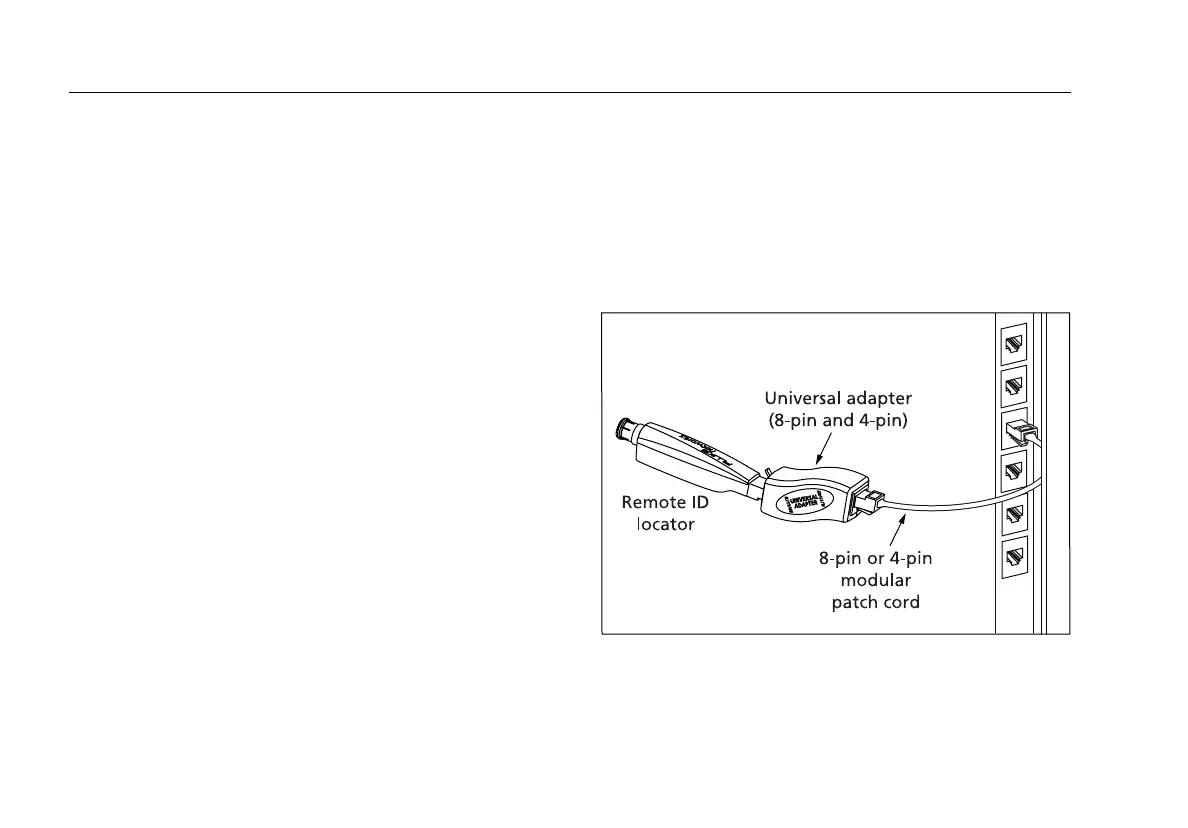
To connect the remote ID locator to a modular (RJ) outlet
in a confined area, use the optional universal adapter and
a patch cord. See Figure 3.
avv54f.eps
Figure 3. Using the Universal Adapter for
Confined Areas









 To Next Page