17
2-3. SDI Input / Output Cards
Set up input signals in the Web-based Control Software as shown below.
◆ Source Assignment
Open the [Web-based Control: Router System Settings - Source Assignment page].
This page allows you to assign physical inputs to logical input channels.
◆ Source Name
Open the [Web-based Control: Router System Settings - Source Name page].
This page allows you to change source names displayed on Remote Controllers or other
devices.
Set up output signals in the Web-based Control Software as shown below.
◆ Destination Assignment
Open the [Web-based Control: Router System Settings - Destination Assignment page].
This page allows you to assign physical outputs to logical output channels.
◆ Destination Name
Open the [Web-based Control: Router System Settings - Destination Name page].
This page allows you to change destination names displayed on Remote Controllers or other
devices.
2-3-1. MFR-8SDI
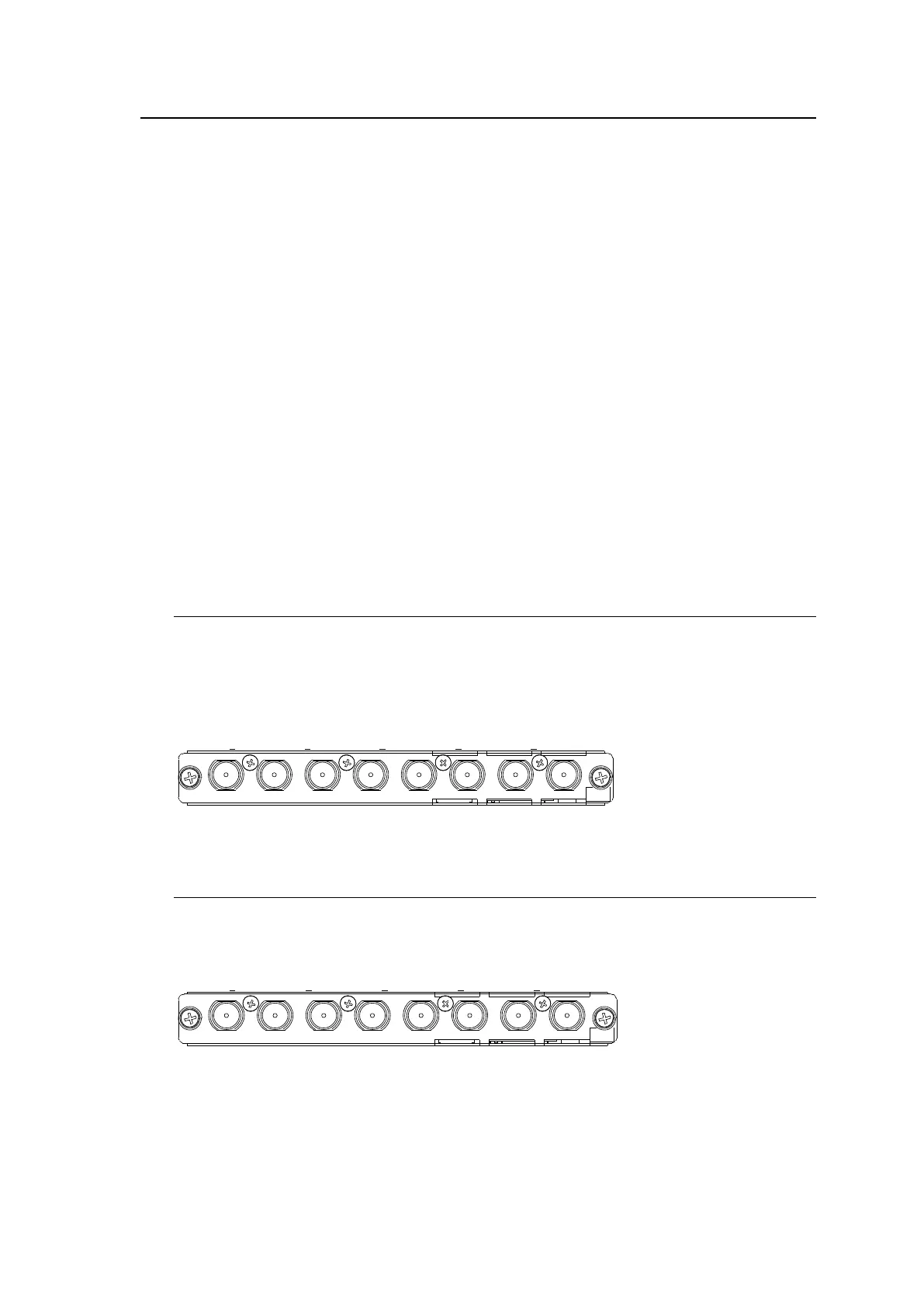
MFR-8SDI is an SDI or digital audio input card.
When using as an SDI card, it can accept 8 of 3G/HD/SD-SDI and ASI signals.
When using as a digital audio card, refer to Sec. 2-4-5. “MFR-8SDI (MADI Input)” for details.
Up to 8 cards can be installed into Slot No. 01 to 08.
► See “Input /output cards and Slots” in Sec. 2-2. "MFR-3100EX Rear Panel."
BNC x 8 inputs (3G/HD/SD-SDI or ASI signal auto-detection)
2-3-2. MFR-8SDO
MFR-8SDO is an SDI output card and can output 8 of 3G/HD/SD-SDI and ASI signals.
Up to 9 cards can be installed into Slot No. 09 to 17.
► See “Input /output cards and Slots” in Sec. 2-2. "MFR-3100EX Rear Panel."
BNC x 8 outputs (3G/HD/SD-SDI or ASI signal depending on crosspoint selections)



 To Next Page