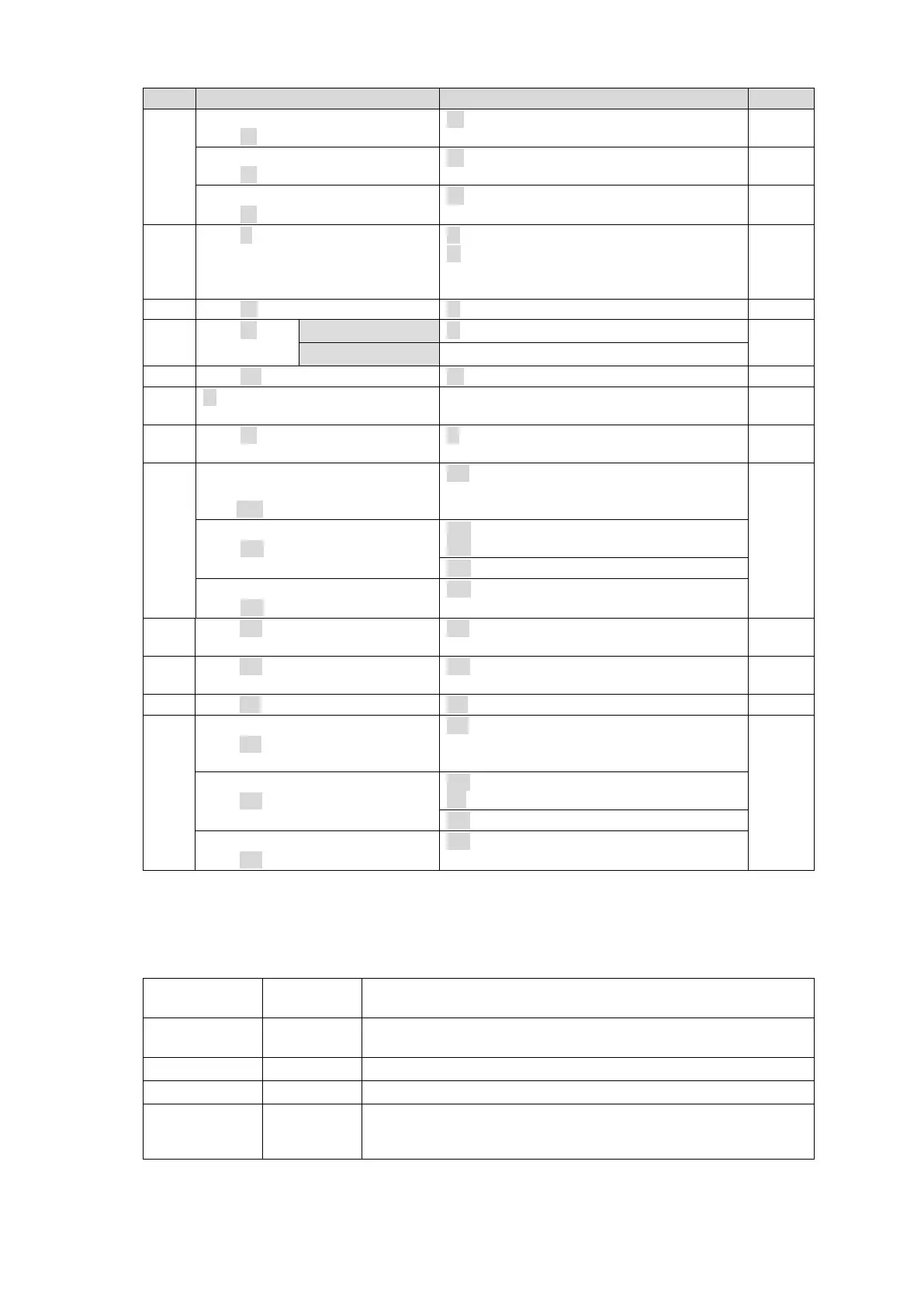
LOCK ALL units.
@[sp]W:<Lvl>/<Dest>,<ID>,1
LOCK OTHER units.
@[sp]W:<Lvl>/<Dest>,<ID>,2
Disable LOCK.
@[sp]W:<Lvl>/<Dest>,<ID>,0
S:<Lvl><Dest>,<Src>
C:<Lvls>/<Dest>,<Src>[…..[S<Number of
crosspoints in Salvo>][L<Number of
Links>]]:I<ID>
@[sp]K?<SorD><AorK>,<Ofset>
K:<SorD><AorK><No.>,<Dat>
K:<S or D><S or L or
A><No.>,<Dat>
F:<Lvl><Dst Size>,<Src Size>/< Dst Size
>,<Src Size>
Preset video format, reference
and switching point.
@[sp]UF:<YY>/<R#>,<S$>
Set preset settings.
@[sp]UE:A
Cancel preset settings.
@[sp]UE:C
@[sp]AA:<SlotNo.><Grp>/<I-
No>,<L-Lvl><L-Src><T#>
AA:<SlotNo.><Grp>/<I-No>,<L-Lvl><L-
Src><T#>
@[sp]AX:<SlotNo.><Grp>/<O-
BNC><O-CH>,<I-No.><I-CH>
AC:<SlotNo.><Grp>/<O-BNC><O-CH>,<I-
No.><I-CH>:I<ID>
Preset video format and delay.
@[sp]AF:<SlotNo.><Grp>/<FORMA
T>,<D#>
AF!<SlotNo.><Grp>/<FORMAT>,<D#>
Set preset settings.
@[sp]AE:A
AR!W
AR!<SlotNo.><Grp>/<FORMAT>,<D#>
Cancel preset settings.
@[sp]AE:R
* [sp] indicates a space.
* Commands must end with a carriage return (ASCII code 0x0D) only or carriage return and line feed
(ASCII code 0x0A). MFR units add a carriage return and line feed in front of and at the end of reply
messages.
Command parameters and setting range
Allows you to specify the level to switch crosspoints.
* When in single-level operation.
Allows you to specify the levels to switch crosspoints.
* When in multiple-level operation
Allows you to specify the crosspoint switchover destination.
Allows you to specify the source of crosspoint switchover.
Unit ID. The ID must be different from that of other devices in the
same network. Use 1 to FE for ID numbers. The host returns 0 when
the lock is released.
* All command values are in hexadecimal, starting from 0 (zero).
(For example, Source “16” is represented as <Src>”F.”)
* If levels are not in use, set <Lvl> or <Lvls> to “0”(zero).



 To Next Page