Wrist PDA User Guide
111
10
Maintaining Your
Wrist PDA
Resetting your watch
If your watch no longer responds to the stylus or the watch buttons,
you need to perform a reset. This allows your watch to get a fresh
start, similar to rebooting a PC.
Performing a soft reset
A soft reset can resolve most problems and does not affect any data
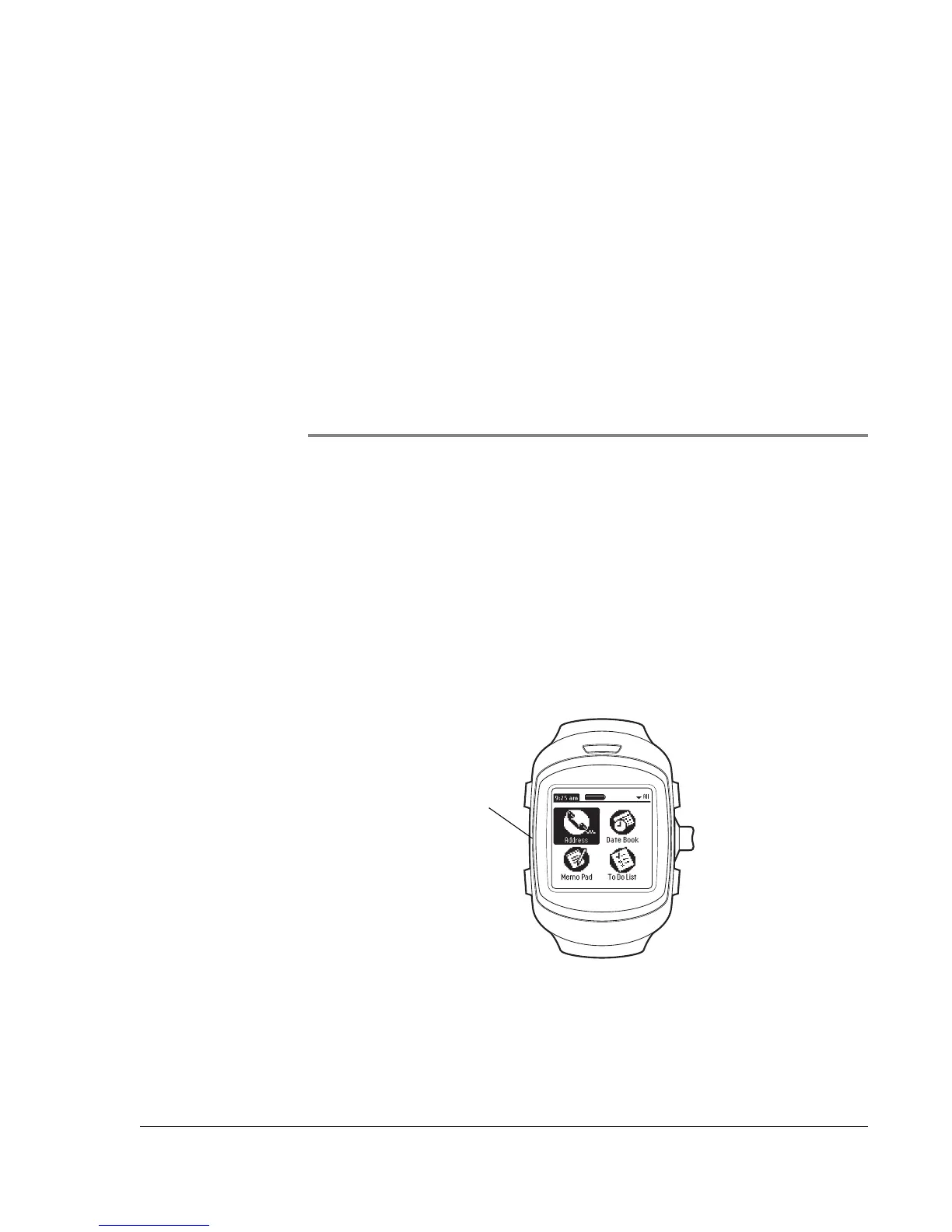
stored on the watch. To perform a soft reset, gently press the Reset
button on the side of the watch.
Reset
button













 To Next Page