Managing Applications
Installing add-on applications
Wrist PDA User Guide
35
Installing add-on applications
In addition to the applications that are built into your watch, you can
install other applications (called add-on or third-party applications).
A variety of add-on applications are available, such as games and
other productivity software.
Add-on applications reside in RAM memory and can be removed at
any time (see page 37).
To install add-on applications on your watch:
NOTE: Some applications use an installer program to automate
the installation process. In these cases, follow the instructions that
come with the application instead of the steps shown here.
1. Copy or download to your computer the application you want to
install. If the application is compressed (for example, in a .zip file),
extract it from the compressed file. (This usually requires
decompression software such as WinZip.)
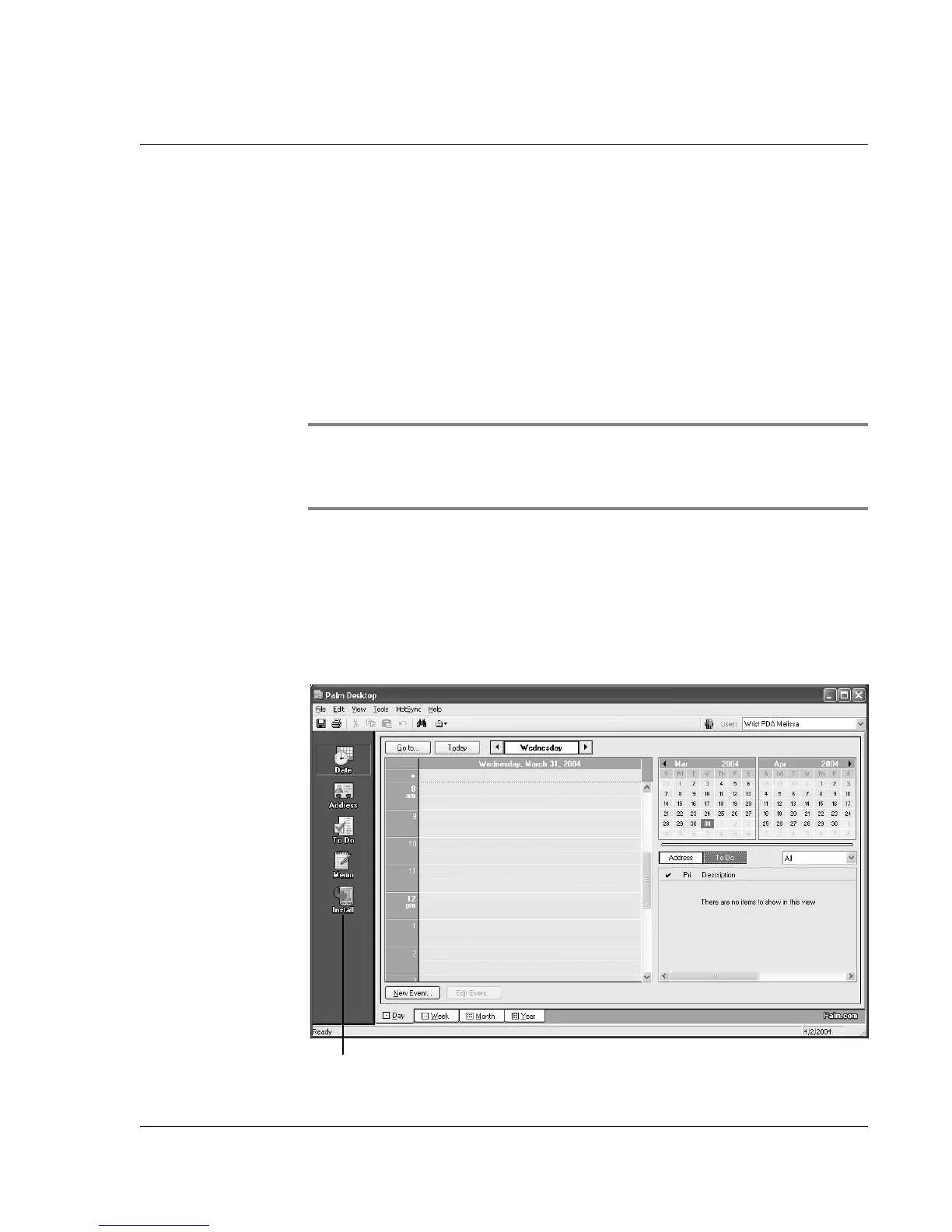
2. Double-click the Palm Desktop icon on your computer desktop to
open the application.
Install















 To Next Page