ADAT OUT & S/P DIF OUT
VM200 User’s Guide
109
ADAT OUT & S/P DIF OUT
You can output digital stereo signals from the ADAT OUT and S/P
DIF OUT connectors.
You can connect any ADAT-compatible recording device to the ADAT
OUT optical connector, including a Fostex VR800 recorder, Alesis®
ADAT, Alesis ADAT-XT, or other digital multitrack recorders.
The S/P DIF OUT uses an optical connector. You can use this to route
the stereo signal to any S/P DIF format audio device, such as a com-
puter soundcard or DAT recorder.
For more information, see “Digital Connections” on page 159.
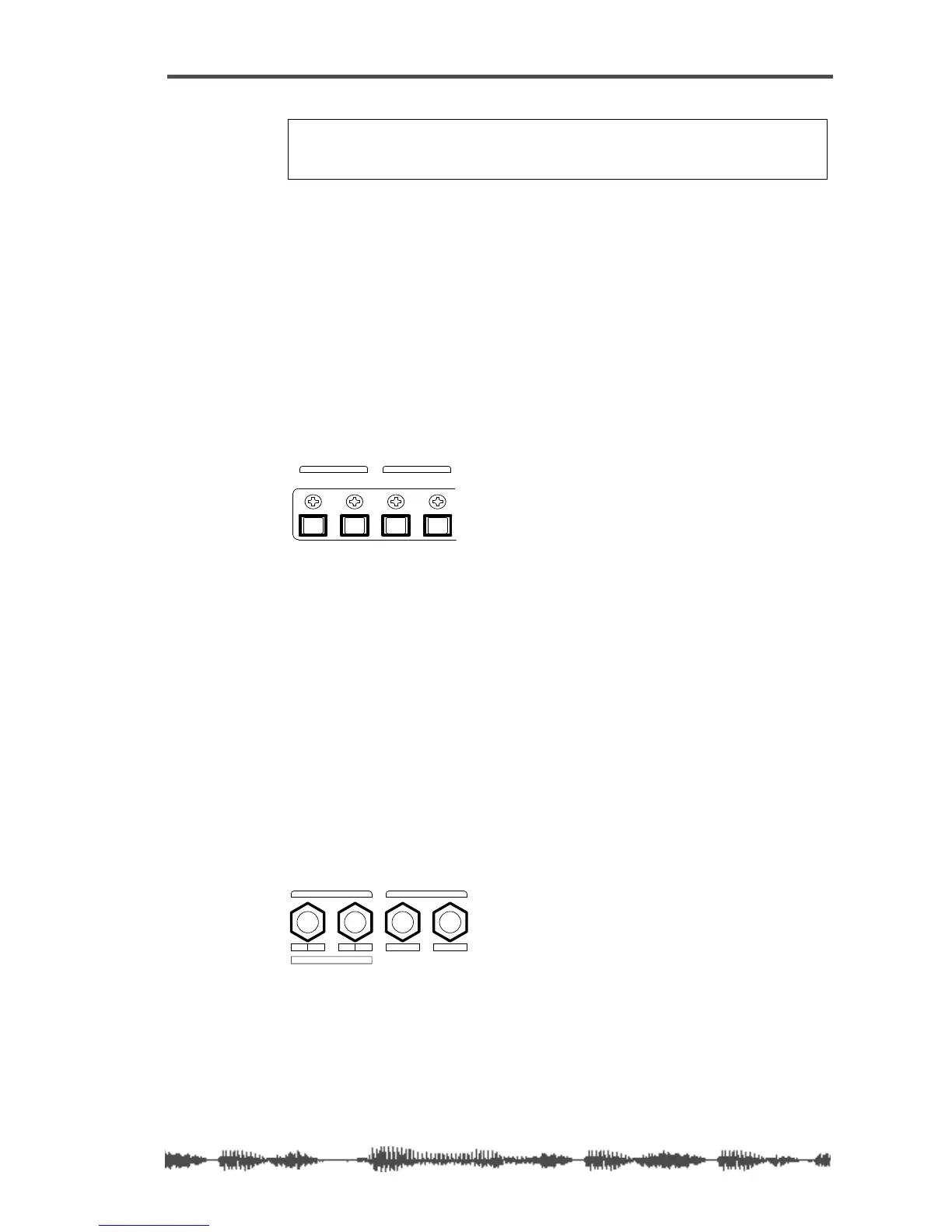
AUX SEND
You can assign a signal to AUX Sends 1 through 4. (AUX Sends 3 & 4
are available only when the ADD. AUX parameter is turned on. For
more information, see “Enabling AUX Sends 3 & 4 (ADD. AUX
Parameter)” on page 115.)
The AUX Sends provide additional outputs that you can use for a vari-
ety of purposes. For example, you can route a signal out the AUX
SENDS to an external DAT recorder, talkback system, or other appli-
cation.
You can configure channel AUX Sends as pre-fader or post-fader
sends.
For more information, see “Using the AUX Sends” on page 115.
Note:
If the ADD. AUX parameter is turned on, the REC BUSS is
disabled. Fore more information, see “Enabling AUX Sends 3 & 4
(ADD. AUX Parameter)” on page 115.
IN OUT
ADAT
OUTIN
S/P DIF
ADAT and S/P DIF connections
R4 L3 2
1
ADD.AUX SEND
AUX SENDREC BUSS OUT
AUX Sends 1–4



 To Next Page