EQ
80
VM200 User’s Guide
EQ Enabling Channels
You can enable the EQ for three groups of channels: 1–8, 9–16, or
1–16.
(The default setting enables the EQs for channels 1–8.)
1.
Press the
[CURRENT SCENE STATUS]
key.
The
CURRENT SCENE STATUS
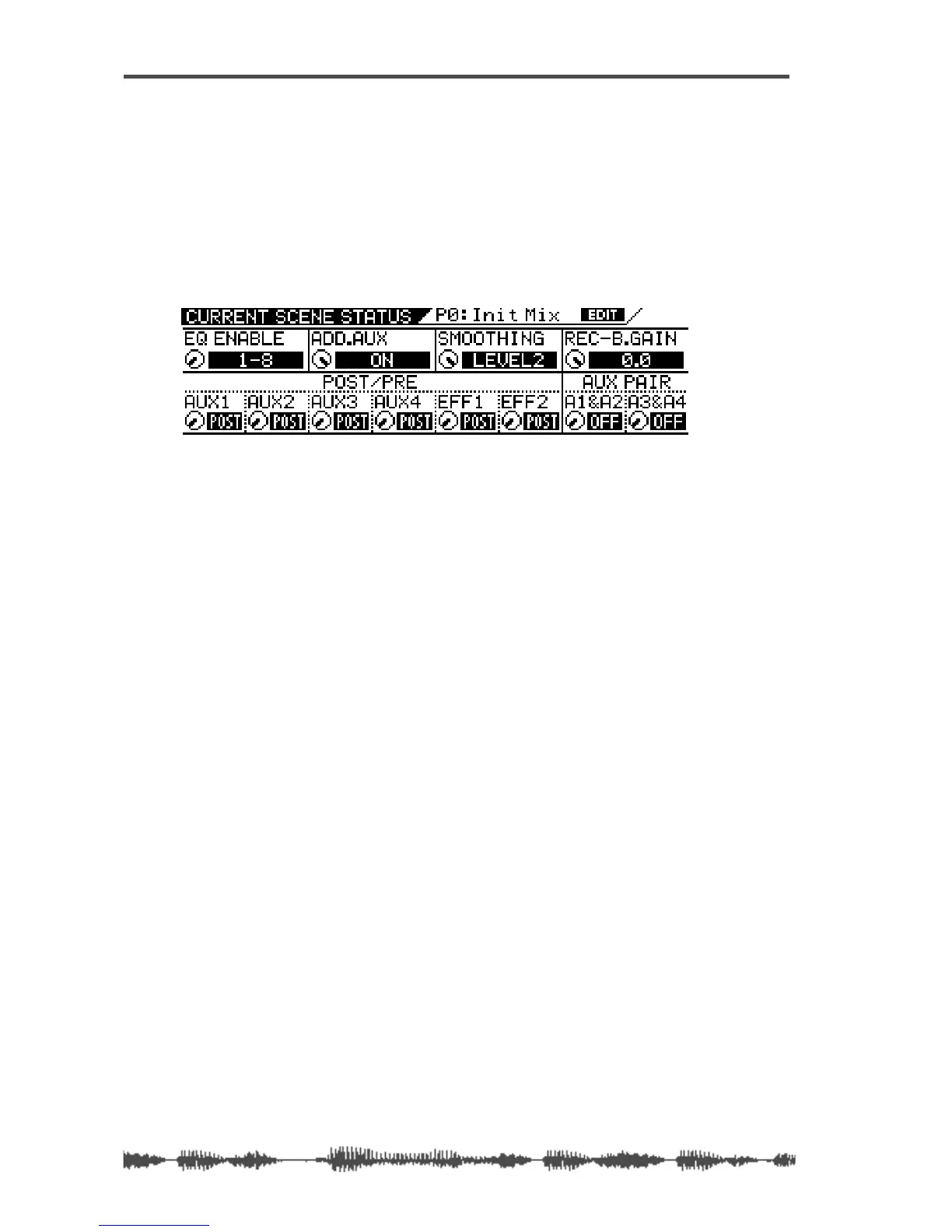
function page appears. Notice the EQ
Enable parameter in the upper-left corner.
2.
Turn the channel 1/2 Gain rotary control to select 1–8, 9–16,
or 1–16 for the EQ Enable parameter.
The selected value flashes.
3.
Press the
[ENTER]
key to confirm your selection.
The VM200 displays the selected value for the EQ Enable param-
eter.
4.
Press the
[EXIT]
key or the
[CHANNEL/METER]
key to return to
Channel Edit mode.
Bypassing the EQ
You can turn a channel’s EQ on or off (bypass) using the
[EQ ON]
key.
While the target channel is selected (by pressing a Page Select key
and the channel’s
[EQ EDIT]
key), press the
[EQ ON]
key to toggle
between EQ On and Off.
When the EQ is on, a highlighted “ON” indicator appears in the
lower-right corner of the
EQ EDIT
function page. If the EQ is bypassed,
“OFF” appears in the same location.
1.
Press the
[1–8 ANALOG IN]
or
[9–16 ADAT IN]
Page Select key to
select a channel layer.
The selected Page Select key lights up.
2.
Press the
[EQ EDIT]
key for the channel whose EQ you wish to
turn on or off.
The selected
[EQ EDIT]
key lights up and the VM200 displays the
EQ EDIT
function page.
3.
Press the
[EQ ON]
key in the Selected EQ section.
The
[EQ ON]
key lights up, and the VM200 turns on the EQ for the
selected channel.



 To Next Page