Touring the VM200
34 VM200 User’s Guide
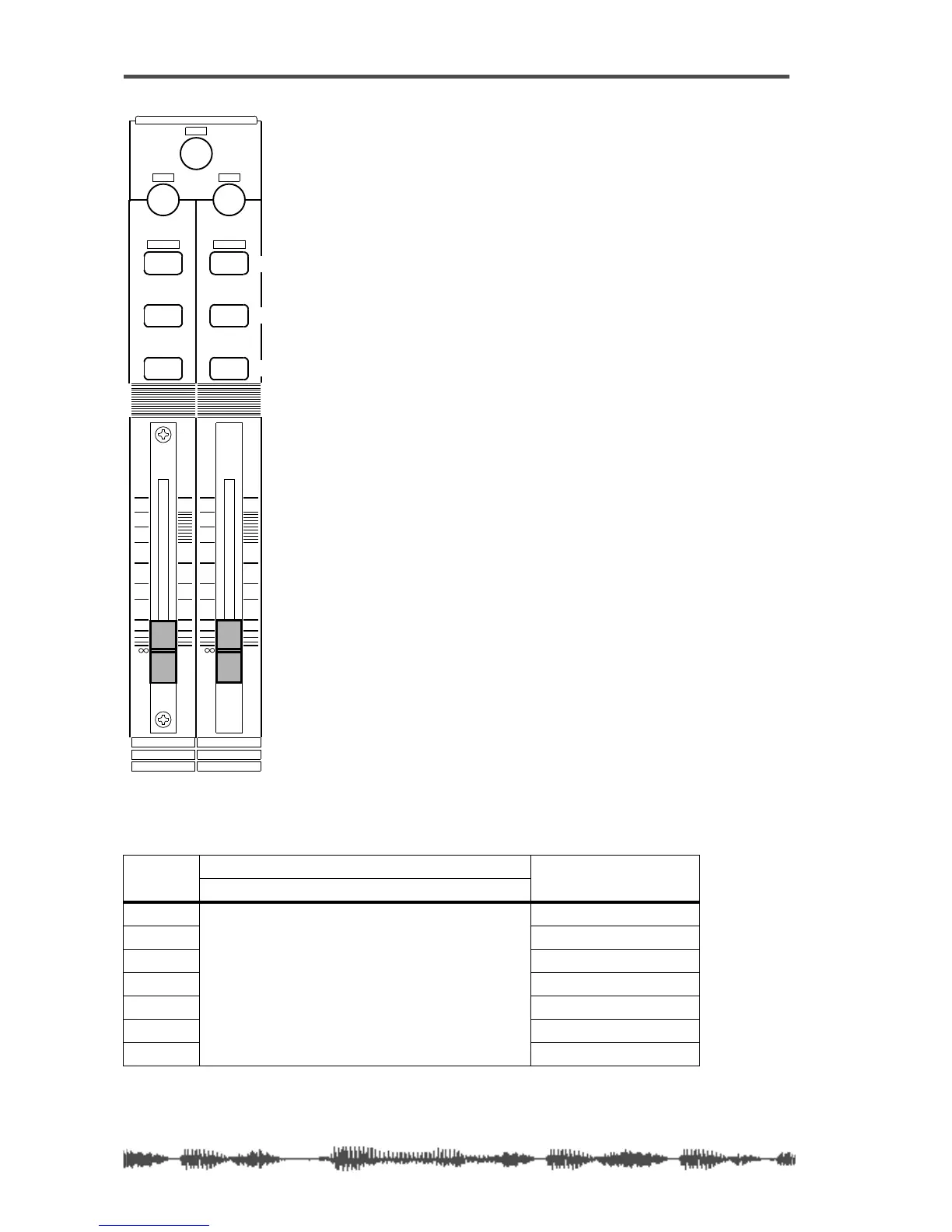
[ON], [SOLO], & [EQ EDIT] Keys
The VM200 features eight sets of [ON],
[SOLO], and [EQ EDIT] keys, one set for each
channel fader.
The Master fader also features a
[SOLO] key
and an
[ON] key.
The following paragraphs summarize the
functions of these keys.
[ON] Keys
The [ON] keys basically turn channels on and
off.
In Channel Fader Mode, the channel
[ON]
keys turn channels 1-8, 9-16, or 17-20 on or
off, depending on the channel layer you select
(using the Page Select keys).
The Master
[ON] key controls various func-
tions depending on the current Fader Mode.
In Fader Mode Aux1 for example,
[ON] key 1
turns channel 1 on and off, and the Master
[ON] key turns the Aux1 Out on and off. In
Fader Mode Eff2, On key 1 turns channel 1
on and off, and the Master
[ON] key turns the
Eff2 Master on and off.
The
[ON] keys can also transmit MMC com-
mands in MMC Send mode. (For more infor-
mation, see “MMC (MIDI Machine Control)
Send” on page 192.)
The following table describes the function of
the channel and Master
[ON] keys in each
Fader Mode:
[ON] key function
CH Input Channel Master
Mode 1–8 (ANALOG IN) 9–16 (ADAT IN) 17–20 (EFF RTN)
CHANNEL
Channel ON/OFF
ST BUSS OUT ON/OFF
AUX1
AUX1 OUT ON/OFF
AUX2
AUX2 OUT ON/OFF
AUX3
AUX3 OUT ON/OFF
AUX4
AUX4 OUT ON/OFF
EFF1
EFF1 Master ON/OFF
EFF2
EFF2 Master ON/OFF
EQ/LO
+10
0
-10
-20
-30
-40
-
ON ON
SOLO SOLO
EQ EDIT
EQ EDIT
10
2
9
1
18
17
FREQ Q
GAIN
+10
0
-10
-20
-30
-40
-
PANPA N
On keys
Solo keys
EQ Edit keys



 To Next Page