Viewing Buss Routing for Each Channel
VM200 User’s Guide 121
Viewing Buss Routing for Each Channel
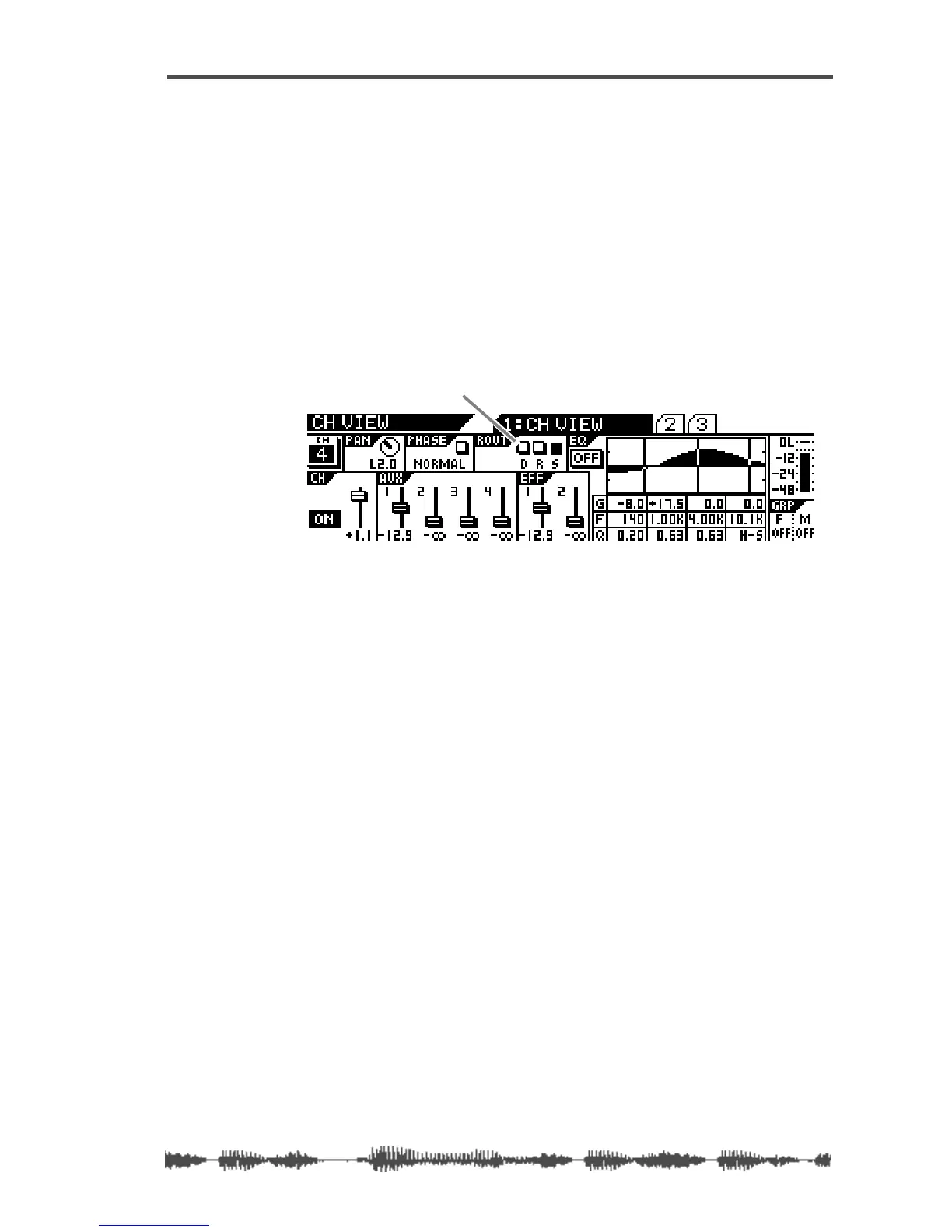
The CH VIEW function page includes a ROUT display that indicates
whether the specified channel is routed to the ADAT Direct Outs, the
Stereo Buss, or the Record Buss.
1. Press the [CH VIEW] key.
2. Press the [EQ EDIT] key for the desired channel.
The VM200 displays the 1:CH VIEW function page, which includes
the ROUT indicator in the top center of the display.
The D, R, and S indicators represent the ADAT Direct Outs, the
Record Buss, and the Stereo Buss. A highlighted (dark) indicator
means the channel is being sent to the specified buss.
ROUT D, R, S indicator



 To Next Page