Editing Effect Program Titles
VM200 User’s Guide 137
Editing Effect Program Titles
You can edit Effect program titles, just in case you want to change
their name for some reason. To do so, you recall the target Effect pro-
gram to a channel, then re-store it with a different title.
1. Press the [EFF1] or [EFF2] key in the Eff Edit section to specify
the effects processor to which you want to recall the effect.
The VM200 displays the function page for the effect currently
loaded to the effects processor, and the [EFF1] or [EFF2] key you
selected lights up.
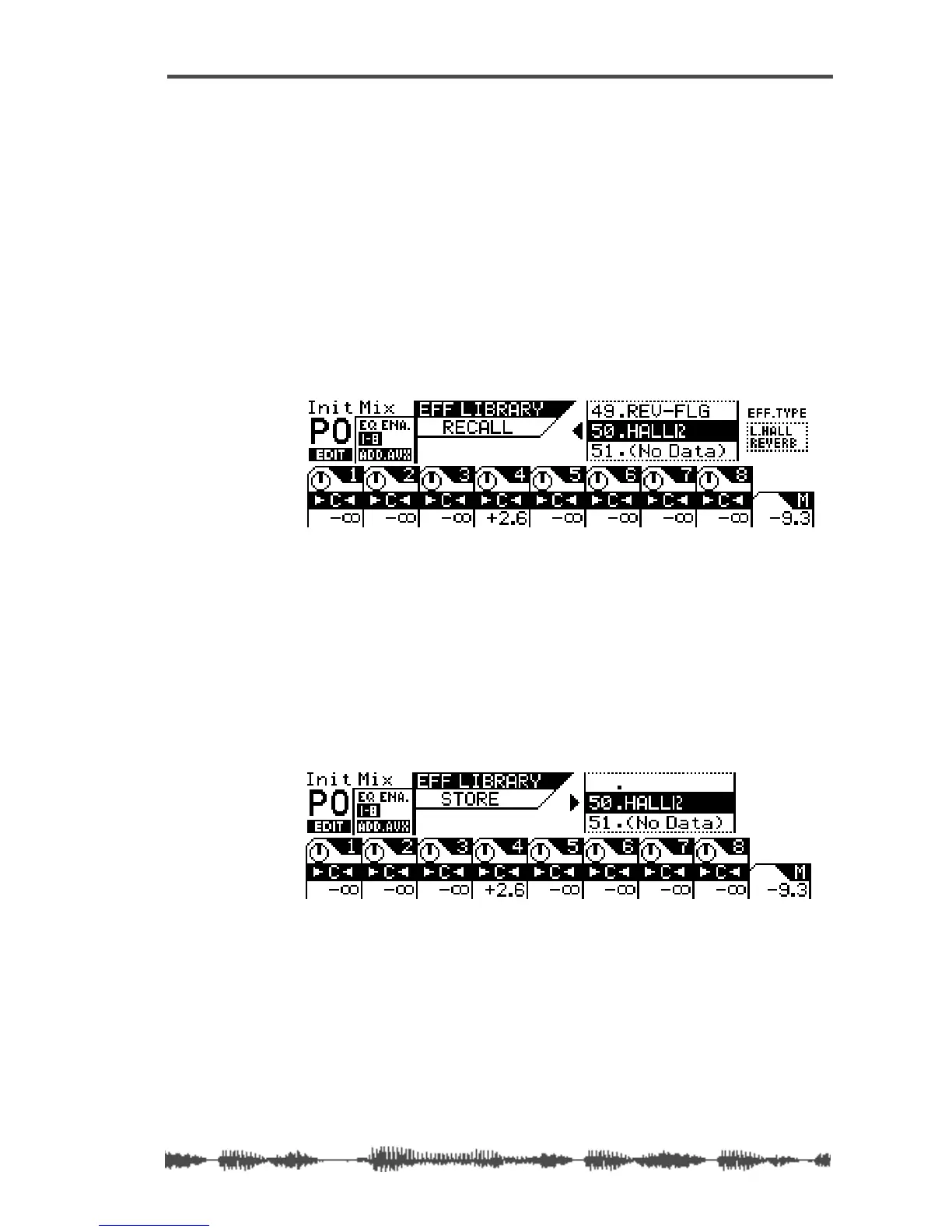
2. Press the [RECALL] key in the Eff Library section.
The VM200 displays the EFF LIBRARY RECALL function page, and the
[EFF1] or [EFF2] key flashes.
3. Rotate the Data Wheel or use the [</-1] and [+1/>] keys to
select an Effect program you wish to rename.
You cannot change the title of Preset programs 00–49.
4. Press the [ENTER] key to recall the desired Effect program.
The VM200 recalls the effect program to the specified effects pro-
cessor and displays the selected effect’s parameter function page.
5. Press the [STORE] key in the Eff Library section.
The VM200 displays the EFF LIBRARY STORE function page, and the
[EFF1] or [EFF2] key flashes.



 To Next Page