Storing Mix Scenes
VM200 User’s Guide
155
5.
When you’ve finished naming the scene, press the
[ENTER]
key.
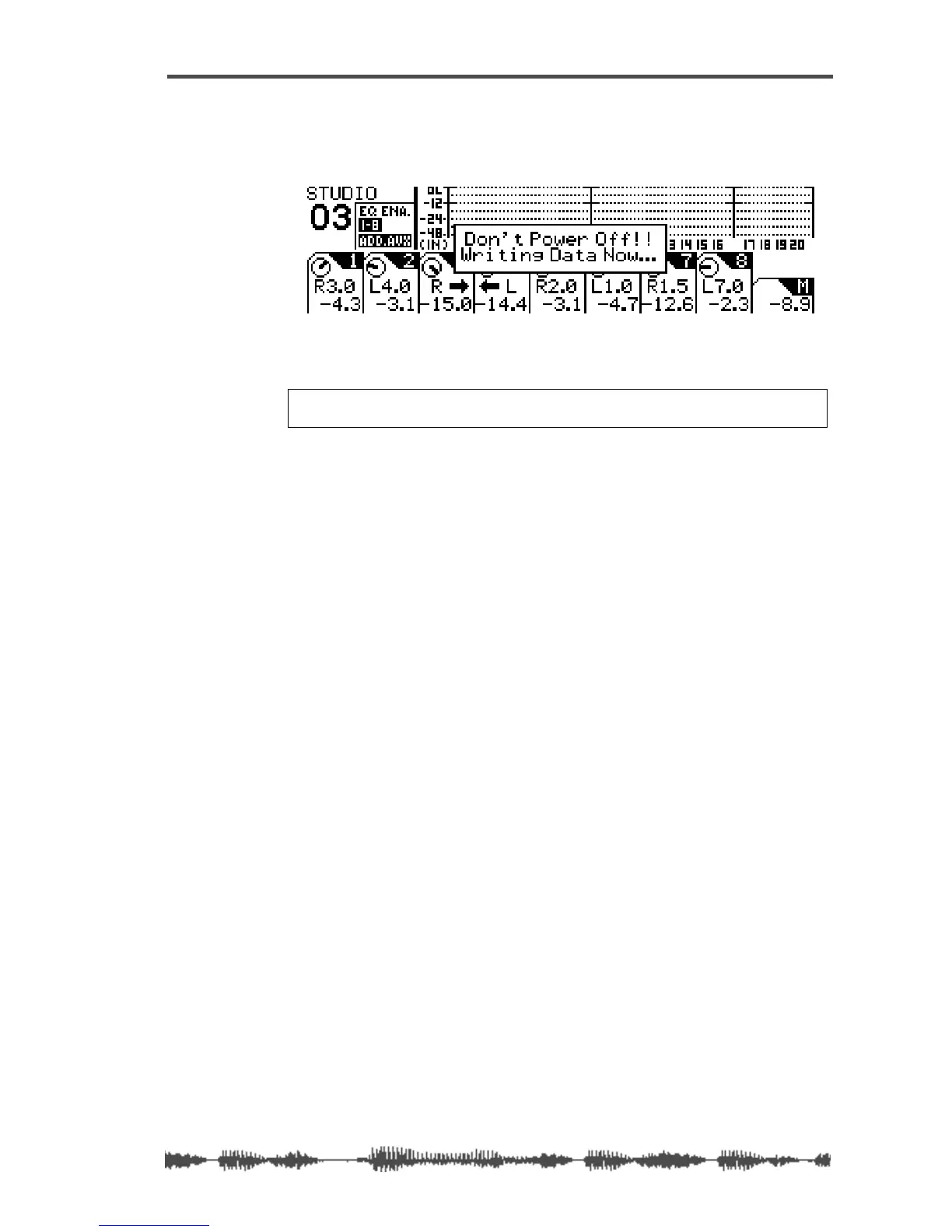
The following warning message appears on the display.
The VM200 stores the scene into the selected Scene Memory loca-
tion and returns to the previous mode.
Warning:
Do not power off the VM200 while it is writing to the flash
memory or you may damage the system.



 To Next Page