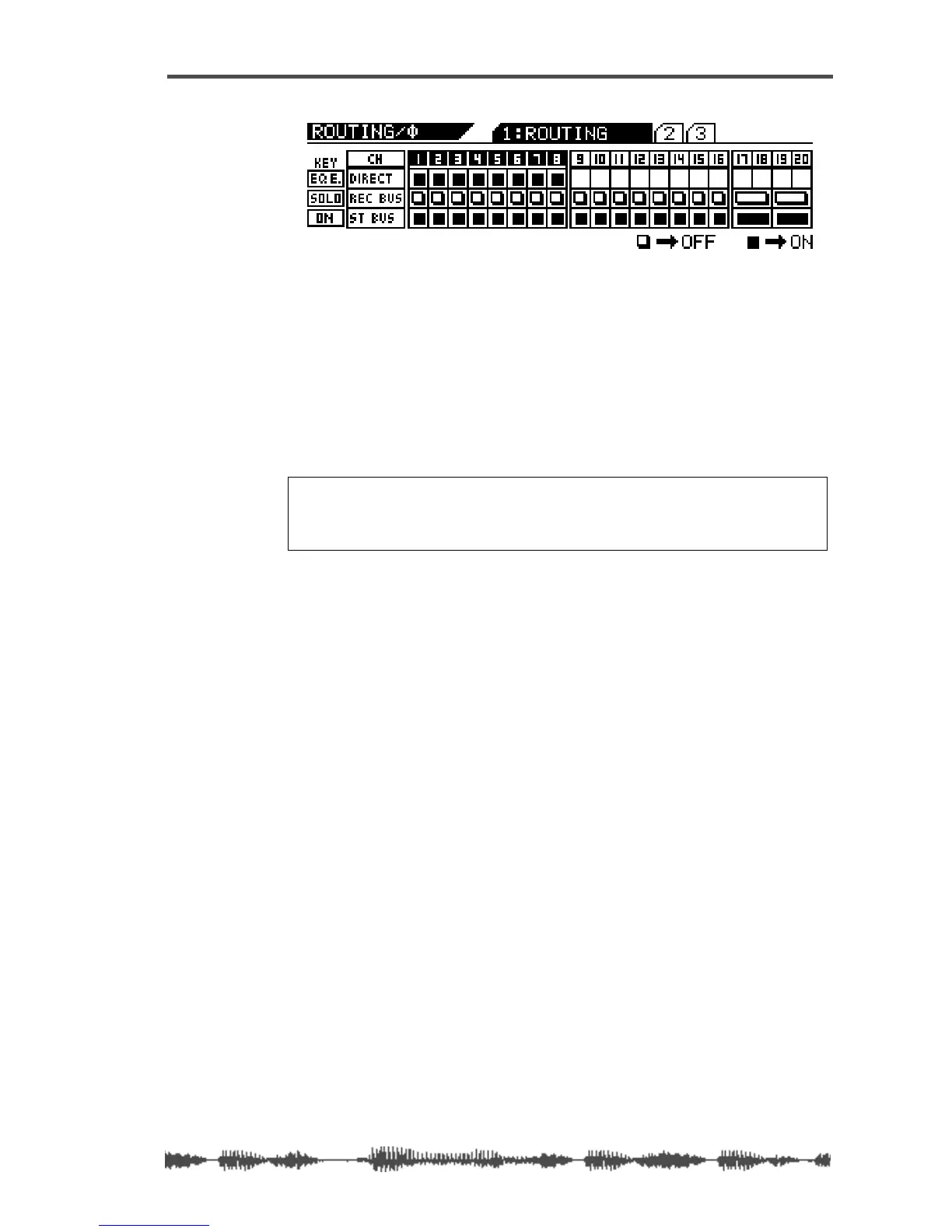
Assigning Channels to ADAT DIRECT SENDs
VM200 User’s Guide
167
3.
Use the
[EQ EDIT]
keys to turn on the channels you wish to
send to the ADAT OUT.
Selected
[EQ EDIT]
keys light up. On the display, the “DIRECT”
indicators highlight (darken).
In the example above, channels 1–8 are sent directly to the corre-
sponding ADAT channels.
4.
Press the
[CHANNEL/METER]
key.
The VM200 displays the
CHANNEL EDIT
function page.
Note:
The Rec Buss also sends the left signal to channels 1, 3, 5 and
7, and the right signal to channels 2, 4, 6 and 8 so that you can route
them to ADAT OUT 1–8 directly. This configuration enables you to send
two mixes to two different external recorders at the same time.



 To Next Page