Initializing the VM200
VM200 User’s Guide
199
3.
Press the
[ENTER]
key.
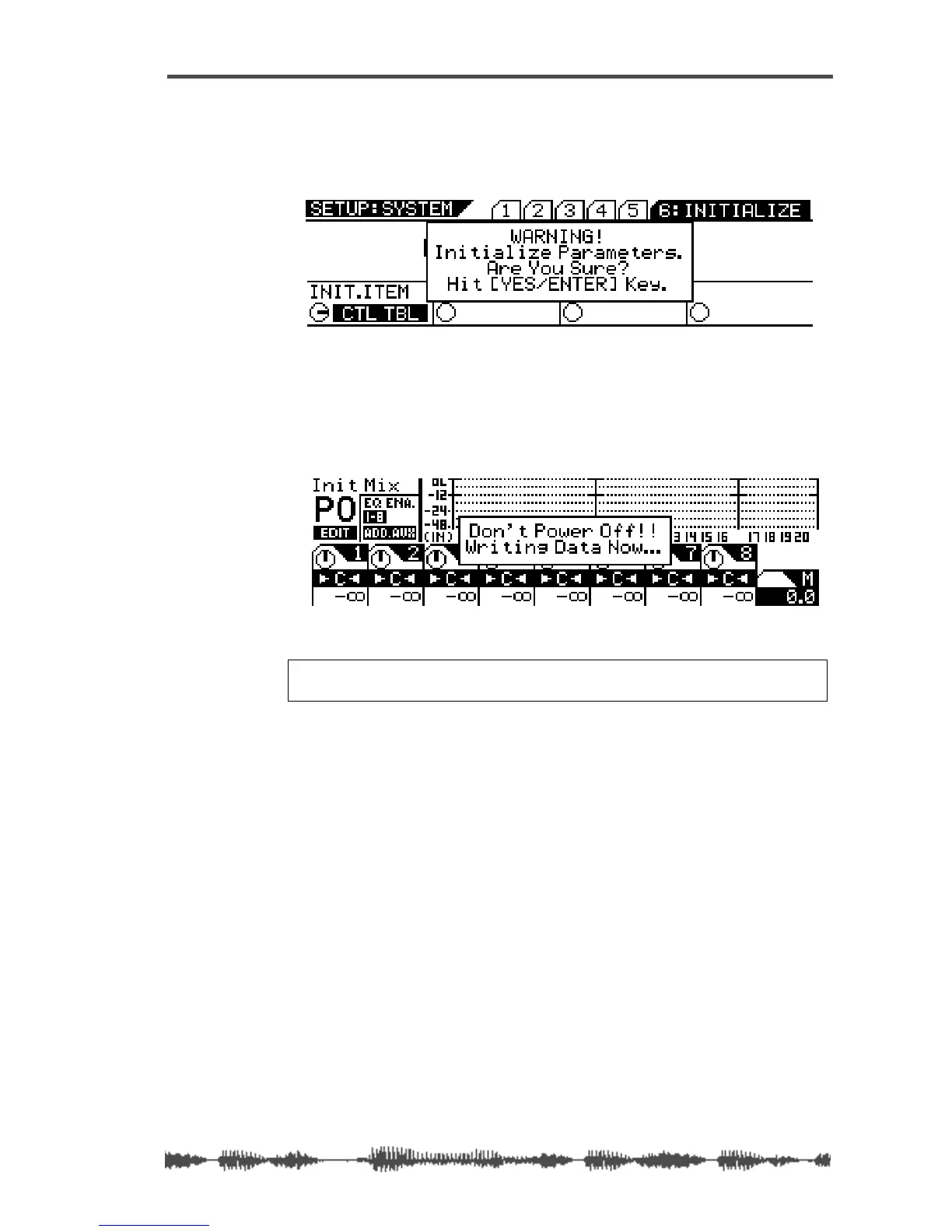
The selected item lights up continuously, and a “YES/ENTER” dia-
log appears.
4.
Press the
[ENTER]
key to initialize the specified settings, or
press the
[EXIT]
key to return to the previous screen.
If you press the
[ENTER]
key, a warning message appears and the
VM200 starts initializing its settings.
Warning:
Do not power off the VM200 while it is writing to the
flash memory or you may damage the VM200.



 To Next Page