Getting Started
56
VM200 User’s Guide
Audition Some Effects
Let’s apply some effects from the Eff2 effect processor to the signal.
11.
Press the
[EFF2]
key in the Eff Edit section.
The [EFF2] key lights up orange and the VM200 displays the
EFF
EDIT
function page.
12.
Press the
[RECALL]
key in the Eff Library section.
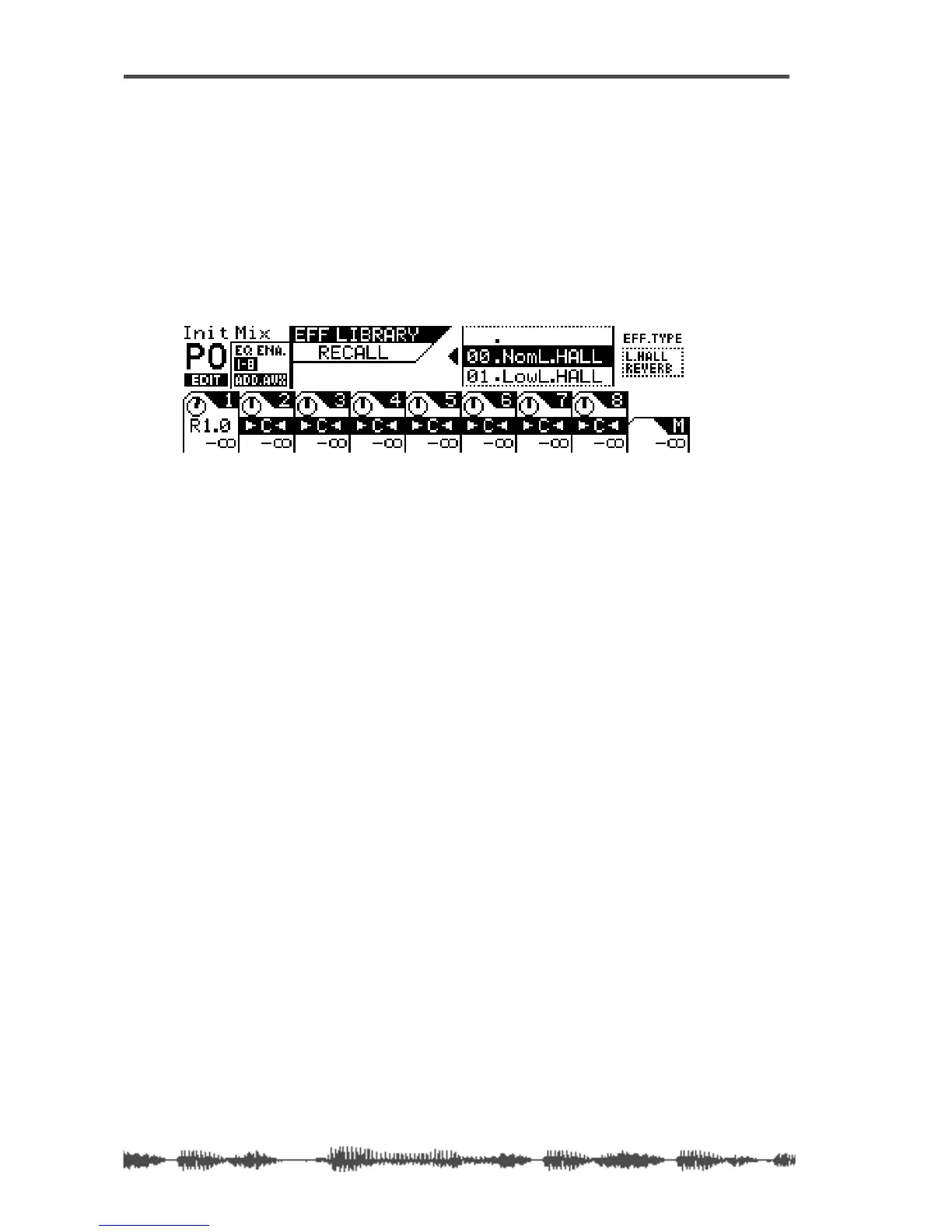
The VM200 displays the following
EFFECT LIBRARY RECALL
function
page, and the
[EFF2]
key flashes.
13.
Use the Data Wheel or the
[>/-1]
and
[+1/<]
keys to scroll or
step through the effects list and select an effect program.
Try something like the Mono Delay or a Large Hall Reverb.
14.
Press the
[ENTER]
key to confirm the selection.
The VM200 displays the
EFF EDIT
function page.
15.
Press the
[CHANNEL/METER]
key.
The VM200 displays the
CHANNEL EDIT
function page.



 To Next Page