31
Installation Manual
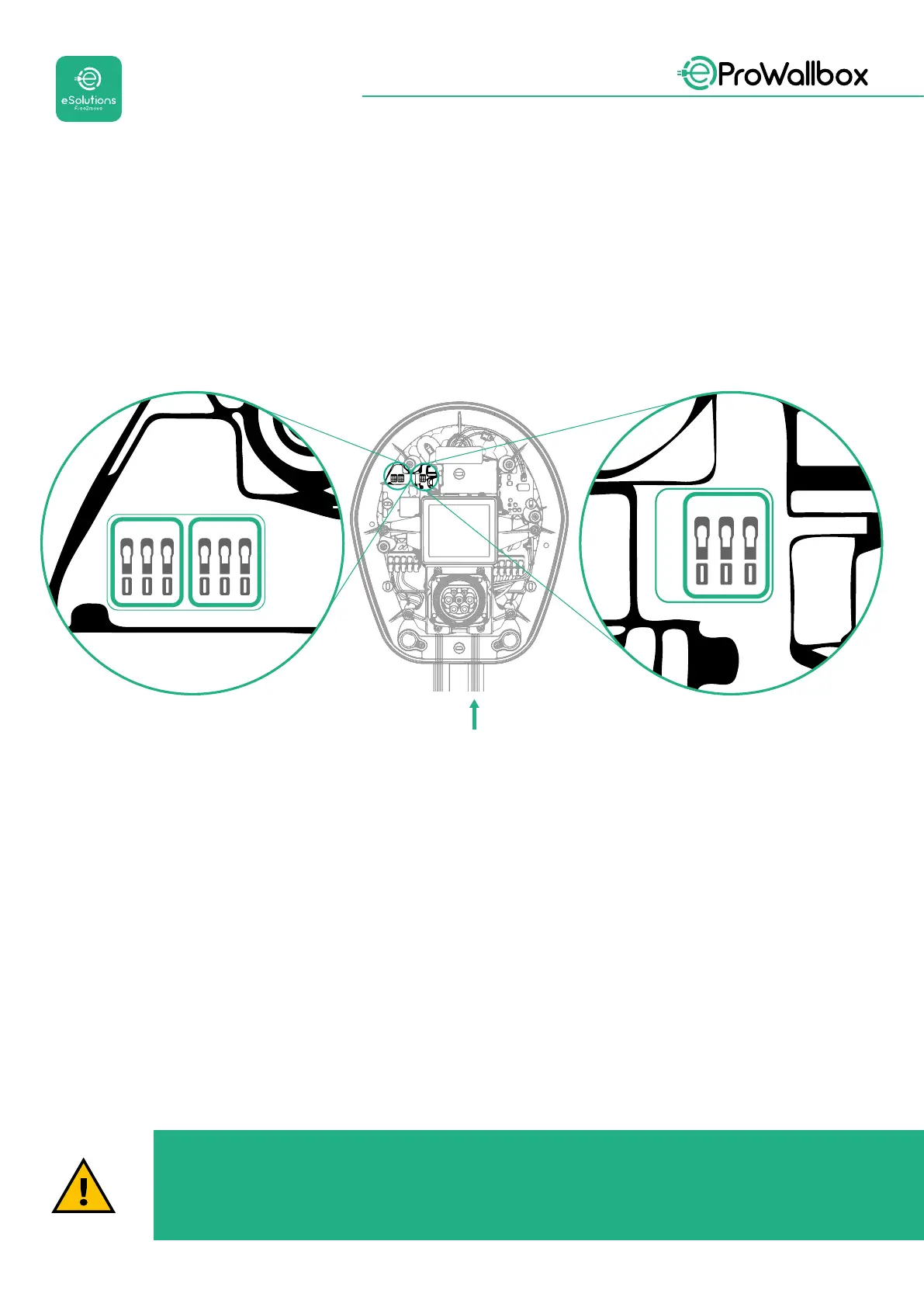
• CN12: port for Accessories installation (refer to the dedicated Accessories
manual)
• CN9/CN10 ports:
• for Master/Slave installation (refer to paragraph 5.1)
• orforEMSconguration(refertothededicatedModbusmanual)
CN9 CN10
GND
+
-
GND
+
-
GND
+
-
CN12
Communication cables connection:
• Remove the protective cap from the communication cables entry point
and insert the corrugated sheath Ø 25 mm.
• Tightenthebox-cablesheathjunction.
• Insert the communication cable, by pulling it to a length that reaches the
communication port leaving some slack.
• To perform a state-of-the-art installation, the communication cables must
pass through the dedicated metal conduit inside the eProWallbox.
• Connect the communication cable to the corresponding port (check the
relevant chapter or the relevant manuals for details on installation of
Accessories or Modbus).
• Repeat the procedure for every communication cable you wish to install.
WARNING
Holes that are not used must be closed using the protective caps
provided to ensure the IP rating.



 To Next Page