30
Installation Manual
3.8 Connection of the communication cable
eProWallbox is equipped with 2 x RS485 ports for Modbus communication.
Modbus RS485 is used to communicate with Accessories, such as the MIDcounter
certiedenergymeterandPowerMeter (DPM) for Dynamic Power Management,
or for the communication with external Energy Management Systems (EMS).
NOTE
RefertotheAccessoriesManualforspecicdetailsoninstallationandconguration
and to the MODBUS dedicated document for more details.
Moreover, the Modbus RS485 port can be used to congure the Master/Slave
function (refer to the dedicated 5.1 paragraph).
It is necessary to use Modbus communication cables with the following
characteristics:
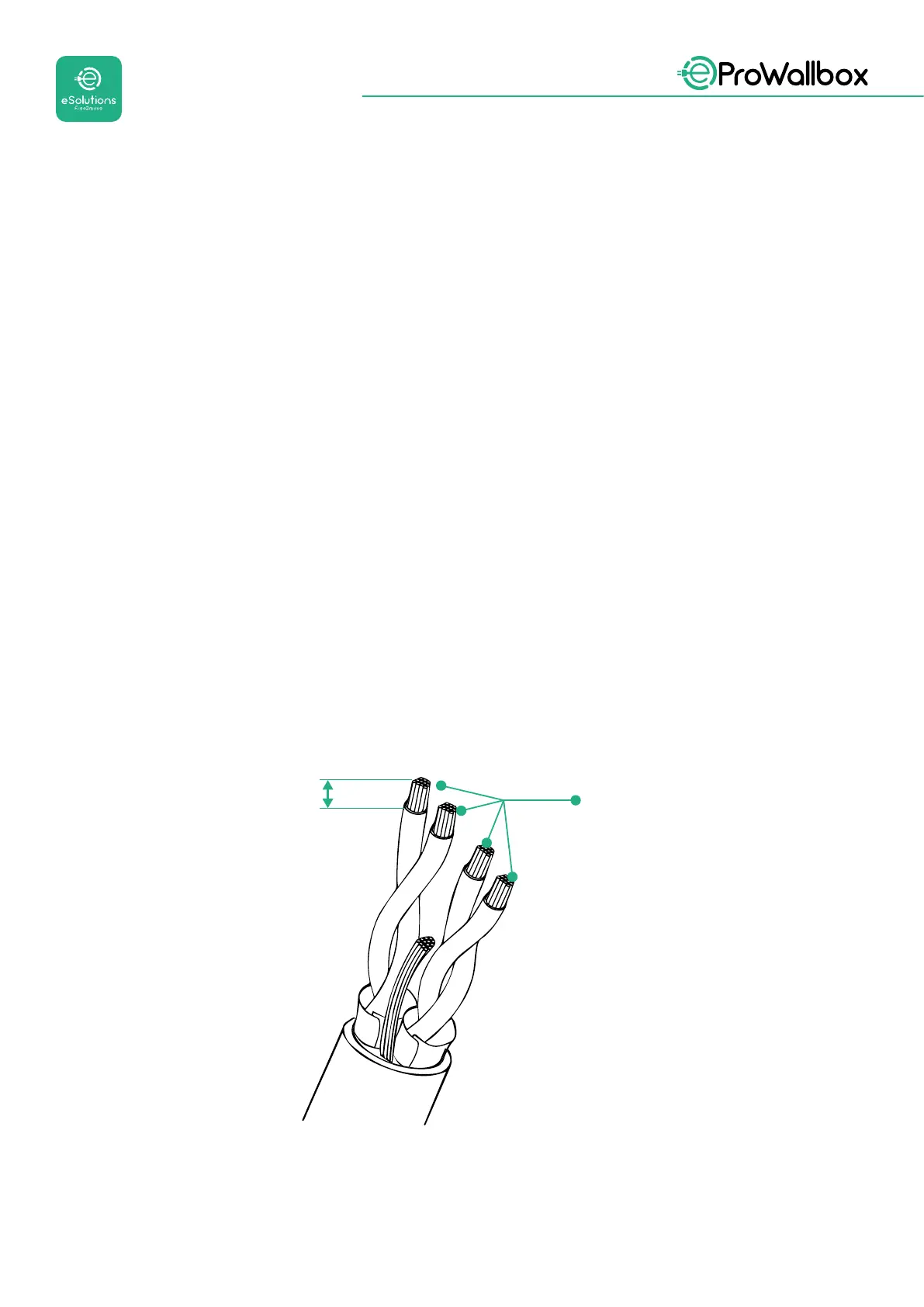
• Modbus RS485 twisted STP 2x2 AWG24 or S/FTP cat.7 suitable for
installation with a 400V power line
• Conductor size: 0.5 mm²
• Stripping length: 10 mm
• Recommended maximum length: 150 m



 To Next Page