35
Installation Manual
3.12 eProWallbox Display Screens
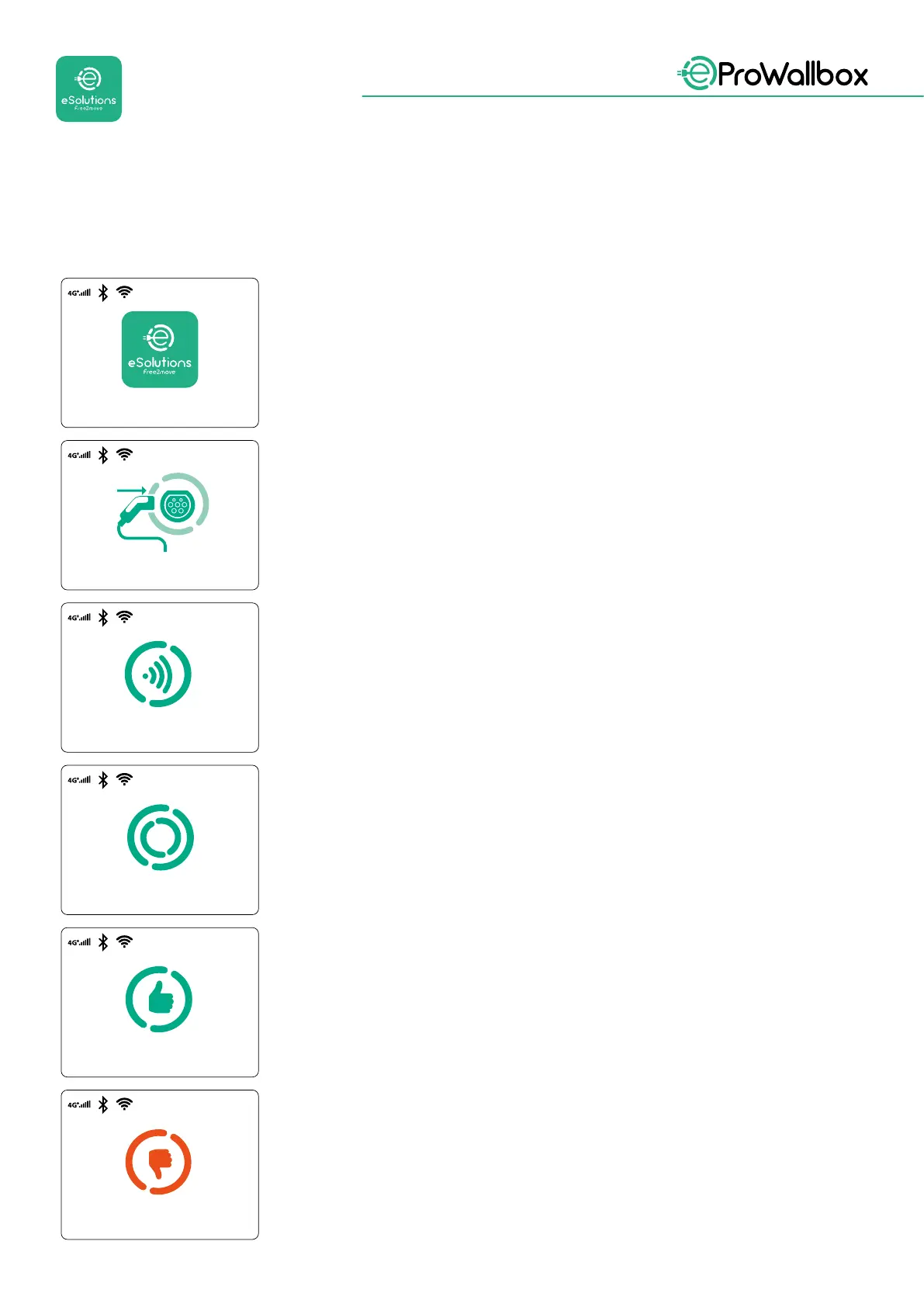
Once eProWallbox is powered on, the following screens appear on the display:
WELCOME
LOADING
READY TO PLUG IN
VALIDATION SUCCESSFUL
AUTHORIZE WITH THE APP
OR THE RFID CARD
VALIDATION FAILED,
TRY AGAIN
This screen is the default one in Autostart mode. It instructs
the operator to insert the charging cable, to start the charging
session. It also appears after a successful authentication
This screen suggests to:
• Wait for the authentication process
• Wait after charging cable plug-in
Invalid authentication via RFID card or via App.
Welcome message
This screen will appear only if the Authentication operating mode
is enabled.
To start the charging process, you need to authenticate via RFID
card or App.
Valid authentication via RFID card or via App



 To Next Page