39
Installation Manual
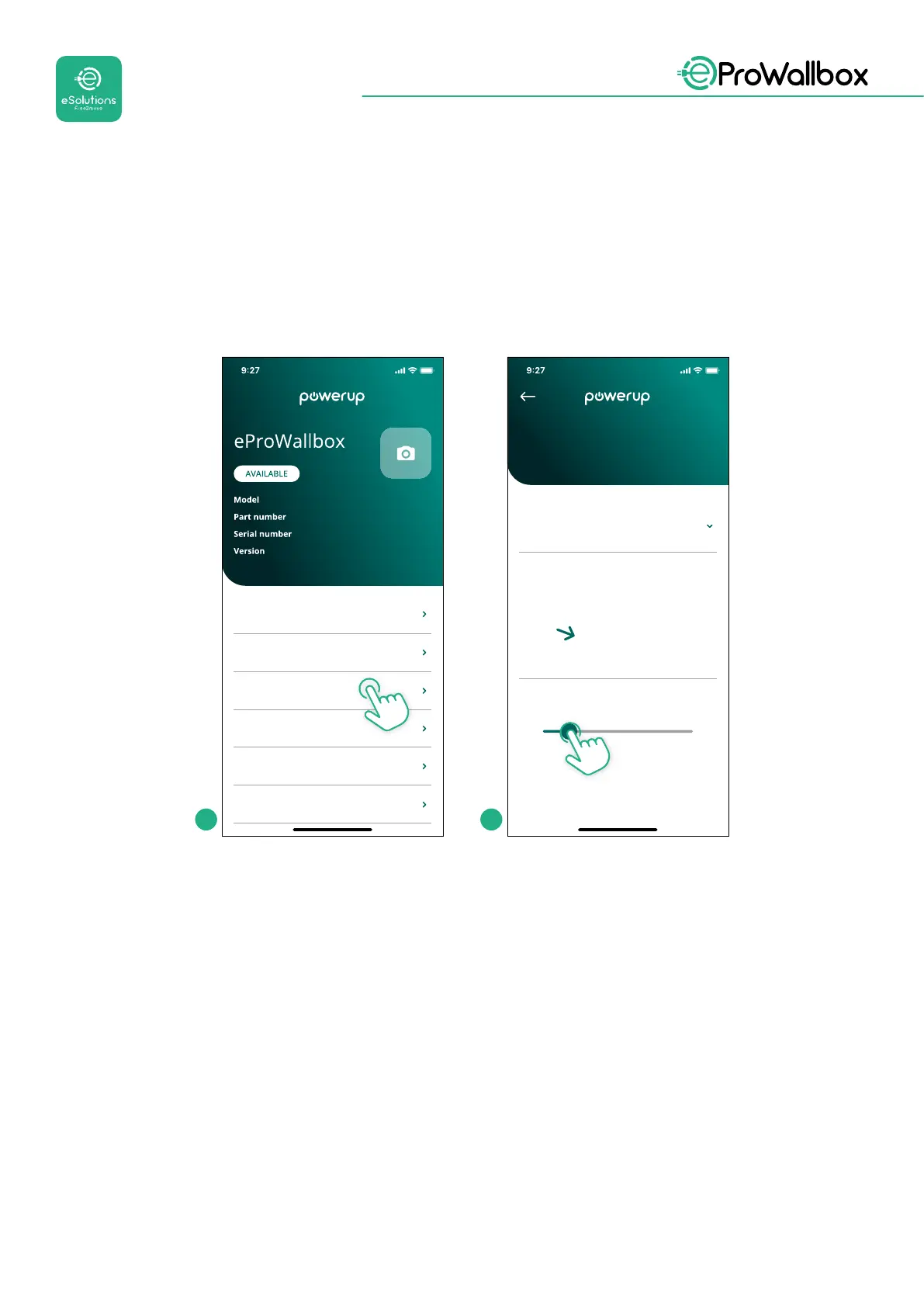
3.14 Setting maximum power
The dedicated section of the app “Maximum power” contains information regarding
the Rotary Switch selection made during the electrical installation. It is also possible
toconguretheuser-denedmaximumpowerfollowingthesubsequentsteps:
eProWallbox
F2ME.EPROXXXXXXXX
Wallbox parameters
DPM PowerMeter
Maximum power
MID counter
0000AB0123456789
2.9.1
Country settings
Operating mode
6.3 kW
Power Supply
Rotary switch position
Single-phase
Maximum power
Max A 32.00
Max kW 7.40
0
1
2
3
4
5
6
7
8
9
A
B
C
D
E
F
Maximum power
1 2
3.15 Operating mode conguration
It is possible to congure eProWallbox to work in dierent Operating Modes,
changing the charge authorization and connectivity options. It is possible to change
the Operating Modes with the Autostart and Standalone toggles in PowerUp.
Authorizationtochargeispossibleintwodierentways:
• Autostart (default factory setting): when Autostart is enabled, the
authorization to charge is automatic and the charging session starts by
simply connecting the charging cable.
• Authentication: when Autostart is disabled, the charging session must be
authorised by the user, with one of the following methods:
• Passing an RFID card on eProWallbox
• Authorising the session with eSolutions Charging app (if wallbox is
connectedvia4GorWi-)



 To Next Page