40
Installation Manual
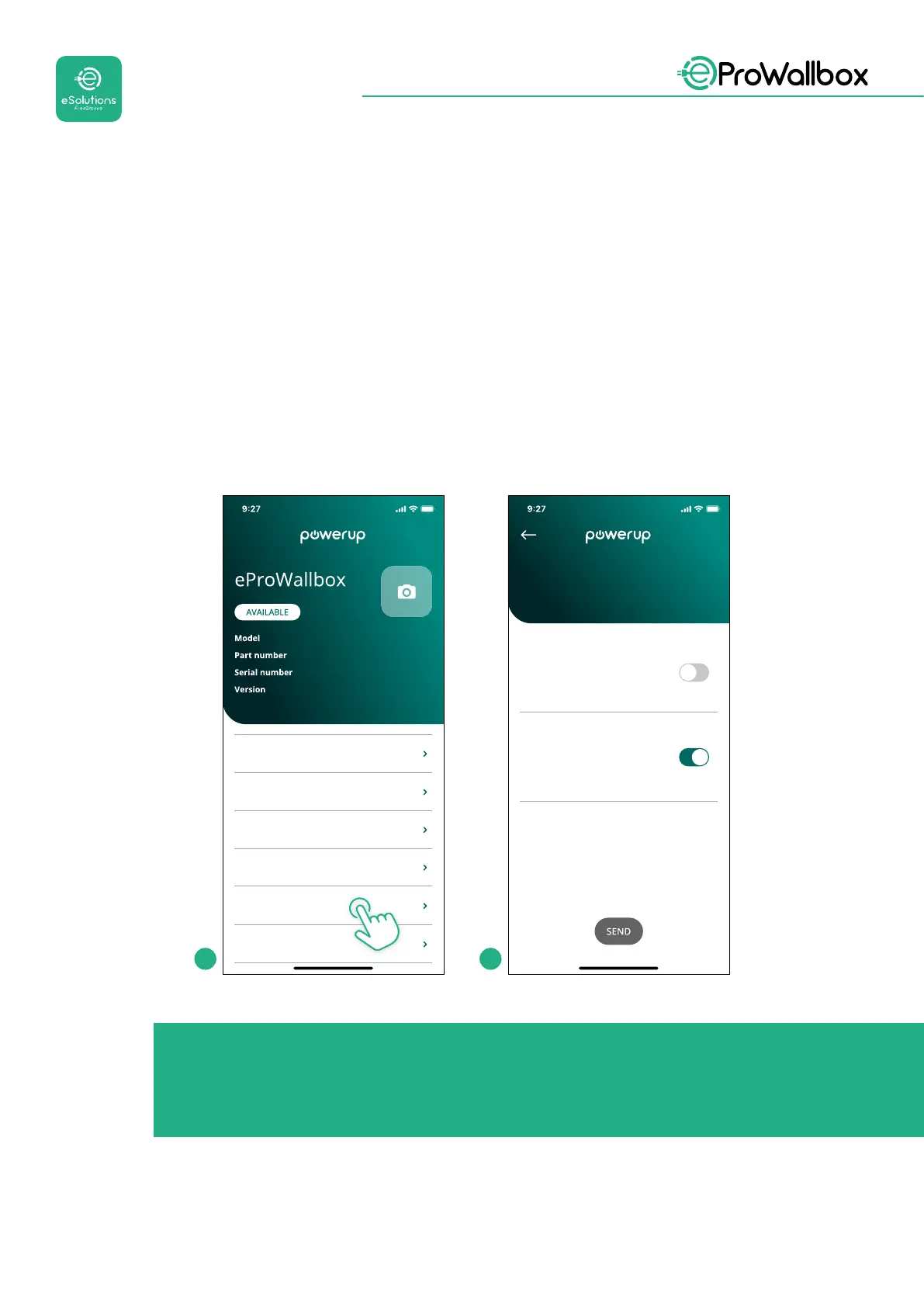
eProWallbox has two Connectivity options:
• Connectivity enabled (default factory setting): when the Standalone
option is disabled, eProWallbox is connected to the eSolutions control
platform (CPMS) to enable software updates, live remote Customer Care
supportandtoenjoythemaximumfunctionalitiesofeSolutions Charging
app
• Connectivity disabled: when the Standalone option is enabled,
eProWallbox is not connected to the eSolutions control platform (CPMS)
and the user has access to limited functionalities in eSolutions Charging,
available only via Bluetooth.
eProWallbox
F2ME.EPROXXXXXXXX
0000AB0123456789
2.9.1
DPM PowerMeter
Maximum power
MID counter
Country settings
Operating mode
Wi-Fi settings
Enable standalone
Autostart
Operating mode
1 2
NOTICE
Once the function is enabled, to make the changes eective, always
restart the wallbox through the dedicated button in the homepage.



 To Next Page