49
Installation Manual
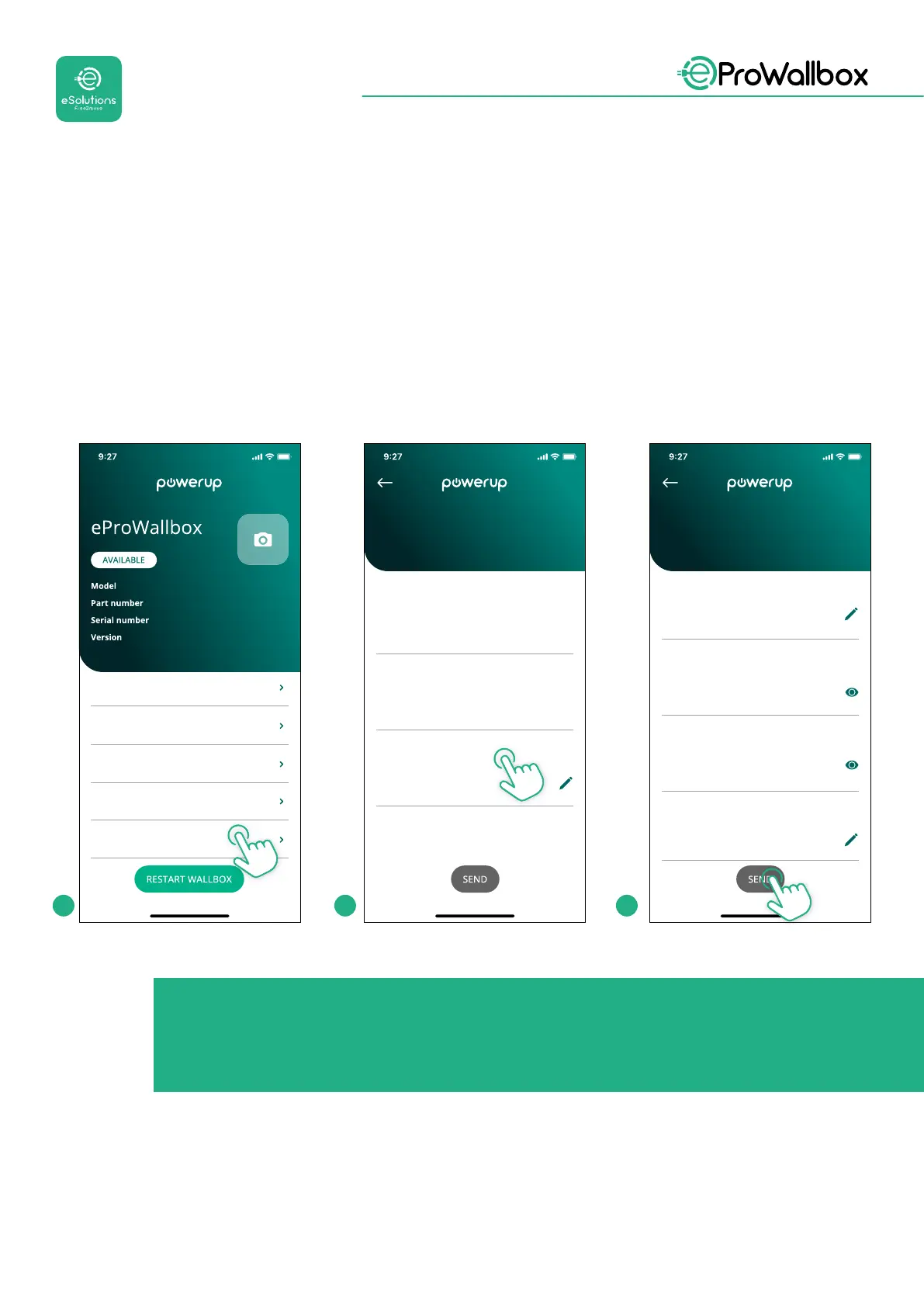
Connect to eProWallbox with PowerUp and follow the actions below:
• On the homepage, select “Parameters for mobile connection”
• Select APN and set end point and credentials, if needed
• Set the SIM card PIN, if needed
• Set the URL of the chosen backend
• Click on Send
eProWallbox
F2ME.EPROXXXXXXXX
0000AB0123456789
2.9.1
Country settings
Operating mode
Wi-Fi settings
Master / Slave
Internet mobile pameters
SIM ICCID
Internet mobile parameters
00000000000000000000
SIM status
Not connected
APN
cpms.esolutions.com
APN password
Internet mobile parameters
APN password
APN user
APN user
SIM PIN
SIM PIN
backend URL
backend URL
1 2 3
NOTICE
Once the function is enabled, to make the changes eective, always
restart the wallbox through the dedicated button in the homepage.



 To Next Page