Address: Room 1705,Block A1, Longyuan Plaza, Longkouxi Road, Guangzhou, China, 510640 Website: http://www.arm9.net
Sales: +86-20-85201025 Tech Support: +86-13719442657 Fax: +86-20-85261505
Email for Business and Cooperation: capbily@163.com Email for Tech Support: dev_friendlyarm@163.com
Note: users complained that some notebook’s integrated SD card reader cannot work
properly with card burning or reading. So far we haven’t encountered this issue and we
suggest that you should try a common card reader in this case.
Our SD-Flasher.exe formats a 130M space for the bootloader therefore an SD card
whose memory is less than 256M cannot work and we recommend using one whose
memory is at least 4G
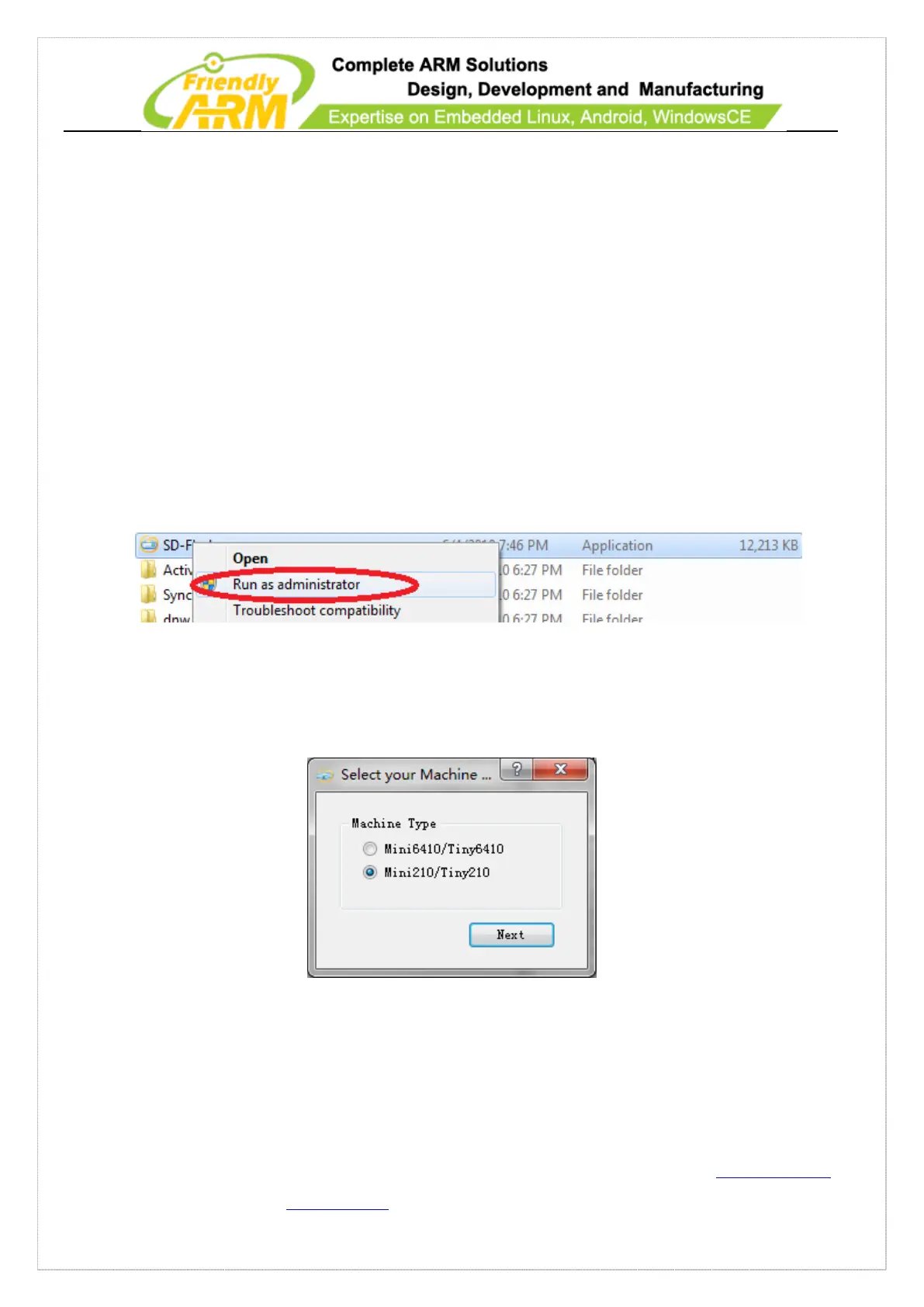
Step1: launch the SD-Flasher.exe in your shipped CD (under “\tools\”). Note: this
program should be run under “administrator”
When the utility is launched a message box will pop up “Select your Machine…”,
please select “Mini210/Tiny210”:
Below is the dialog you will see after it is started. Note: the “ReLayout” is enabled
and we will format the SD card with this function.



 To Next Page