Address: Room 1705,Block A1, Longyuan Plaza, Longkouxi Road, Guangzhou, China, 510640 Website: http://www.arm9.net
Sales: +86-20-85201025 Tech Support: +86-13719442657 Fax: +86-20-85261505
Email for Business and Cooperation: capbily@163.com Email for Tech Support: dev_friendlyarm@163.com
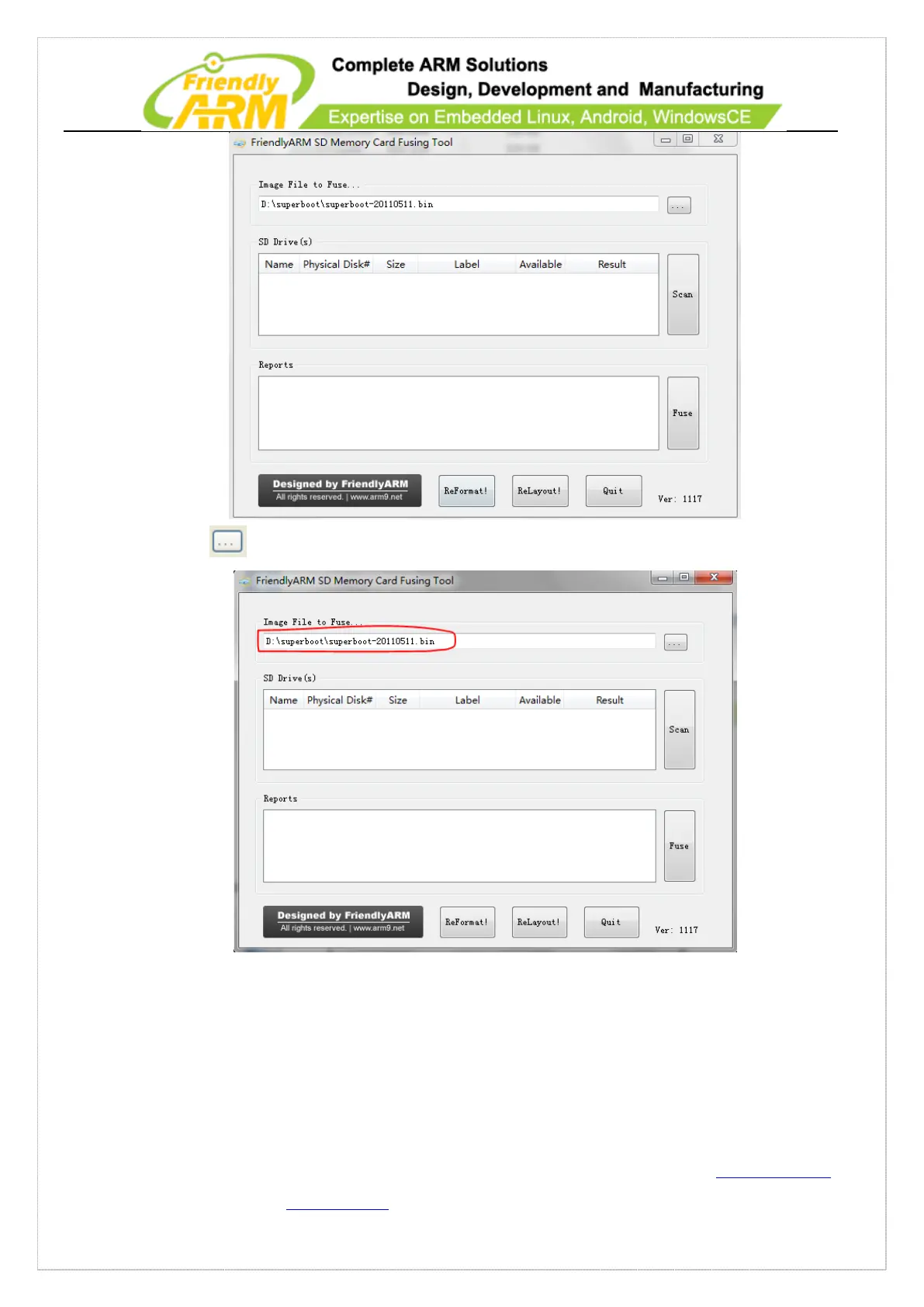
Step2: click on to select your Superboot file
Step3: insert a FAT32 SD card into your host’s SD card socket (you can also use a USB
card reader to connect to a PC), backup your data in the card and click on “Scan”, all
recognized SD cards will be listed. For now, the SD card cannot be burned (circled by
red)



 To Next Page