EasyManua.ls Logo

Fronius Robacta TC 2000 - User Manual

Fronius Robacta TC 2000
80 pages
Print Icon
To Next Page IconTo Next Page
Loading...
Fronius prints on elemental chlorine free paper (ECF) sourced from certified sustainable forests (FSC).
/ Perfect Charging / Perfect Welding / Solar Energy
42,0426,0135,EN 019-18022020
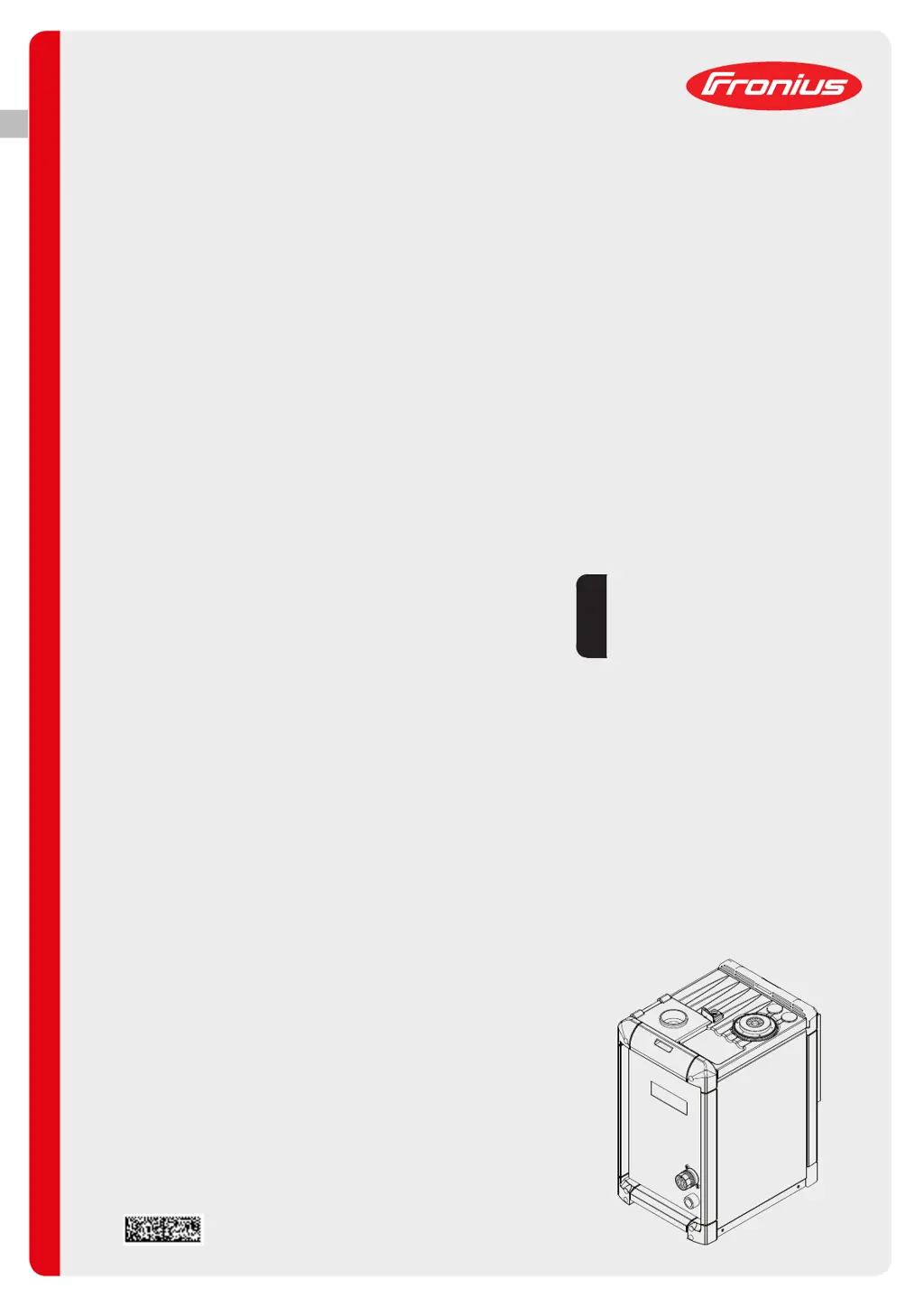
Robacta TC 2000
Robacta TC 2000 Twin
Robacta TC 2000 Ø35
Robacta TC 2000 LH TWIN
Robacta TC 2000 US
Robacta TC 2000 Twin US
Robacta TC 2000 Ø1.181inch US
Robacta TC 2000 LH TWIN US
[
Operating Instructions
Welding torch cleaning
EN

Table of Contents

Other manuals for Fronius Robacta TC 2000

Questions and Answers

  • S
    Sandra ShortAug 5, 2025
    What to do if the fill level indicator is lit on my Fronius Other?
    • F
      Fred AlexanderAug 5, 2025
      If the fill level indicator is lit on your Fronius Other, it could be due to several reasons. First, the "Robacta TC Cool / Robacta TC Cool MD" parting agent container may be empty, in which case you should replace it. Alternatively, the level sensor might be dirty; try cleaning it with fresh water. If neither of these solutions works, the level sensor may be faulty, and you should contact After-Sales Service.
  • S
    Sharon MurphyAug 8, 2025
    Why is the parting agent not spraying on my Fronius Other?
    • D
      Donna LloydAug 9, 2025
      If the parting agent is not spraying from your Fronius Other, there could be several reasons. First, ensure that the spray amount (spray time) is properly adjusted. If that's not the issue, the suction filter in the "Robacta Reamer" parting agent container may be dirty. Blow compressed air through the suction filter from the inside outwards using the suction hose. Also, check if the compressed air supply has been interrupted and re-establish it if necessary. Finally, inspect the compressed air supply line for faults or dirt; clean it or replace it if needed. If none of these steps resolve the issue, the vacuum pump or solenoid valve might be faulty, and you should contact After-Sales Service to arrange for their replacement.
  • S
    Sue HarrisAug 13, 2025
    What to do if the "Ready-to-clean" signal is not transmitted to robot control on Fronius Other?
    • M
      Michael TaylorAug 13, 2025
      If the "Ready-to-clean" signal is not being transmitted to the robot control for your Fronius Other, it could be due to a few reasons. One possibility is that the Quick Stop function is active. Deactivate Quick Stop (HI - Quick Stop = HI / LO - Quick Stop =LO). Another reason might be a faulty supply to the I/O standard connection socket (X1), so check the assignment of inputs "B" and "H" / "D" and "G" depending on the connection socket. Also, the temperature sensor could be faulty; in this case, change the cleaning coil.
  • K
    kaylalopezAug 17, 2025
    How to fix pores in the weld seam with Fronius Other?
    • V
      Virginia SchroederAug 17, 2025
      If you observe pores in the weld seam while using your Fronius Other, it may be due to too much parting agent inside the torch. Remove any parting agent residue by blowing out the torch interior, ensuring that the compressed air supply is active. Also, consider reducing the amount of parting agent spray (spraying time).
  • C
    carrjessicaAug 22, 2025
    What to do if I get an error, overtemperature and fill level indicators flash, and no cleaning happens with Fronius Other?
    • R
      Ricky ParkerAug 22, 2025
      If you receive an error sent to the robot, and the overtemperature and fill level indicators flash simultaneously while no cleaning takes place on your Fronius Other, it could be due to Quick Stop being active. Deactivate Quick Stop (HI - Quick Stop = HI / LO - Quick Stop =LO). Alternatively, there may be a fault in the cleaning device. Disconnect the cleaning device from the mains, wait approximately 1 minute, and then reconnect it. If the issue persists, contact After-Sales Service.
  • C
    christopherbairdAug 26, 2025
    Why is the "Ready-to-clean" signal not transmitted to robot control on my Fronius Other?
    • B
      baileykaitlynAug 27, 2025
      If the "Ready-to-clean" signal is not transmitted to the robot control on your Fronius Other, it may be because the cleaning device is overheating. Allow the cleaning device to cool down. Once it reaches the permitted operating temperature, the capacitors will start charging again, and the cleaning device will be ready to clean.
  • J
    Joshua Morales DVMAug 30, 2025
    What to do if parting agent does not spray and "Robacta Reamer" parting agent container is empty in Fronius Other?
    • R
      rgouldAug 30, 2025
      If the "Robacta Reamer" parting agent container is empty, the parting agent will not spray. Fill the "Robacta Reamer" parting agent container with parting agent.

Summary

Safety Rules

General Information

Controls, Connections, and Mechanical Components

Standard I;O Pin Assignment

Details the pin configuration for the standard I/O (X1) connecting plug used for robot control.

Control Panel Functions

Explains the indicators and keys on the device's control panel and their operational functions.

Installation and Commissioning

Electrical Setup and Mounting

Details mains connection, cable fitting, and securely mounting the device onto its foundation.

Initial Device Startup

Guides through the necessary steps and prerequisites for the initial startup of the cleaning device.

Troubleshooting, Maintenance, and Disposal

Troubleshooting Common Issues

Provides diagnostic steps and remedies for common operational problems and error indicators.

Maintenance and Disposal Procedures

Details routine care, maintenance schedules, and proper disposal methods for the device.

Fronius Robacta TC 2000 Specifications

General IconGeneral
BrandFronius
ModelRobacta TC 2000
CategoryCleaning Equipment
LanguageEnglish

Related product manuals