EasyManua.ls Logo

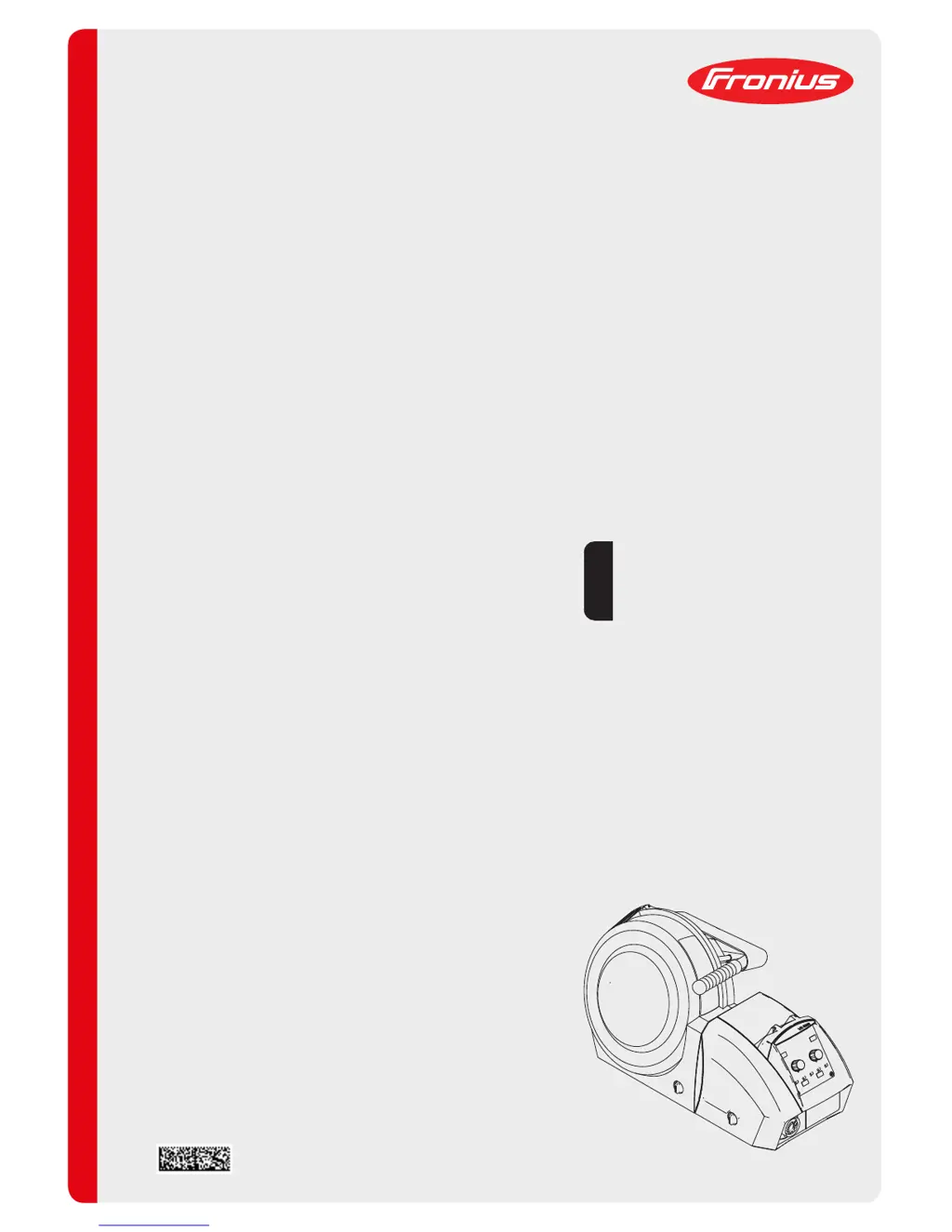
Fronius VR 5000 - User Manual

Fronius VR 5000
132 pages
Print Icon
To Next Page IconTo Next Page
Loading...
/ Perfect Charging / Perfect Welding / Solar Energy
42,0426,0080,EN 027-21122018
VR 5000, VR 5000 noSpool
Operating Instructions
Spare parts list
Wire-feed unit
EN

Table of Contents

Other manuals for Fronius VR 5000

Questions and Answers

  • K
    Kelsey JohnsonSep 10, 2025
    What to do if nothing happens when I press the torch trigger on my Fronius VR 5000?
    • A
      Alison BellSep 10, 2025
      If nothing happens when you press the torch trigger, it could be due to: * For welding torches with an external control plug: the control plug is not plugged in. Plug in the control plug. * A faulty welding torch or welding torch control line. Replace the welding torch. * A faulty or improperly connected interconnecting hosepack. Check the interconnecting hosepack.
  • A
    Adam BowersAug 22, 2025
    What does 'Err | PE' mean on my Fronius VR 5000 Industrial Equipment?
    • N
      Natasha HallAug 23, 2025
      The error 'Err | PE' means the earth current watchdog has triggered the safety cut-out of the power source. Switch off the power source, place it on an insulating surface, connect the grounding (earthing) cable to a section of the workpiece closer to the arc, wait 10 seconds, and switch the power source back on.
  • P
    Pamela GarciaAug 25, 2025
    What does 'Err | Ur' mean on my Fronius VR 5000?
    • A
      Alexander BellAug 25, 2025
      The error code 'Err | Ur' indicates that, if the VRD option is available, the open circuit voltage limit of 35 V has been exceeded. Switch off power source and wait for 10 seconds before switching it back on.
  • T
    Timothy RodriguezAug 27, 2025
    What does 'no | UrL' mean on my Fronius VR 5000?
    • K
      Kyle BullockAug 27, 2025
      The error 'no | UrL' means the VRD option has tripped too early. Check whether all welding power-leads and control lines are connected. Switch off the power source, wait 10 seconds and switch the power source back on again.
  • J
    Jeremy HarrisonAug 27, 2025
    What does the 'E-Stop' error mean on my Fronius Industrial Equipment?
    • A
      Amy DiazAug 27, 2025
      The 'E-Stop' error indicates that the "External stop" has tripped. Remedy the event that triggered the external stop.
  • A
    Ashley WashingtonAug 29, 2025
    What does 'PHA | SE' mean on my Fronius VR 5000 Industrial Equipment?
    • K
      Katie LeeAug 29, 2025
      The error code 'PHA | SE' indicates a phase failure. Check the mains fuse, the mains lead, and the mains plug.
  • M
    Mario ThompsonSep 18, 2025
    What causes wirefeed problems when using long hosepacks with Fronius VR 5000?
    • P
      pdrakeSep 18, 2025
      Wirefeed problems with long hosepacks may be caused by incorrect arrangement of hosepack. Arrange the hosepack in as straight a line as possible, avoiding tight bends.
  • L
    Lauren BensonSep 12, 2025
    Why is there no protective gas shield on my Fronius VR 5000?
    • G
      George PriceSep 12, 2025
      If there's no protective gas shield, check these potential causes: * The gas cylinder is empty. Change the gas cylinder. * The gas pressure regulator is faulty. Replace the gas pressure regulator. * The gas hose is either not fitted or damaged. Fit or change the gas hose. * The welding torch is faulty. Change the welding torch.
  • A
    Amanda GarciaSep 8, 2025
    What to do if my Fronius VR 5000 has no welding current?
    • H
      Hannah ClarkSep 8, 2025
      If there is no welding current, consider the following possibilities: * **Overload:** Take the duty cycle into account. * **Thermostatic safety cut-out:** Wait until the power source automatically comes back on after the cooling phase. * **Limited cooling air:** Remove and clean the air filter on the rear of the housing and ensure the cooling air ducts are accessible. * **Incorrect grounding (earthing) connection:** Check the grounding (earthing) connection for correct polarity. * **Break in the welding torch power cable:** Replace the welding torch.
  • L
    Lisa ArnoldSep 5, 2025
    What does 'hot | H2O' mean on my Fronius Industrial Equipment?
    • J
      James JohnsonSep 5, 2025
      The error 'hot | H2O' indicates that the coolant temperature is too high. Allow cooling unit and cooling circuit to cool down until the error is no longer displayed. Open the cooling unit and clean the cooler, check the fan is working properly. Robot interface or field bus coupler: before resuming welding, set the "Source error reset" signal.

Summary

Safety Rules

General Safety Precautions

Covers general safety standards, operator qualifications, and handling of danger notices.

Proper Use and Environmental Conditions

Defines intended purpose, prohibited uses, and environmental operating conditions.

Operator and Personnel Obligations

Details the responsibilities of operators and personnel regarding safety and instructions.

Mains Connection and Electrical Safety

Discusses mains connection requirements and risks from mains and welding current.

Health and Environmental Hazards

Covers dangers from toxic gases, flying sparks, and electromagnetic fields.

Specific Hazards and Risks

Highlights hazards from moving parts, welding wire, and high temperatures.

Shielding Gas Cylinder Safety

Covers safe handling and risks associated with shielding gas cylinders.

Safety Measures for Installation and Transport

Provides guidelines for safe setup, transport, and handling of the device.

Safety in Normal Operation and Maintenance

Details safety checks, use of original parts, and maintenance procedures.

Disposal and Safety Symbols

Covers proper disposal methods and the meaning of safety symbols.

General Information

Device Overview and Requirements

Describes the device concept, its requirements, and application area.

Warning Notices on the Device

Explains the safety symbols and warnings attached to the device.

Control Elements and Connections

Description of Control Panels

Details the functions and arrangement of parameters on the control panels.

Manual Control Panel Functions

Explains the buttons, adjusters, and indicators of the manual control panel.

Adjustment Aid for Manual Control Panel

Describes the use of adjustment aids for material/shielding gas combinations.

Keylock and Service Parameters

Covers activating/deactivating the keylock and accessing service parameters.

Synergic Control Panel Overview

Details the Synergic A and Synergic B control panel functions and layouts.

Wire-feed Unit Connections

Illustrates connections on the front, rear, and side of the wire-feed unit.

Wire-feed Unit Underside Components

Identifies the socket for swivel pin on the underside of the wire-feed unit.

Installation and Commissioning

Before Commissioning Safety and Setup

Covers safety warnings, intended purpose, and setup regulations.

Placing Wire-Feed Unit on Power Source

Guides on securely placing the wire-feed unit on the power source.

Connecting Wire-Feed Unit to Power Source

Details connecting the wire-feed unit using the interconnecting hosepack.

Connecting the Welding Torch

Instructions for connecting MIG/MAG manual welding torches.

Inserting and Replacing Feed Rollers

Provides instructions and safety precautions for feed roller installation/replacement.

Inserting Wirespool and Basket-Type Spool

Guides for securely inserting wirespools and basket-type spools.

Feeding Wire Electrode

Instructions and safety tips for feeding the wire electrode into the unit.

Setting Contact Pressure and Adjusting Brake

Covers setting contact pressure for wirefeeding and adjusting the wirespool brake.

Start-up Requirements

Lists the necessary requirements before commissioning the wire-feed unit.

Welding Operations

Power Limitation Safety Function

Explains the power limitation safety feature for MIG/MAG welding.

MIG;MAG Operating Modes

Details MIG/MAG modes, symbols, and their explanations.

MIG;MAG Welding Procedures

Covers general tasks, overview, standard synergic, and manual welding.

MMA Welding Procedures

Guides for MMA welding setup, manual control, and synergic A panel use.

HotStart and Anti-Stick Functions

Explains the HotStart and Anti-stick functions for optimal welding results.

Saving and Retrieving Operating Points

Instructions for saving, retrieving, and deleting operating points.

Setup Settings

Setup Menu Navigation

Describes accessing and changing parameters in the setup menu.

MIG;MAG Manual Welding Setup Parameters

Lists and explains setup parameters for MIG/MAG standard manual welding.

MIG;MAG Synergic Welding Setup Parameters

Details setup parameters for MIG/MAG standard synergic welding.

MMA Welding Setup Parameters

Covers setup parameters for MMA welding, including reset functions.

Special 4-Step Mode Setup Parameters

Defines parameters for the 'Special 4-step mode' in the setup menu.

Level 2 Setup Menu Operations

Guides on navigating and changing parameters in the Level 2 setup menu.

Measuring Welding Circuit Resistance

Procedure for measuring welding circuit resistance 'r' for consistent results.

Displaying Welding Circuit Inductivity

Explains how to display welding circuit inductivity 'L' and hosepack laying.

Troubleshooting and Maintenance

Troubleshooting Common Issues

Covers power source malfunctions, lack of welding current, and torch issues.

Troubleshooting Specific Problems

Addresses issues like no gas shield, irregular wire speed, and hot torch.

Error Codes and Diagnosis

Details displayed service codes and procedures for error resolution.

Care and Maintenance Procedures

Outlines routine care, maintenance checks, and disposal guidelines.

Technical Data and Settings Tables

Technical Data for VR 5000 Series

Provides technical specifications for VR 5000 and VR 5000 noSpool units.

Manual Control Panel Settings Tables

Presents tables for manual control panel settings with various parameters.

Welding Program Tables

TransSteel 3500 Euro Welding Programs

Lists welding programs for TransSteel 3500 Euro with material, gas, and diameter.

TransSteel 5000 Euro Welding Programs

Details welding programs for TransSteel 5000 Euro, including standard and special assignments.

TransSteel 3500 US Welding Programs

Presents welding programs for TransSteel 3500 US, covering various materials and gases.

TransSteel 5000 US Welding Programs

Provides welding programs for TransSteel 5000 US, including standard and special assignments.

TransSteel 3500 Yard Welding Programs

Lists welding programs for TransSteel 3500 Yard, detailing material and gas combinations.

TransSteel 5000 Yard Welding Programs

Details welding programs for TransSteel 5000 Yard, covering standard and special assignments.

Quick Reference Guide

TransSteel Synergic Quick Reference

Provides a concise overview of setting up and operating the TransSteel Synergic.

MIG;MAG Setup and Operating Points

Summarizes MIG/MAG setup parameters, service parameters, and operating points.

Rod Electrode Setup

Briefly outlines setup procedures for rod electrode welding.

Appendix

Spare Parts List VR 5000

Lists spare parts for the VR 5000 series wire-feed units with part numbers.

Fronius VR 5000 Specifications

General IconGeneral
BrandFronius
ModelVR 5000
CategoryIndustrial Equipment
LanguageEnglish

Related product manuals