5 Basic Operations
116
Import using CentreWare Internet Services
Use CentreWare Internet Services.
Stopping the Scan Job
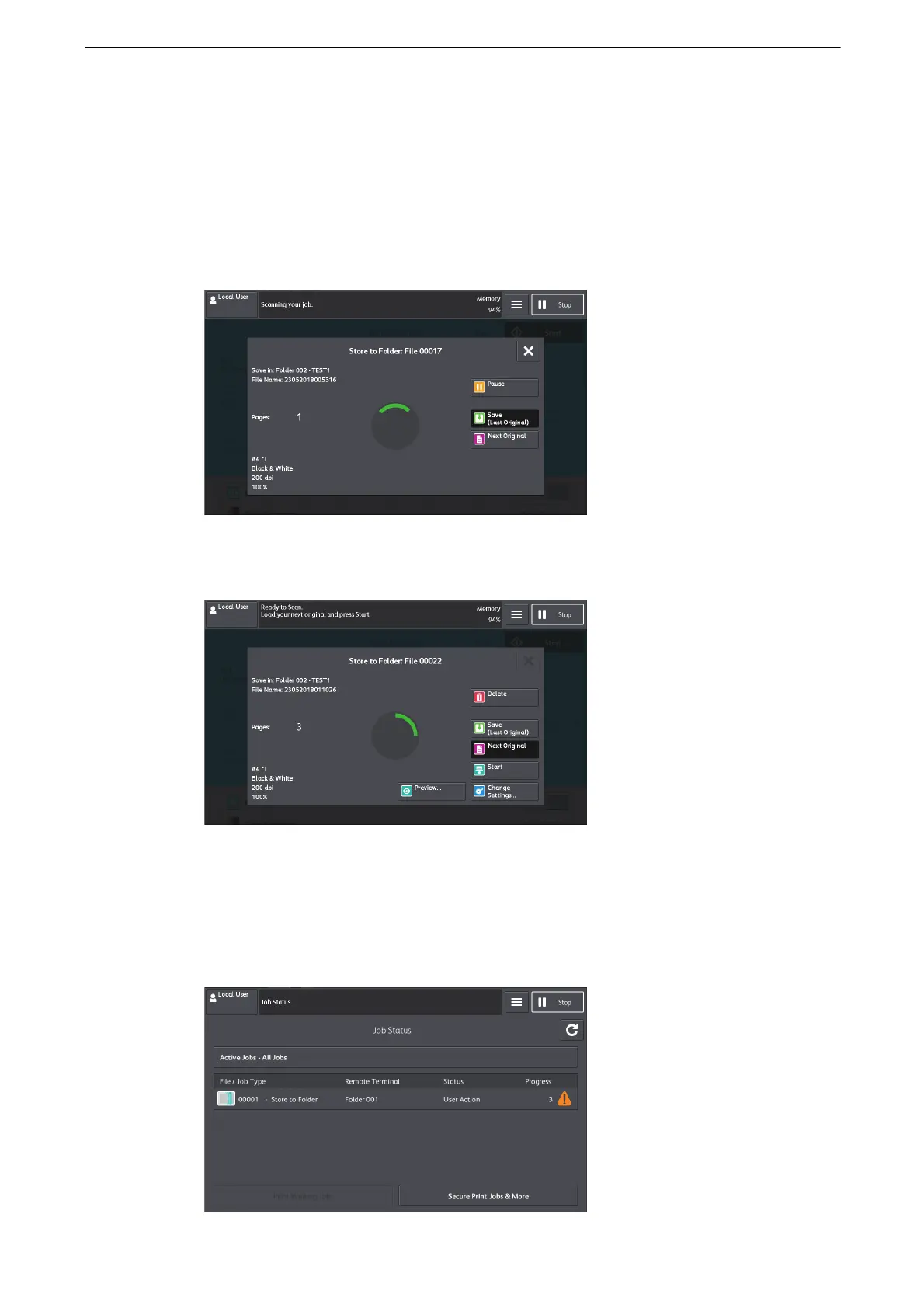
To cancel scanning a document, use the following procedure.
1 Select [Pause].
2 Select [Delete].
If [Pause] or [Delete] does not appear on the screen:
1 Select [Job Status] on the Home screen.
2 Select the job to cancel.



 To Next Page
 Loading...

